TallyPrime Edit Log Report | User Wise Create, Alter & Delete Check | Tamil
Автор: VeeVee Infotech Tally & Odoo ERP
Загружено: 2026-02-22
Просмотров: 39
Описание:
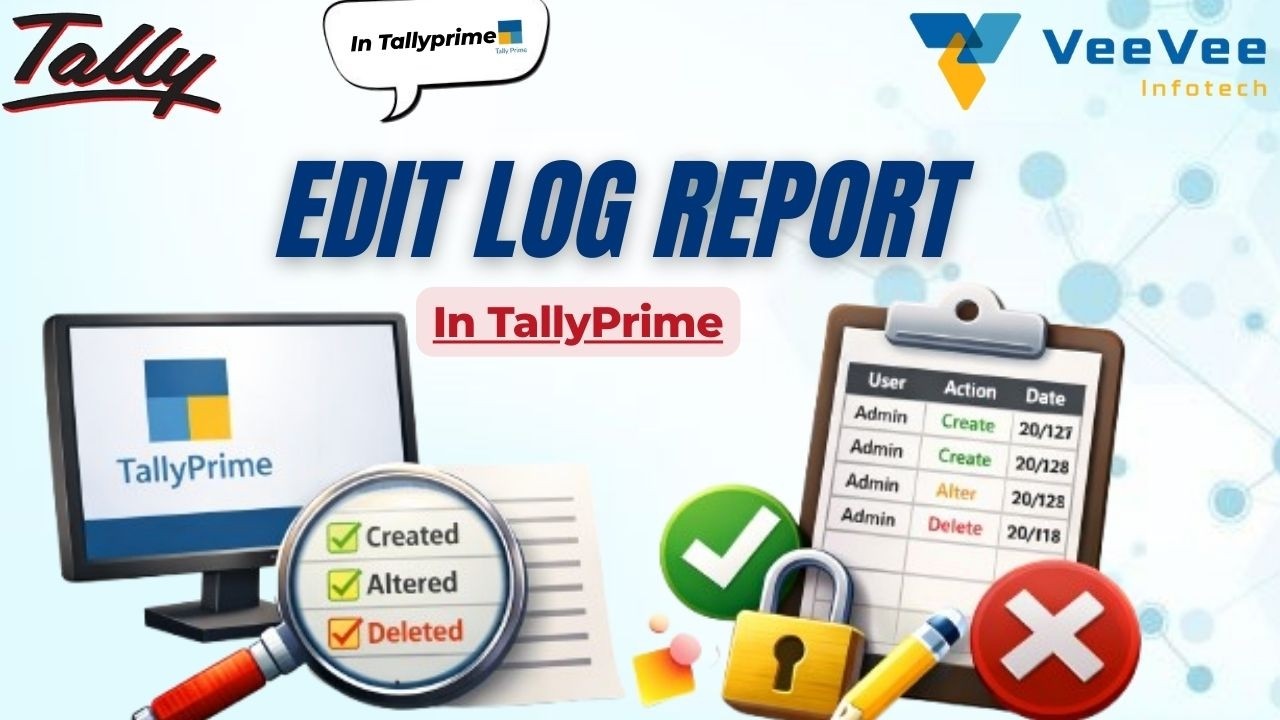
In this video, you’ll learn how to enable and use the Edit Log feature in Tally Solutions TallyPrime to track user-wise Create, Alter, and Delete activities.
This powerful report helps business owners and accountants monitor who changed what — and when.
✅ What you’ll learn:
✔ What is Edit Log in TallyPrime
✔ How to enable Edit Log feature
✔ User wise Create / Alter / Delete tracking
✔ View voucher modification history
✔ Audit control & data security tips
📌 Use Cases:
• Internal audit
• Employee activity tracking
• Prevent unauthorized changes
• Maintain accounting transparency
• Compliance support
After this tutorial, you’ll be able to clearly identify which user created, modified, or deleted vouchers in TallyPrime.
👍 Like | Share | Subscribe for more Tally & ERP tutorials
Connect us on:-
VeeVee Infotech
Tamil Nadu | India
Email: [email protected]
Mobile: +91 99657 82269
#TallyPrime #EditLog #TallyTutorial #UserWiseReport #CreateAlterDelete #TallyAudit #AccountingSoftware #TallyIndia #ERP #TallyTips #AuditTrail #TallyTechnical #BusinessAccounting #GST #Accounts #VeeVeeInfotech #VeeVeeOdoo #VeeVeeTally #Tirupur #Erode #Coimbatore
Повторяем попытку...
Доступные форматы для скачивания:
Скачать видео
-
Информация по загрузке: