FactoryTalk View Studio | How to Use Gauge | Rockwell SCADA
Автор: KS Automation
Загружено: 2025-01-25
Просмотров: 586
Описание:
📌 Hello all of my friends welcome back to the YouTube channel, on this I am uploading videos related to industrial automation.
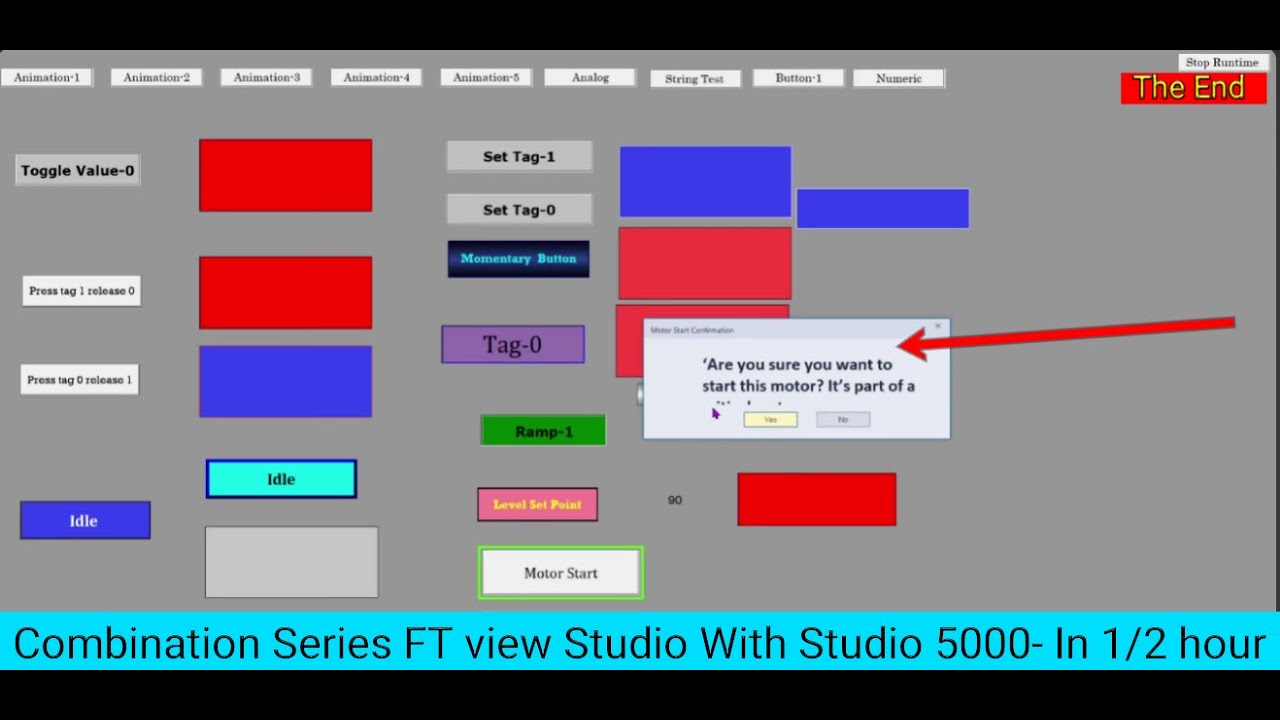
Learn how to use Gauges in FactoryTalk View Studio to create dynamic, visually engaging displays for real-time data monitoring in your SCADA projects. This tutorial will guide you step by step, from setting up tags to configuring and customizing gauges to suit your HMI design.
📌 What You'll Learn:
Adding and configuring gauges in FactoryTalk View Studio.
Linking gauges to analog tags for dynamic updates.
Customizing gauge ranges, styles, and colours for better visualization.
Disclaimer:-
The content on this channel is based on my personal learning and experience with FactoryTalk View and SCADA software. While I work with these tools professionally, he content on this channel is based on my personal learning and experience on Software like Factory Talk view Studio ( SCADA ) and Studio 5000 . While I work with these tools professionally, all tutorials and information shared here are created independently and intended only for educational purposes. The views and opinions expressed are entirely my own and do not reflect the views, policies, or positions of my employer. This channel is not affiliated with or endorsed by any other organization."
This tutorial is perfect for SCADA and HMI developers looking to enhance their interfaces with professional-grade data visualizations!
🚨 Don't forget to like, share, and subscribe for more Industrial automation-related content! Hit the bell icon to stay updated on our latest tips and tricks. Let's upgrade your Automation Career! 💡🌐
⭐️ LinkedIn :
/ linkedin.com/in/kaushlesh-kumar-shukla-8585301ba
⭐️ YouTube: @KSAutomation
/ / @ks_automation
📩 Have any questions or suggestions? Drop them in the comments below!
Rockwell Automation
1.Studio 5000 Programing
2. Factory Talk View SE ( SCADA Software )
3. Factory Talk View ME ( HMI Software )
4. Rockwell Automation Tool
Siemens Automation
1. Siemens - TIA Portal - Basic To Advance Programing.
2.Siemens - TIA Portal - HMI desing.💻
3. Siemens - TIA Portal - SCADA ( PC System )💻
4. Siemens - TIA portal Tools
1. Formulas - Related to the Programming
2. Formulas - Related to the SCADA design.
Interview Question & Answer - Industrial Automation
1. Related to Programming.
2. Releted to SCADA.
3. Releted to HMI
Interview Question & Answer - Electrical
1. Basic Electrical
2. Panel Testing.
3. Steps Panel testing.
4. Electrical Components
5 . Electrical Asosirisers
Interview Question & Answer - Instrumentation
1. Industrial Instruments
2. Transmitters
3. Switches
4. Pumps.
5. Valves
Повторяем попытку...

Доступные форматы для скачивания:
Скачать видео
-
Информация по загрузке: