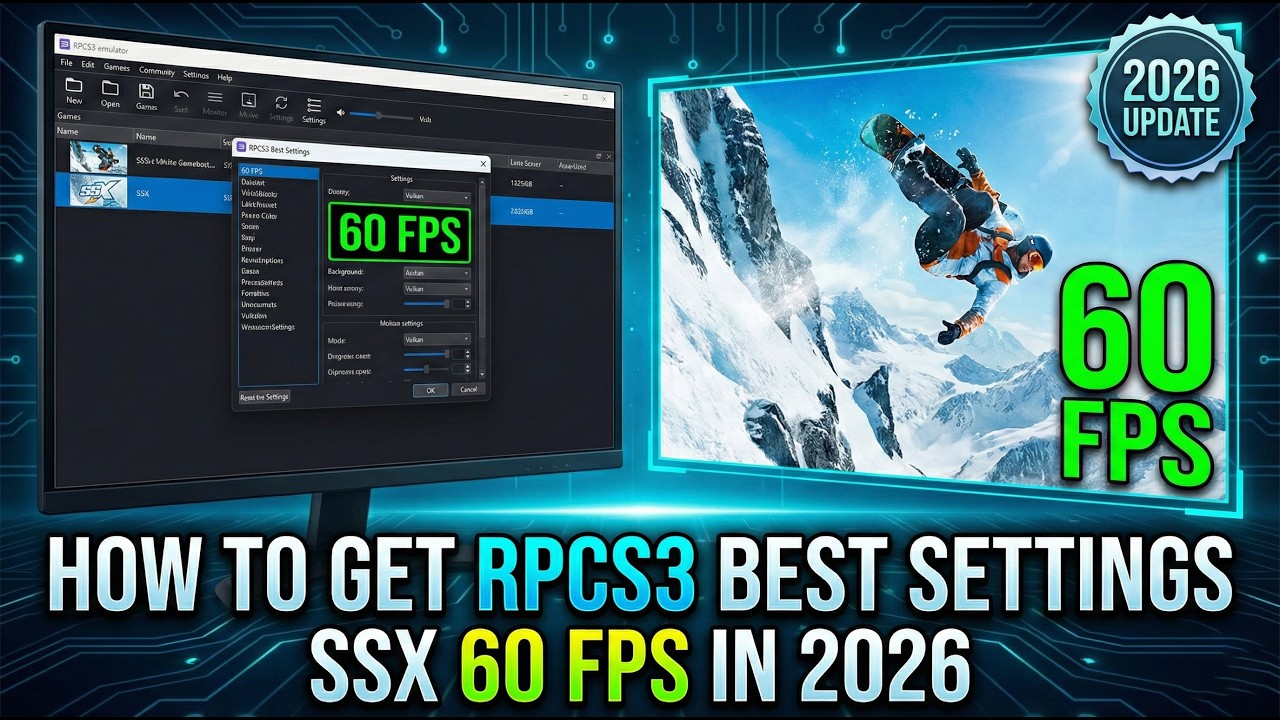
How To Play SSX at 60 FPS on PC | RPCS3 Best Settings (2026)
Автор: xX Gaming Center Xx
Загружено: 2026-02-22
Просмотров: 2374
Описание:
In this video, I’ll show you the exact settings you need to run SSX (2012) on the RPCS3 Emulator at a buttery smooth 60 FPS. SSX is incredibly fast-paced, so having stable frames and zero input lag is crucial for hitting those massive combos and surviving the Deadly Descents!
I will walk you through the best CPU and GPU configurations for 2026 to eliminate audio stuttering, fix graphical drops, and get the absolute best performance out of your PC.
📥 LINKS & RESOURCES:
RPCS3 Official Website: [https://rpcs3.net/download]]
PS3 Update Official Website: [https://www.playstation.com/en-us/sup...]
RPCS3 Game update Official Website: [http://ps3.aldostools.org/updates.html]
⚙️ MY PC SPECS:
CPU: [AMD Ryzen 7 5800X]
GPU: [Zotac Gaming GeForce RTX 3060 Ti Twin Edge OC 8GB GDDR6]
RAM: [XPG Ram ddr4 64gb 3200mhz]
🔴 Subscribe for more Emulation Guides
: [ / @xxgamingcenterxx-t7l ]
⚠️ *DISCLAIMER:* This video is for educational purposes only. You must own the original legal copy of the game.
If this guide helped you hit the slopes without lag, please DROP A LIKE and SUBSCRIBE for more PS3 emulation tutorials!
Повторяем попытку...
Доступные форматы для скачивания:
Скачать видео
-
Информация по загрузке: