How to Reset SuperMicro IPMI to Factory Defaults (Restore ADMIN/ADMIN)
Автор: Jo
Загружено: 2025-03-12
Просмотров: 2178
Описание:
In this video, I’ll show you how to reset the SuperMicro IPMI settings back to factory defaults, restoring the default username (ADMIN) and the default password — which is the one printed on the motherboard (in older versions, it was ADMIN as well).
✅ *Steps Covered:*
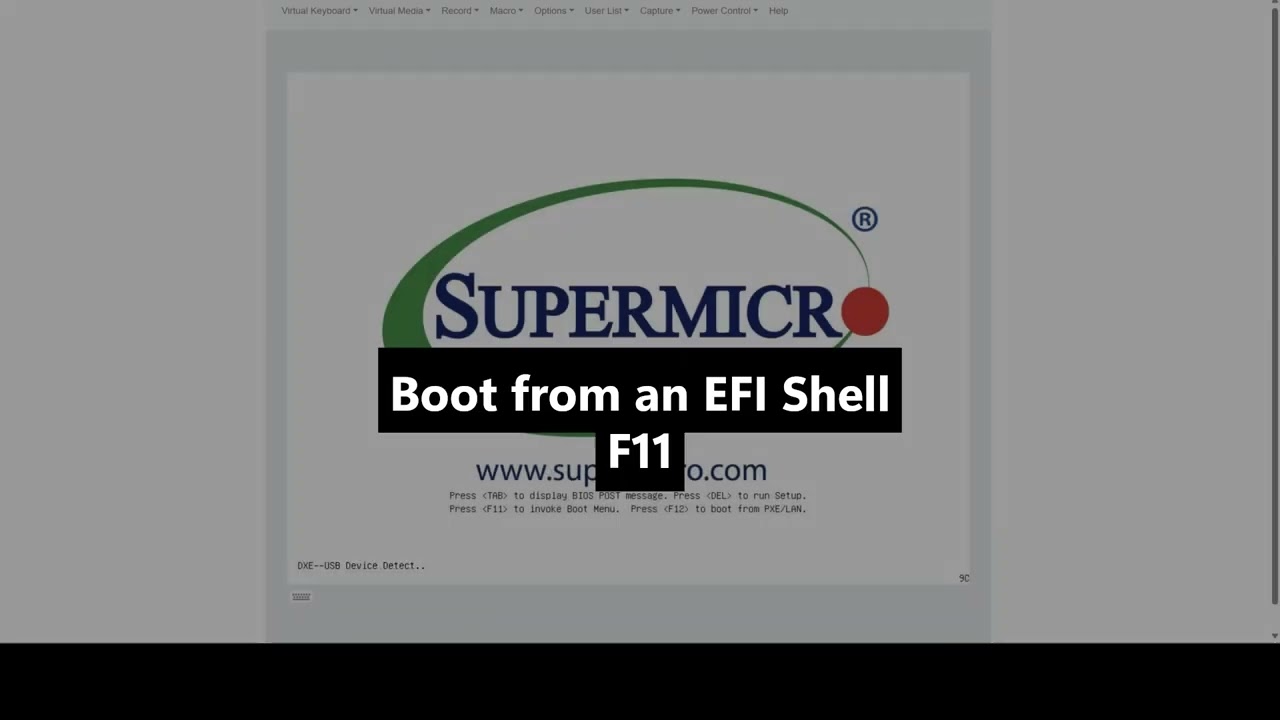
1️⃣ Boot into the UEFI Shell
2️⃣ Navigate to the IPMI utility
3️⃣ Run the reset command
*Commands used:*
```
FS0:
dir
ipmicfg.efi
ipmicfg -fd 2
```
📥 Download the IPMI tool from the official SuperMicro website:
🔗 [SuperMicro IPMI Utilities](https://www.supermicro.com/de/solutions/ma...)
🔔 Don’t forget to *like, comment, and subscribe* if this video helped you! 🚀
Повторяем попытку...
Доступные форматы для скачивания:
Скачать видео
-
Информация по загрузке: