Скачать
How to insert MIDI file with tempo change in FL STUDIO
Автор: Amit Raj Kashyap
Загружено: 2021-05-25
Просмотров: 6843
Описание:
#midichord #tempochange #insertloop
How to insert a MIDI file with tempo change in FL Studio
Select a channel
Go to file
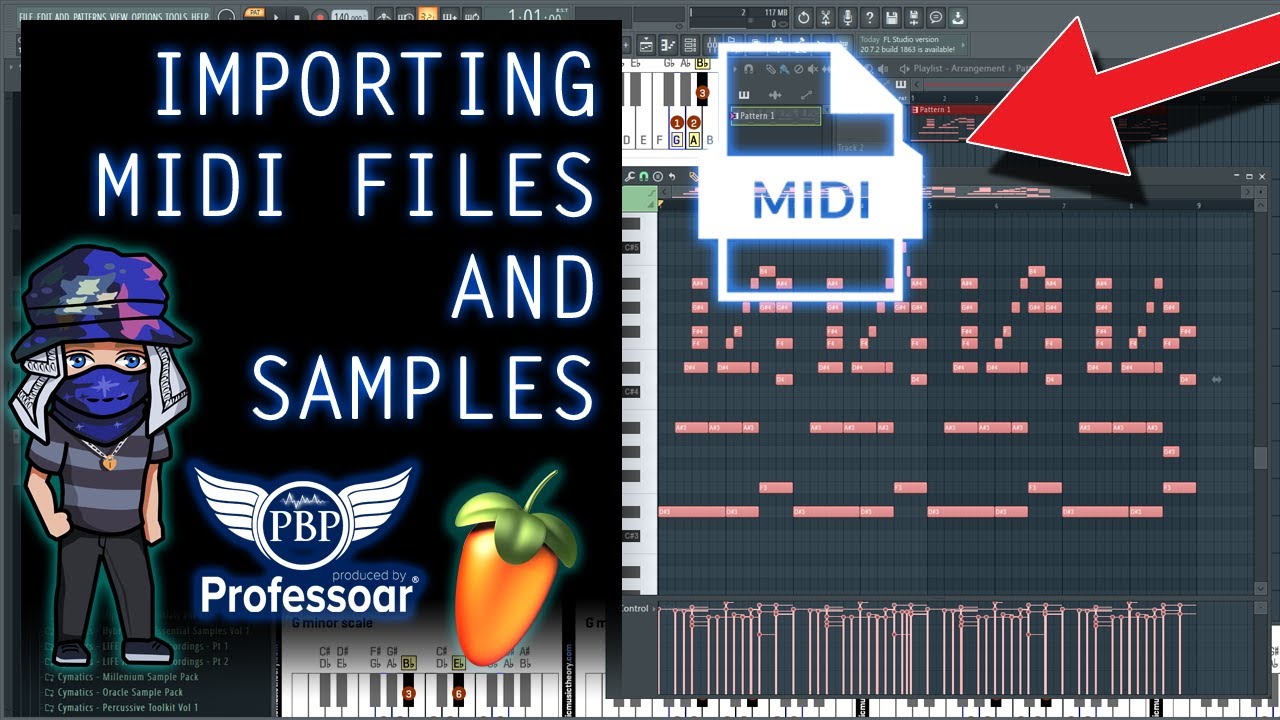
import midi file
De select the option " Start new session "
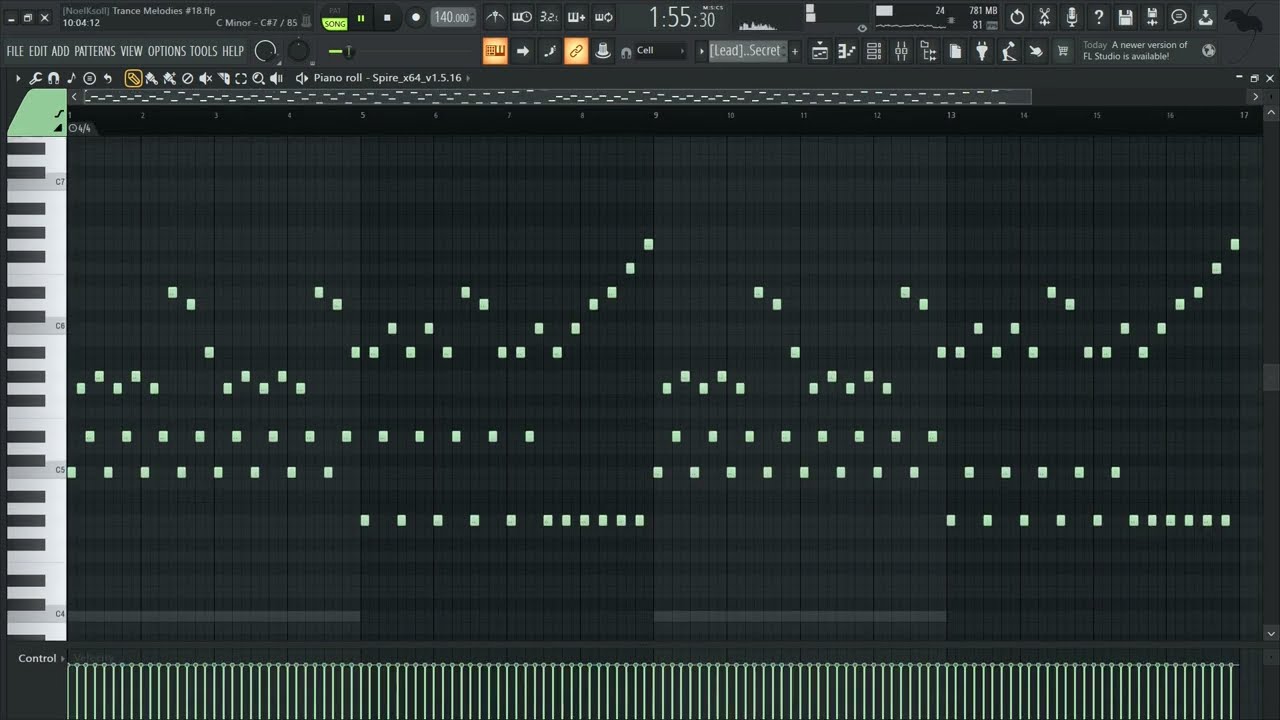
Click on the region ,pianoroll
Bring file to the cue position
Select all + Cut + Paste
Go to the tempo
Right click
Edit event
Select all
Delete
Change Tempo information
Voila !
Please like and subscribe for more videos
Не удается загрузить Youtube-плеер. Проверьте блокировку Youtube в вашей сети.
Повторяем попытку...
Повторяем попытку...

Доступные форматы для скачивания:
Скачать видео
-
Информация по загрузке: