10 Common CCTV Problems and How to Fix Them
Автор: ASK IT Support -Computers CCTV Networking Wi-Fi
Загружено: 2024-12-05
Просмотров: 2665
Описание:
10 Common CCTV Problems and How to Fix Them
CCTV systems are essential for maintaining security, but like any technology, they can experience issues. Here are the ten most common problems and practical solutions to fix them.
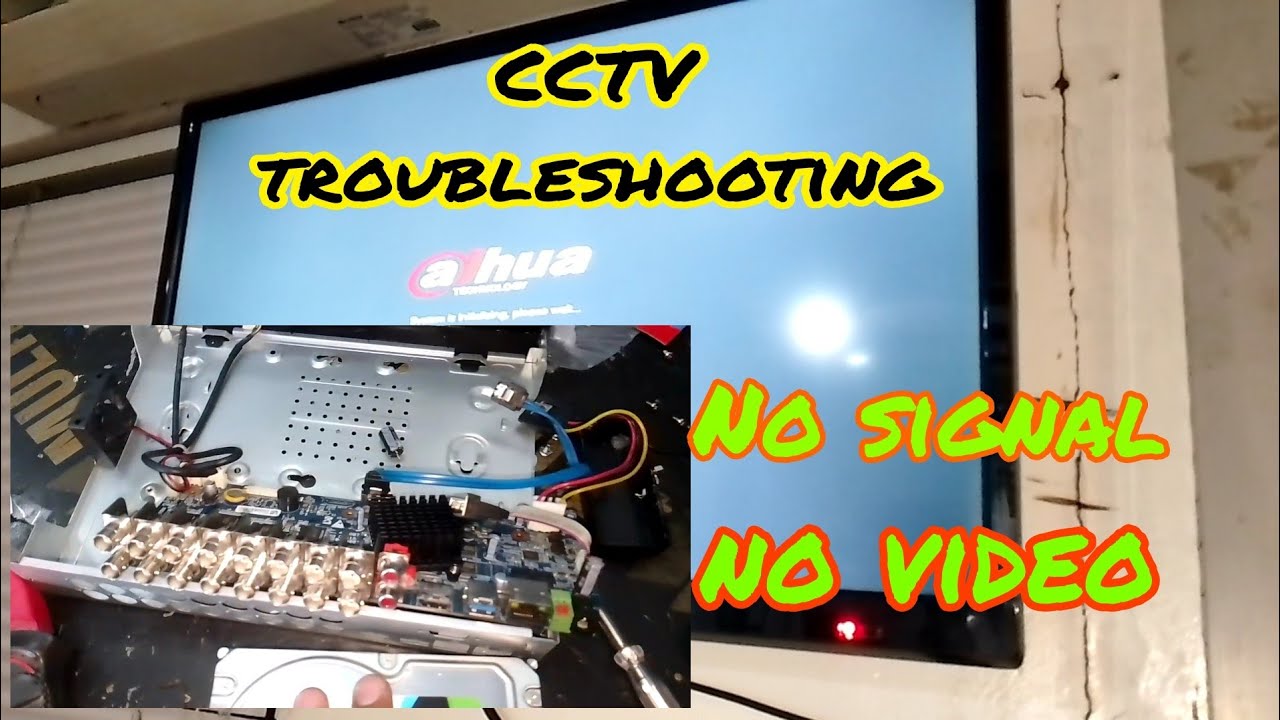
1. No Video Signal
Problem: Cameras are not transmitting a signal to the monitor.
Solution:
Check cable connections and power supply.
Ensure the DVR/NVR is powered on.
Test with another camera or port to isolate the issue.
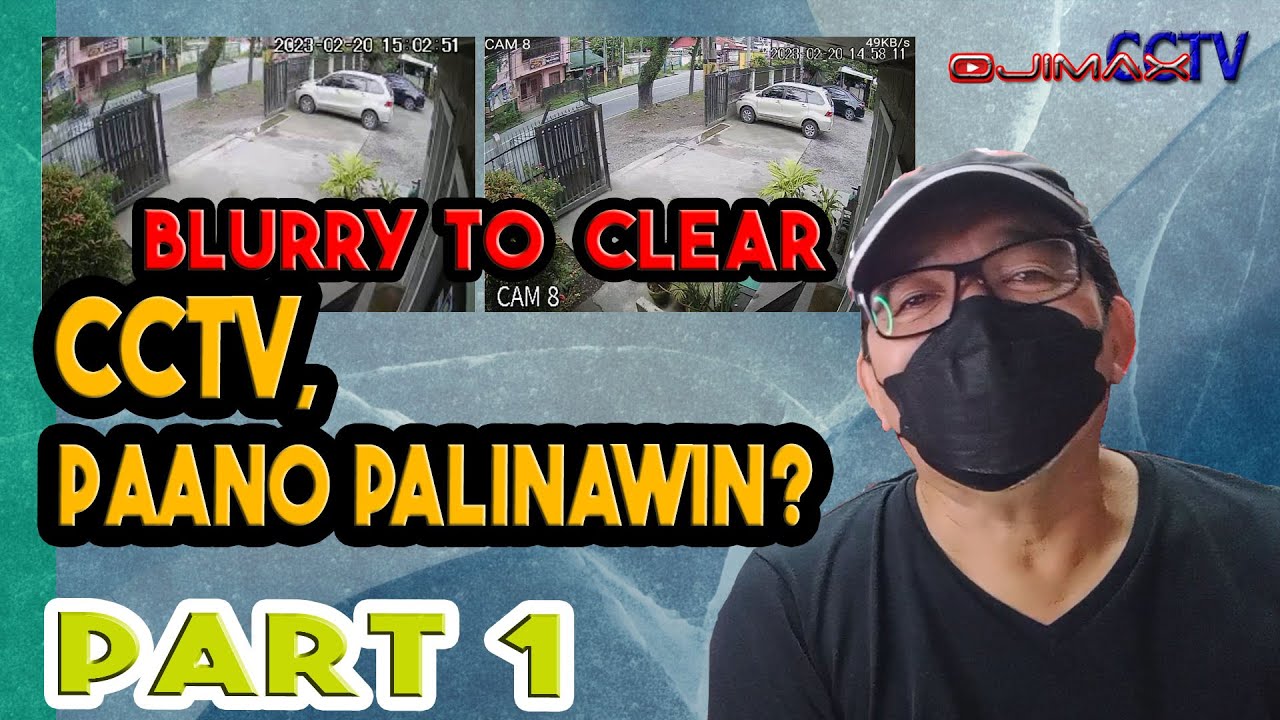
2. Blurry or Distorted Image
Problem: Poor video quality affects monitoring and recording.
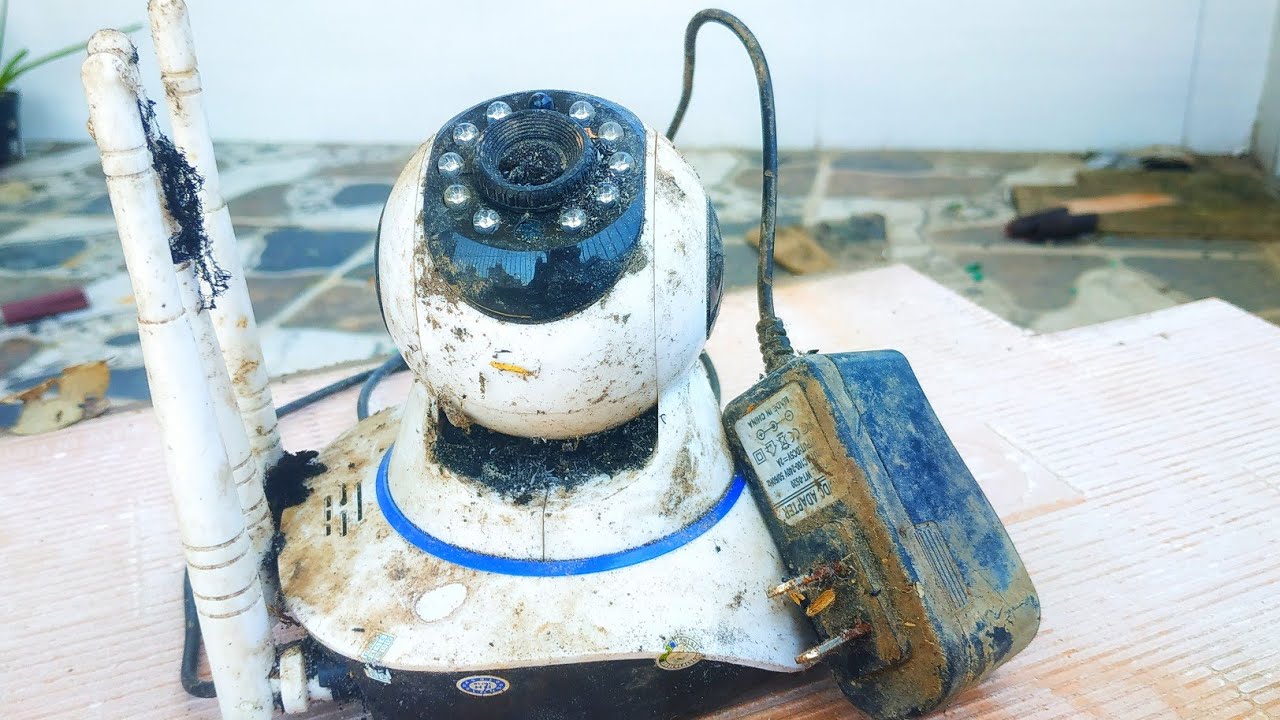
Clean the camera lens with a microfiber cloth.
Adjust the camera focus.
Check the resolution settings on the DVR/NVR.
3. Night Vision Not Working
Problem: Cameras do not capture clear footage in the dark.
Solution:
Inspect the IR lights; replace them if damaged.
Ensure there’s no obstruction near the camera.
Check the power supply to the camera.
4. Camera Not Connecting to Wi-Fi
Problem: Wireless cameras fail to connect to the network.
Solution:
Ensure the Wi-Fi signal is strong near the camera.
Reset the camera and reconfigure the Wi-Fi settings.
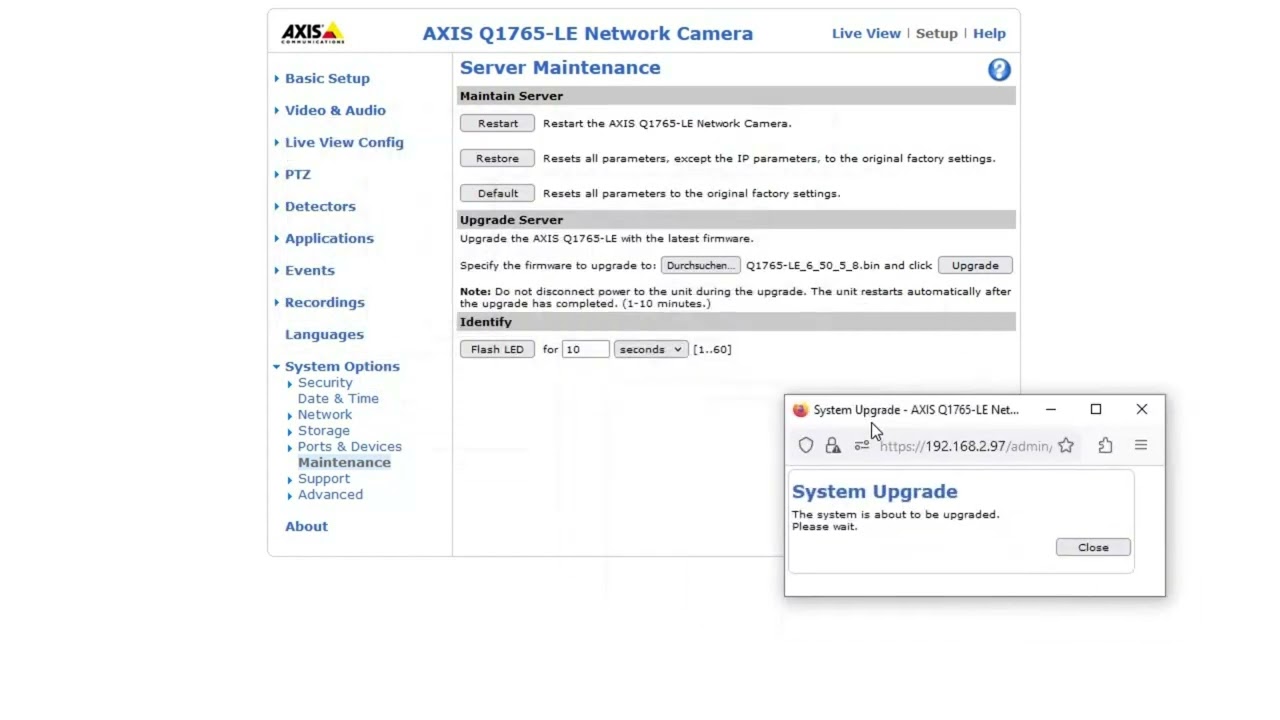
Update the firmware.
5. DVR/NVR Not Recording
Problem: No footage is being saved.
Solution:
Check the storage capacity; delete old footage if full.
Verify recording schedules and settings.
Test the hard drive for faults and replace it if necessary.
6. Flickering or Flashing Images
Problem: Video feed shows flickering images.
Solution:
Check for loose cables or power supply issues.
Eliminate light interference by repositioning the camera.
Replace faulty components if needed.
7. Unauthorized Access or Hacking
Problem: Cameras are accessed by unauthorized users.
Solution:
Change default usernames and passwords.
Use a secure network and enable encryption.
Regularly update firmware.
8. Cameras Not Showing on Mobile App
Problem: Live view or recordings are unavailable on your smartphone.
Solution:
Ensure the mobile app is correctly configured.
Check your internet connection.
Update the app and DVR/NVR firmware.
9. Overheating Equipment
Problem: DVR/NVR shuts down due to heat.
Solution:
Ensure proper ventilation and avoid direct sunlight.
Clean dust from vents and fans.
Install cooling solutions if necessary.
10. Power Outages Affecting Cameras
Problem: Cameras go offline during power cuts.
Solution:
Use an uninterruptible power supply (UPS) for backup power.
Consider PoE (Power over Ethernet) for simpler setups.
Check the power supply unit for damage.
Conclusion
Addressing these common CCTV problems promptly can ensure your security system remains functional and reliable. Need professional assistance? ASK IT SUPPORT is here to help!
📞 Call us: [Your Contact Number]
🌐 Visit: askitsupport.in/contact-us
Повторяем попытку...

Доступные форматы для скачивания:
Скачать видео
-
Информация по загрузке: