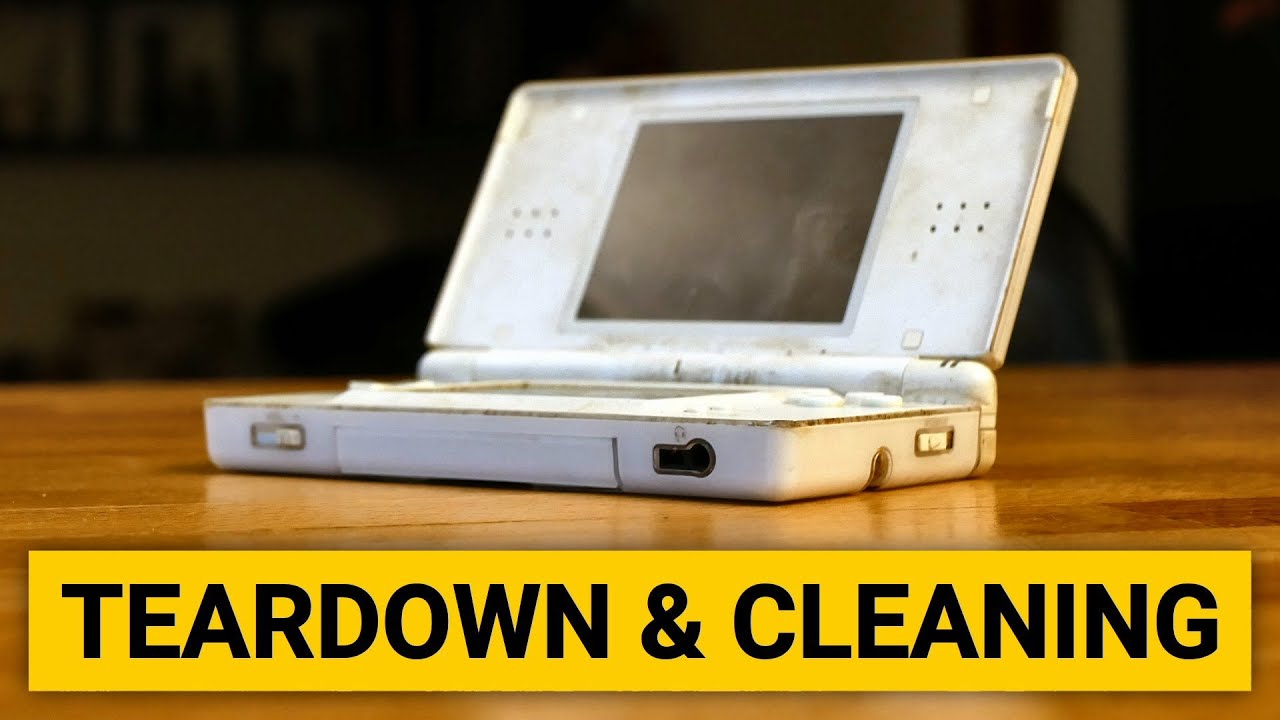
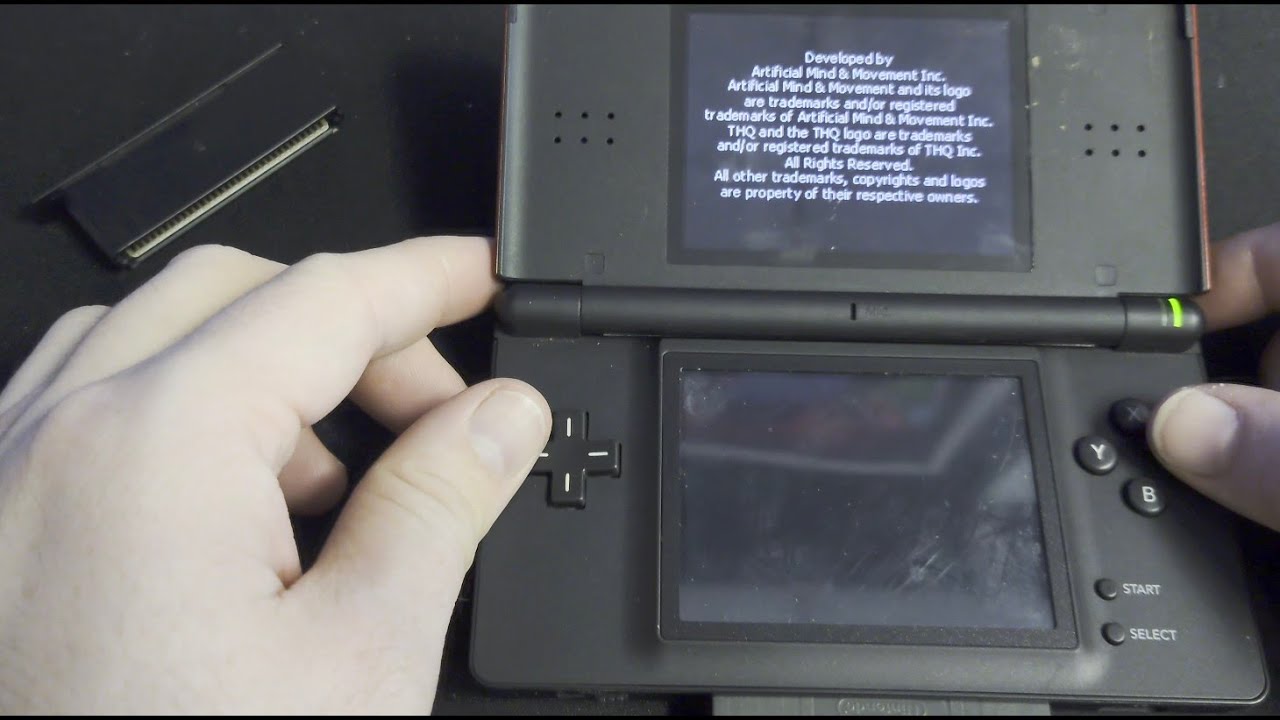
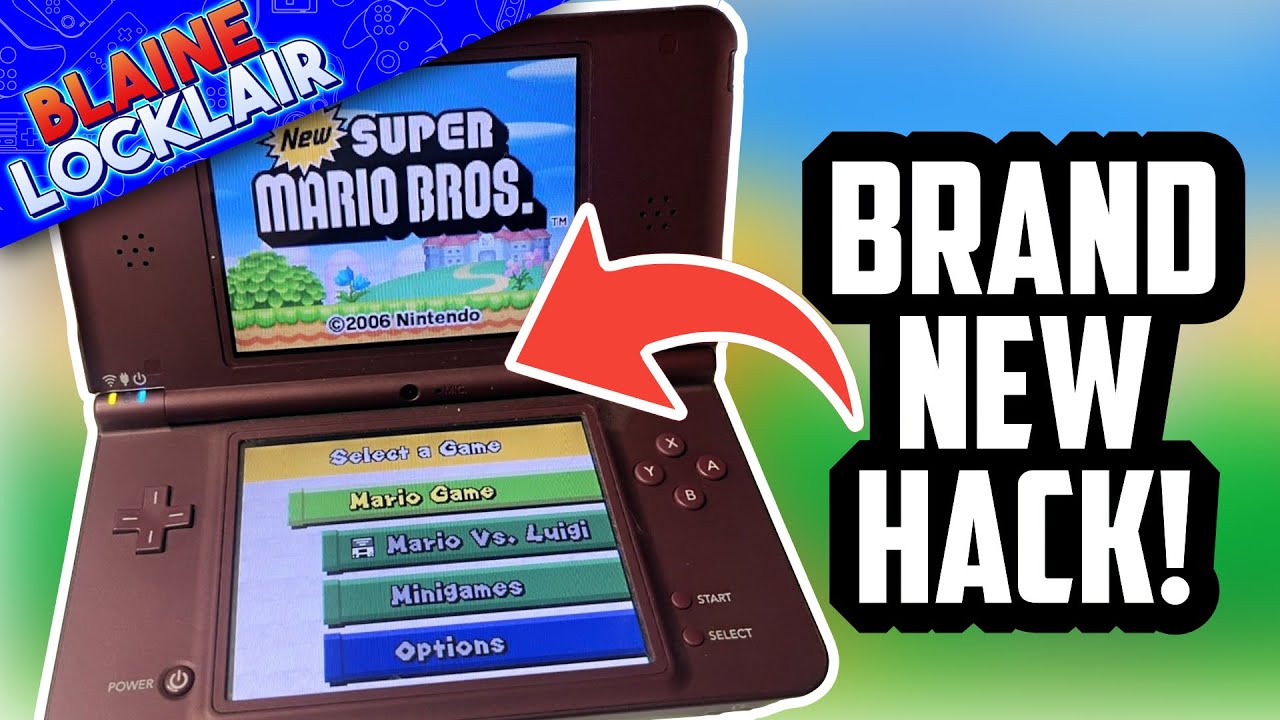
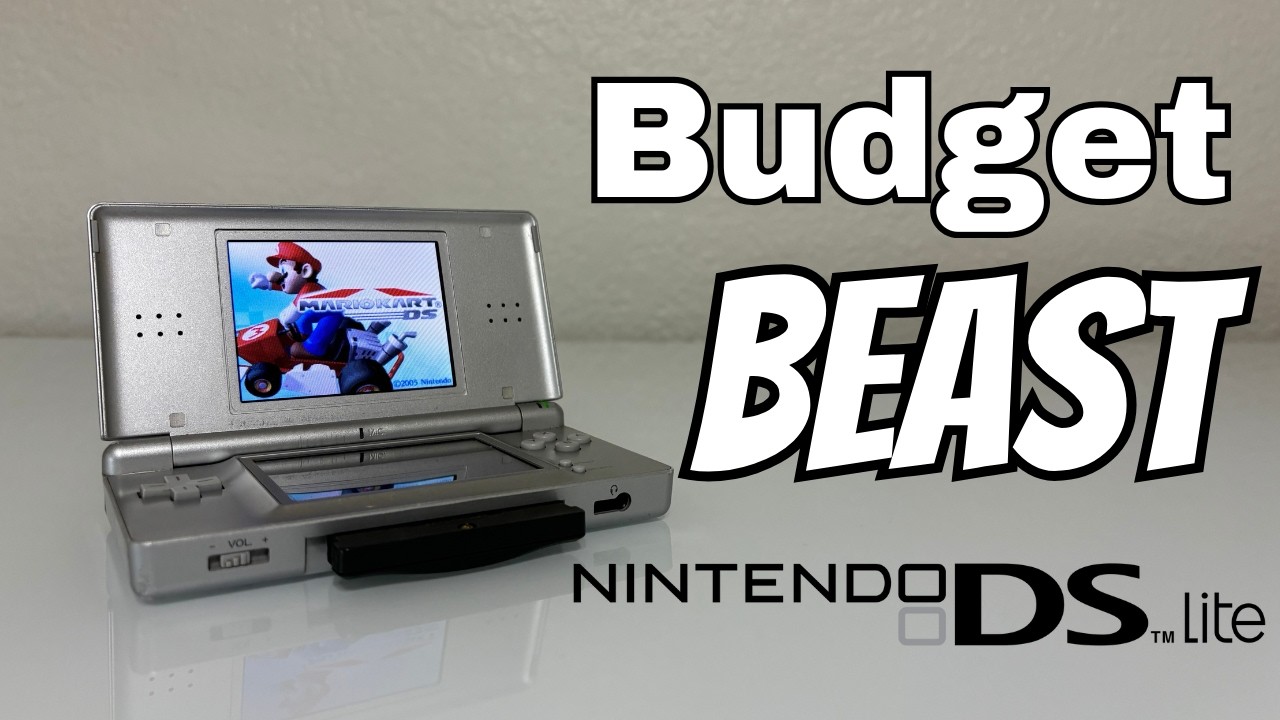
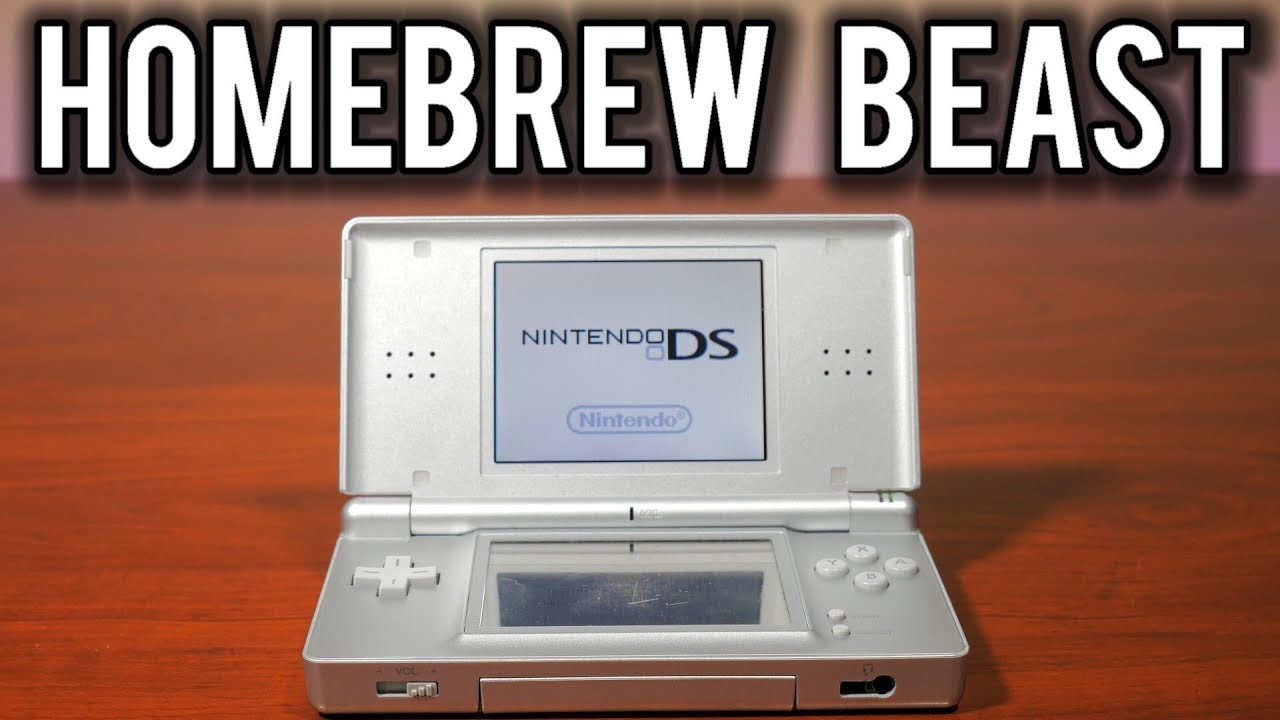
How to check your Nintendo DS, DS Lite, or iQue Firmware Ver
Автор: TSIJesus
Загружено: 2008-09-06
Просмотров: 72446
Описание:
This is a tutorial video to How to check your Nintendo DS, DS Lite, or iQue Firmware Version. Nintendo iQue is the Chinese DS Lite.
Different firmware versions have different behaviors if a DS Game Card or Game Boy Advance cartridge is ejected during Pictochat. To determine your DS firmware version, follow these steps:
First method:
1. Insert an authentic Nintendo DS Game Card into SLOT-1, or a Game Boy Advance cart into SLOT-2, of your Nintendo DS.
2. Turn on DS (hold Start if you have autostart enabled in the settings).
3. Enter Pictochat.
4. Enter any chat room.
5. Eject the Game Card or GBA Cart from the DS.
Second method (doesn't work if firmware is v.1):
1. Turn on DS (hold Start if you have autostart enabled in the settings).
2. Enter Pictochat.
3. Enter any chat room.
4. Close Nintendo DS and observe color of the screen.
Result:
v1: Pictochat hangs/no color appears (for the second method)
v2: two greyish blue screens
v3: two dark green screens
v4: two golden yellow screens
v5: two magenta screens (DS lite units have this, along with a few pink original DSs)
v6: two dark blue screens
iQue: two dark green screens
Повторяем попытку...

Доступные форматы для скачивания:
Скачать видео
-
Информация по загрузке: