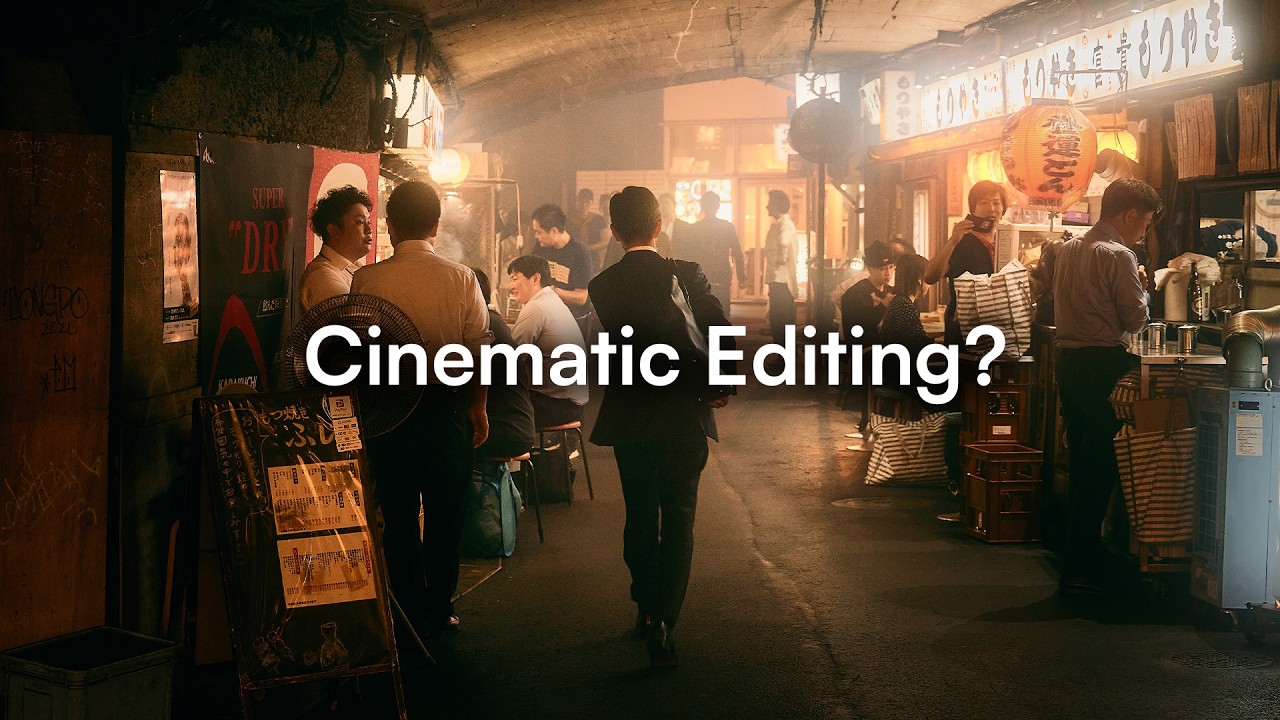
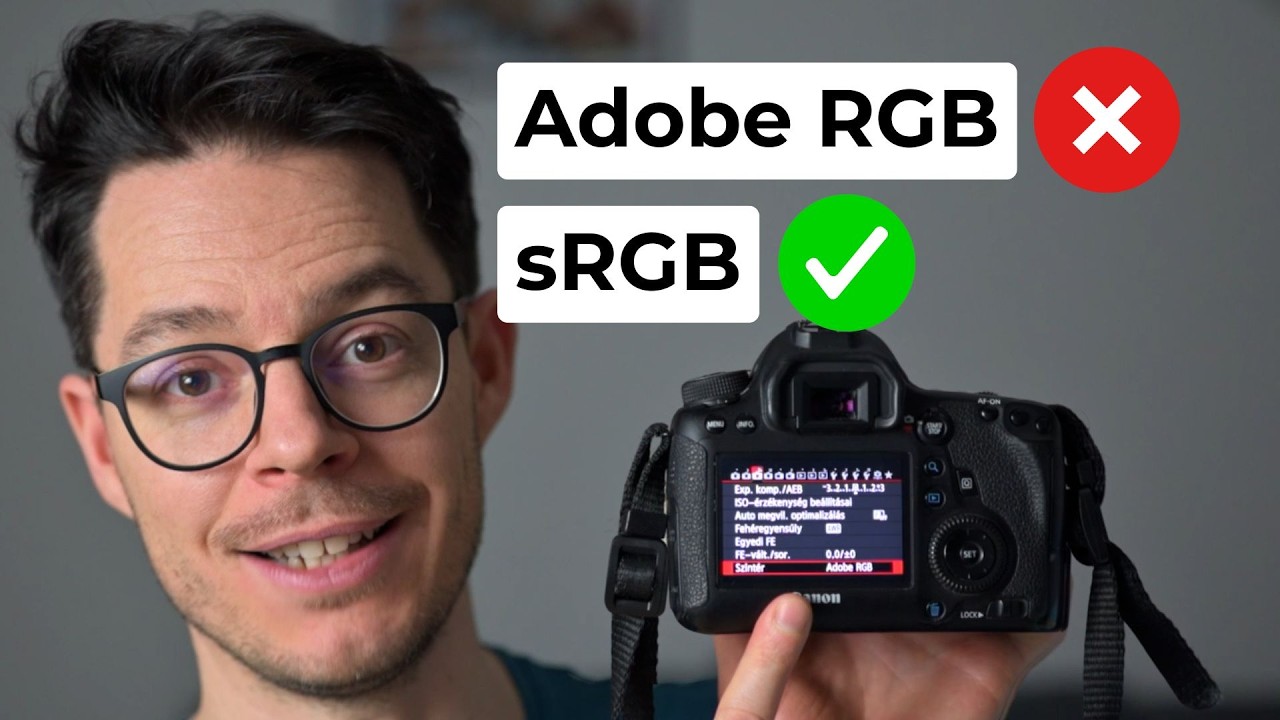
How to get a real Cinematic Film Look in DaVinci Resolve | Dehancer Tutorial
Автор: Dimitris Tzankatian
Загружено: 2026-02-23
Просмотров: 11
Описание:
Want to achieve a true cinematic film look from digital footage?
In this DaVinci Resolve tutorial, I break down my complete step-by-step workflow for transforming LOG footage into rich, film-style color using Dehancer Pro.
You’ll learn how to choose the right film stock, fine-tune halation, bloom, and film grain, and create cinematic look that you can apply to your own videos.
Perfect for filmmakers, videographers, and content creators who want professional film emulation and cinematic color grading inside DaVinci Resolve.
Try Dehancer here: https://www.dehancer.com/
Grab your 10% discount by using “DTZANKATIAN” as a promo code at checkout.
Graded with Dehancer Pro
Edited in DaVinci Resolve Studio
00:00 Intro
00:37 DaVinci Resolve Studio Color Management settings
01:00 LOG to REC 709 conversion
01:29 Summer Film look
06:03 Cinematic Film look
09:49 Night Film look
13:16 Nostalgia Film look
16:30 Outro
Contact me
https://dtzankatian.com
#davinciresolve #dehancer #colorgrading #cinematiclook #filmmaking #filmlook #videography #filmmaker
Повторяем попытку...

Доступные форматы для скачивания:
Скачать видео
-
Информация по загрузке: