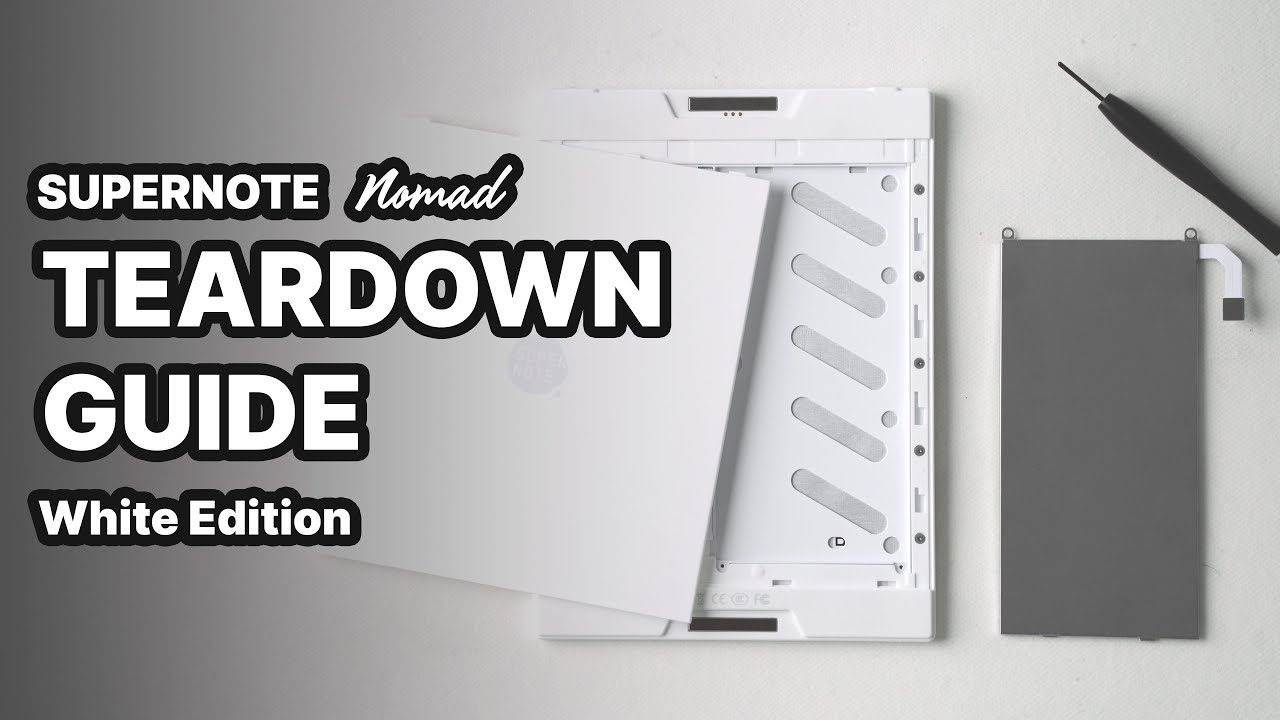
Supernote A6X2: Installing the Micro SD Card
Автор: Organizing for Change
Загружено: 2024-02-16
Просмотров: 2841
Описание:
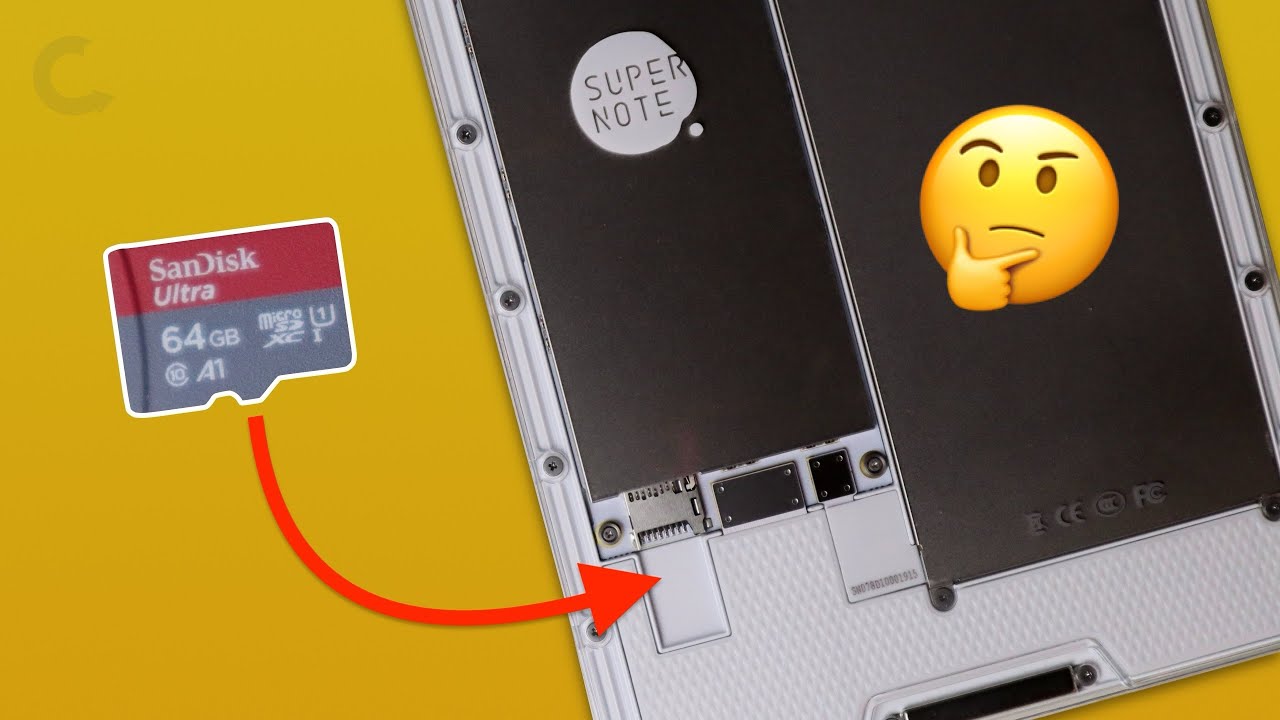
This is a visual walkthrough of how to remove the back cover and install the Micro SD card on the A6X2 Nomad Crystal Edition. For time, the video was sped up to three times. Remember, this was a first attempt (approximately 14 minutes real time). I did it a second time a few days later and the process was almost cut in half. However, I wanted you to get a sense of the steps involved and some of the pitfalls your first time out. If you enjoyed this video, please like and subscribe to the channel. Also, please take the time to leave me a comment. I would love to have you join the conversation.
If you find yourself in a position to purchase a Supernote, or just want to get a closer look at the devices, please feel free to use the affiliate link below:
https://tinyurl.com/2p9ttt48
If you are interested in my workstation setup, and are budget conscious, please check out the Amazon Affiliate links below:
Laptop: https://amzn.to/3K07way
Keyboard & Mouse: https://amzn.to/4bGlIRJ
LED Desk Lamp: https://amzn.to/44GhC9Y
Laptop Stand: https://amzn.to/3yla0xE
Mini Tripod: https://amzn.to/4biv4DI
Selfie Stick Tripod: https://amzn.to/3wEuRvt
Media Editing: https://amzn.to/3yiKPM9
Lavalier Microphone: https://amzn.to/3K1pae1
Boom Mic Arm: https://amzn.to/3QJWpX0
Main Microphone: https://amzn.to/3yhg2Q2
Main Webcam: https://amzn.to/4bz28qC
Document Camera: https://amzn.to/4b97OYF
Phone: https://amzn.to/4bERDSJ
Universal Dock: https://amzn.to/4bBOwLi
Monitor (2): https://amzn.to/4dJsMPG
Повторяем попытку...

Доступные форматы для скачивания:
Скачать видео
-
Информация по загрузке:









![1 A.M Study Session 📚 [lofi hip hop]](https://imager.clipsaver.ru/lTRiuFIWV54/max.jpg)