Optical Flare Set on the Path in After Effects | Optical Flares Follow Path
Автор: GD Alam
Загружено: 2019-10-28
Просмотров: 10543
Описание:
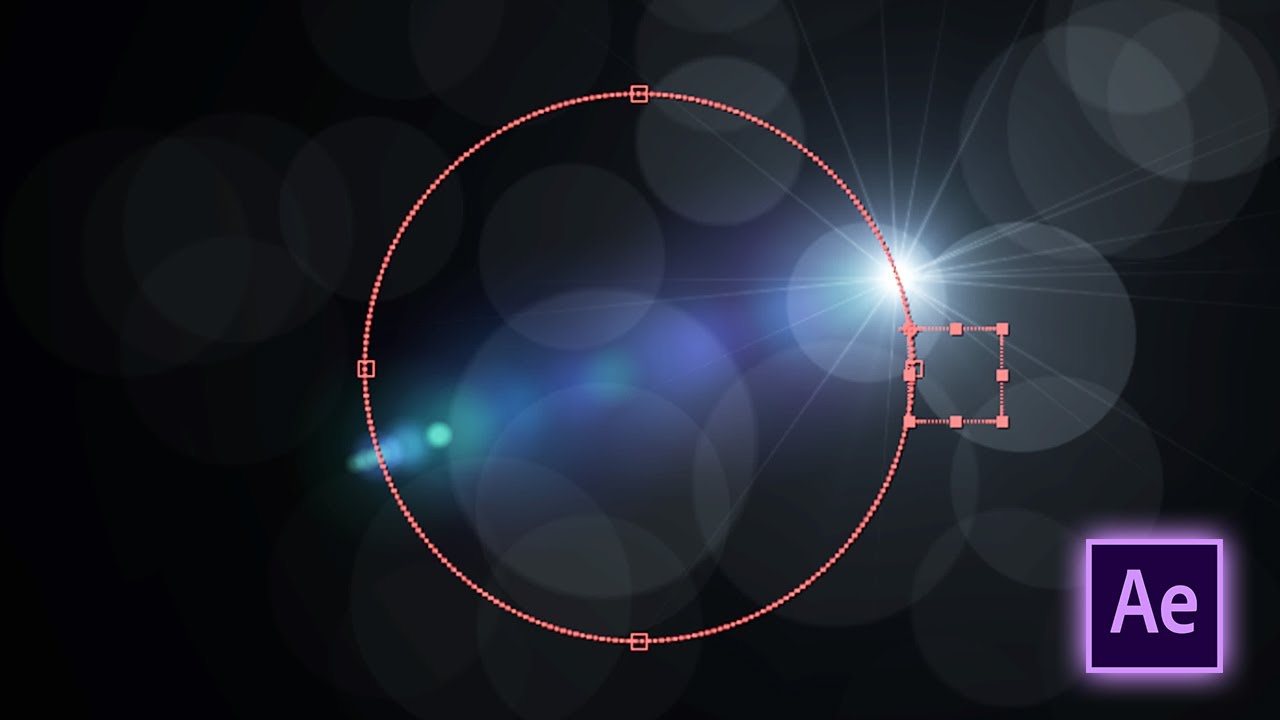
Optical Flare Set on the Path in After Effects, Optical Flares Follow Path.
In this tutorial I will show you how to set optical flare in after effects, optical flare set on the path, how to set optical flare on the path in adobe after effects tutorial. to set up optical flares in after effects, you'll typically use the Optical Flares plugin by video copilot. here’s a step-by-step guide to add and customize optical flares:
Optical Flares on a Path (Video Copilot - Optical Flares)
• Draw a Path
• Use the Pen Tool to create a motion path.
Attach Flare to a Null:
• Create a Null Object and apply keyframes to follow the path.
• Use "Create Nulls from Paths" if you want the null to auto-follow a shape or mask.
Add Optical Flares:
• Create a solid - Apply the Optical Flares plugin.
• Set Positioning Mode to "Source".
Parent to Null:
Parent the Optical Flares layer or its light source to the Null that follows the path.
To set an optical flare on a path, you typically do this in a compositing or video editing software like Adobe After Effects, using the Video Copilot Optical Flares plugin or other flare tools. Here's a step-by-step method using After Effects and Optical Flares:
Steps to Set Optical Flare on a Path / Motion Path:
1. Create Your Path:
• Use the Pen Tool (G) to draw a path on a solid layer (can be invisible).
• Or animate a null object or 2D/3D layer along a motion path.
2. Apply Optical Flares:
• Create a new solid layer (Layer - New - Solid) and name it “Flares.”
• Apply the Optical Flares plugin to this solid (Effect → Video Copilot → Optical Flares).
3. Set to Use 2D Positioning:
In the Optical Flares effect panel, change the Position Mode to 2D Source.
4. Track the Flare to a Path:
• Option A: Using a Null Object
• Create a Null Object, then animate it along the path.
• Use "Layer - New - Null Object", then use "Parent to Path" (or expression) to follow the shape.
• Parent the Optical Flares solid's position to this Null Object (or use an expression).
Trapcode Particular (Red Giant):
What it is:
A powerful 3D particle system for Adobe After Effects. Used to create complex motion graphics such as:
• Sparks
• Smoke
• Fire
• Rain
• Dust
• Light particles
• Custom 3D particles using sprites or OBJ files
Key features:
• 3D camera and lighting integration
• Particle emitters (point, box, sphere, etc.)
• Physics (wind, turbulence, gravity)
• Aux particles for paths
• Motion paths and animated emitters
• Optical Flares (Video Copilot)
This Video Also Includes: optical flare set on the path after effects, optical flare set on the path in after effects, optical flare set on the path, optical flares after effects, optical flare setting on the path, optical flare set on the path tutorial, after effects, after effects optical flares, how to set optical flare in after effects, adobe after effects, optical flare, optical flares follow path, optical flares, after effects tutorial, particles and optical flares, after effect, optical flares tutorial, tutorial and more.
You can check also my After Effects Tutorials Links Below:
Adobe After Effects | Motion Graphics Tutorials (Playlists):
• Adobe After Effects | Motion Graphics Tuto...
Watch More At:
/ @gdalam602
Order me on Fiverr:
https://www.fiverr.com/mdnurealam602
Get (A-Z) Alphabetical Logo & Other Logos and Design Elements from Here:
https://www.shutterstock.com/en/g/Nur...
#aftereffects #opticalflaressettingonthepath #opticalflaresfollowpath #opticalflares #motiongraphics #tutorial #gdalam
Повторяем попытку...
Доступные форматы для скачивания:
Скачать видео
-
Информация по загрузке: