10. Creating the Floor Structure in ArchiFrame - Floor Elements
Автор: ArchiFrame
Загружено: 2017-01-05
Просмотров: 6574
Описание:
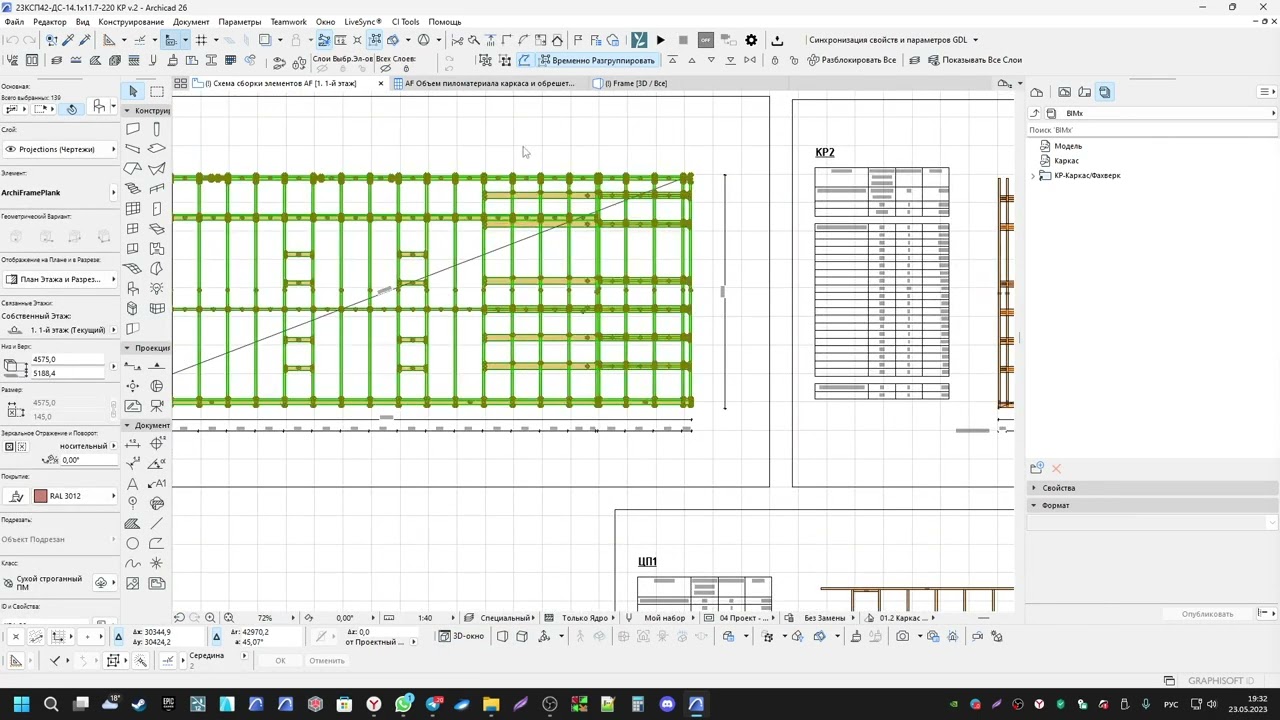
In this video, we define a floor element type, create and edit floor elements, create planks and finally edit the planks manually. The transcript of the video is available at: https://archiframe.fi/en/creating-the...
Contents:
00:00 - Introduction
00:46 - Defining a floor element type (2nd storey)
---------- 00:49 - Different layers in the ArchiCAD floor
---------- 01:25 - Creating a new element type
---------- 02:00 - Adding a plywood layer (boarding)
---------- 02:42 - Adding the joist layer (floor/roof with sides)
---------- 04:49 - Adding the battens layer (framing horizontal)
---------- 05:29 - Adding the gypsum board layer (boarding)
---------- 06:10 - Setting anchors and layer types
07:27 - Defining the ground level floor element type (through duplication)
---------- 07:43 - Removing gypsum and battens layers
---------- 07:58 - Editing joists' type (requiring duplication)
08:26 - Creating and editing the floor element (ground level)
---------- 09:13 - Creating the element from selection
---------- 09:37 - Explanation of why layer offsets are needed
---------- 09:57 - Making a layer offset with the "To fill" tool
---------- 11:25 - Determining direction of floor planks
--------------------- 11:43 - Method #1: for a single layer in a single element
--------------------- 12:53 - Method #2: for all the layers of multiple elements
---------- 14:06 - Giving the floor element an ID
14:13 - Creating planks & checking result in 3D
14:41 - Editing the 2nd storey floor planks
---------- 14:53 - 3D view of second storey floor
---------- 15:45 - Alignment of floor to construction grid
---------- 16:19 - Manually editing the planks in the floor plan view
17:37 - Checking elevation drawing
18:21 - 3D view of finished floor structure
Повторяем попытку...

Доступные форматы для скачивания:
Скачать видео
-
Информация по загрузке: