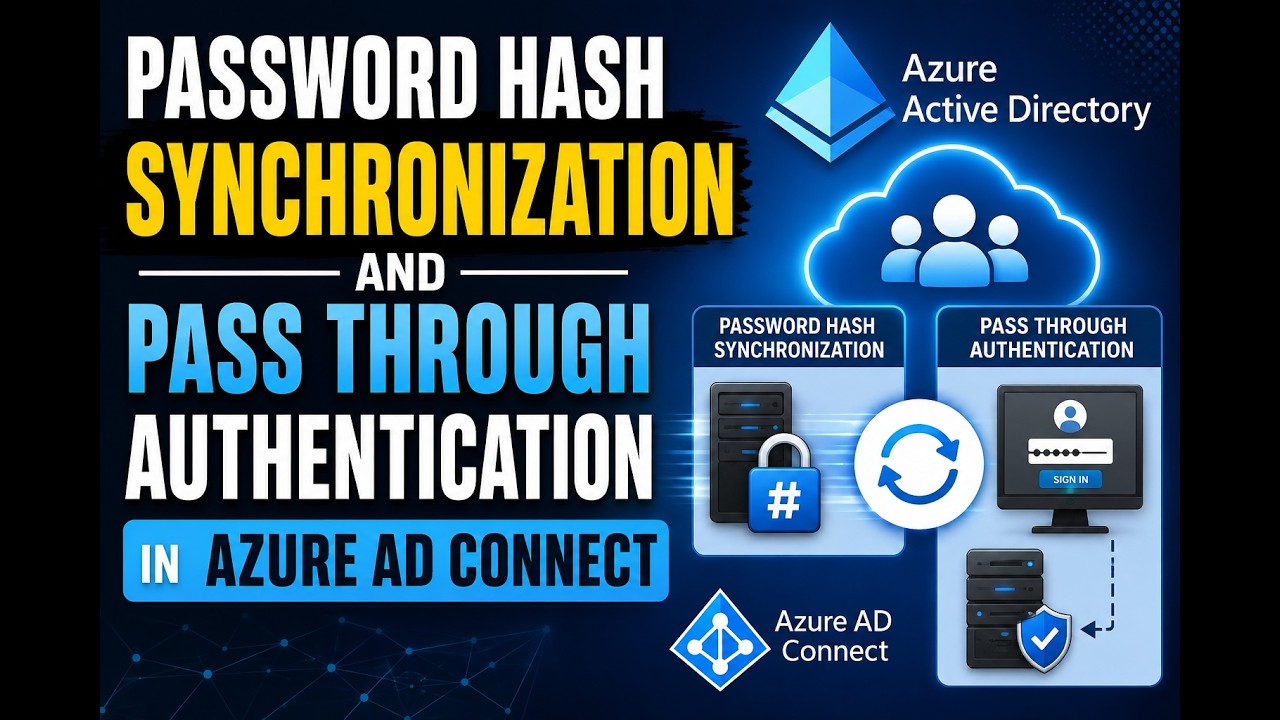
Understanding Password Hash Synchronization and Pass through Authentication in Azure AD Connect
Автор: Joyroute-jojo
Загружено: 2026-05-20
Просмотров: 117
Описание:
Join this channel to get access to perks:
/ @joyroute-jojo
✅ What is Password Hash Synchronization (PHS)?
👉 Password Hash Synchronization is a method in Azure AD Connect where a hashed version of user passwords is copied from on-premises Active Directory to Azure AD.
🧠 Simple Explanation
👉 Think like this:
User password in AD → converted into a hash (encrypted form)
That hash is sent to Azure AD
Azure AD uses that hash to authenticate the user directly
👉 So:
No need to contact on-prem AD during login
Login happens in cloud itself
🔄 How it works (step-by-step)
User password is stored in AD as a hash (not plain text)
Azure AD Connect extracts that hash
It applies extra security (re-hashing + encryption)
Sends the hash to Azure AD securely
When user logs in:
Azure AD compares the hash
If match → ✅ access granted
👉 Only hashes are synchronized — actual password is never sent [https://eu...s/original]
🔑 Key points to remember
✅ Password is never stored in plain text
✅ Authentication happens in Azure AD (cloud)
✅ Sync happens frequently (updates in minutes) [dir.md]
🚀 Advantages
✔ Simple to configure (no extra infrastructure)
✔ Works even if on-prem AD is down
✔ Good for cloud-first environments
✔ Supports MFA, Conditional Access
👉 PHS is the most commonly used authentication method in hybrid environments [learn.microsoft.com]
⚠️ Limitation (important for exam)
❌ Password hash is stored in cloud (some compliance concerns)
❌ No real-time validation from on-prem AD
=====================
✅ What is Pass-through Authentication (PTA)?
👉 Pass-through Authentication is a sign-in method in Azure AD Connect where the user’s password is validated directly against on-premises Active Directory instead of the cloud.
👉 Azure AD simply forwards (passes through) the login request to your on-prem AD for validation.
🧠 Simple Explanation
👉 Think like this:
User tries to login to Microsoft 365
Azure AD says: “I don’t check password… let me ask your local AD”
It sends request to on-prem AD
AD validates password
If correct → ✅ login success
👉 That’s why it is called “Pass-through” authentication.
🔄 How PTA Works (Step-by-step)
User enters username & password in cloud (M365/Azure app)
Azure AD receives login request
Azure AD encrypts the password and sends it to PTA Agent (on-prem) [windows-ac...ectory.com]
PTA Agent decrypts it and checks with Domain Controller (AD)
AD validates credentials
Result is sent back to Azure AD
If valid → user gets access
👉 Authentication always happens in on-prem AD [learn.microsoft.com]
🔑 Important Key Points
✅ Password is NOT stored in Azure cloud
✅ Validation happens in real-time
✅ Requires a PTA agent installed on-premises [betanet.net]
✅ Uses secure communication between Azure AD and on-prem
🚀 Advantages
✔ More secure (no password stored in cloud) [windows-ac...ectory.com]
✔ Same password for cloud & on-prem apps
✔ No need for complex ADFS setup
✔ Supports MFA & Conditional Access
✔ Easier deployment (only agent needed) [learn.microsoft.com]
⚠️ Limitations
❌ Depends on on-prem AD availability
❌ If on-prem AD is down → users cannot login
❌ Requires PTA agent to be always running
Повторяем попытку...
Доступные форматы для скачивания:
Скачать видео
-
Информация по загрузке: