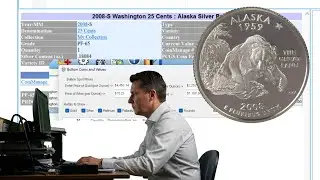
What's New in CoinManage 2025 Edition
Автор: CoinManage Coin Software
Загружено: 2025-01-12
Просмотров: 2190
Описание:
www.coinmanage.com
Overview of new features in CoinManage 2025. Other changes include:
Coin Database Improvements
Latest issues for Canada & the USA have been added.
New listings for some world bullion coins.
Australia database show improvements such as mintage figures for coin varieties previously without.
We have started adding Variety information for certain coins. This is a work in progress, starting with
the most famous coins such as the 1975 No S proof dime, 1913 Liberty Nickel, etc...
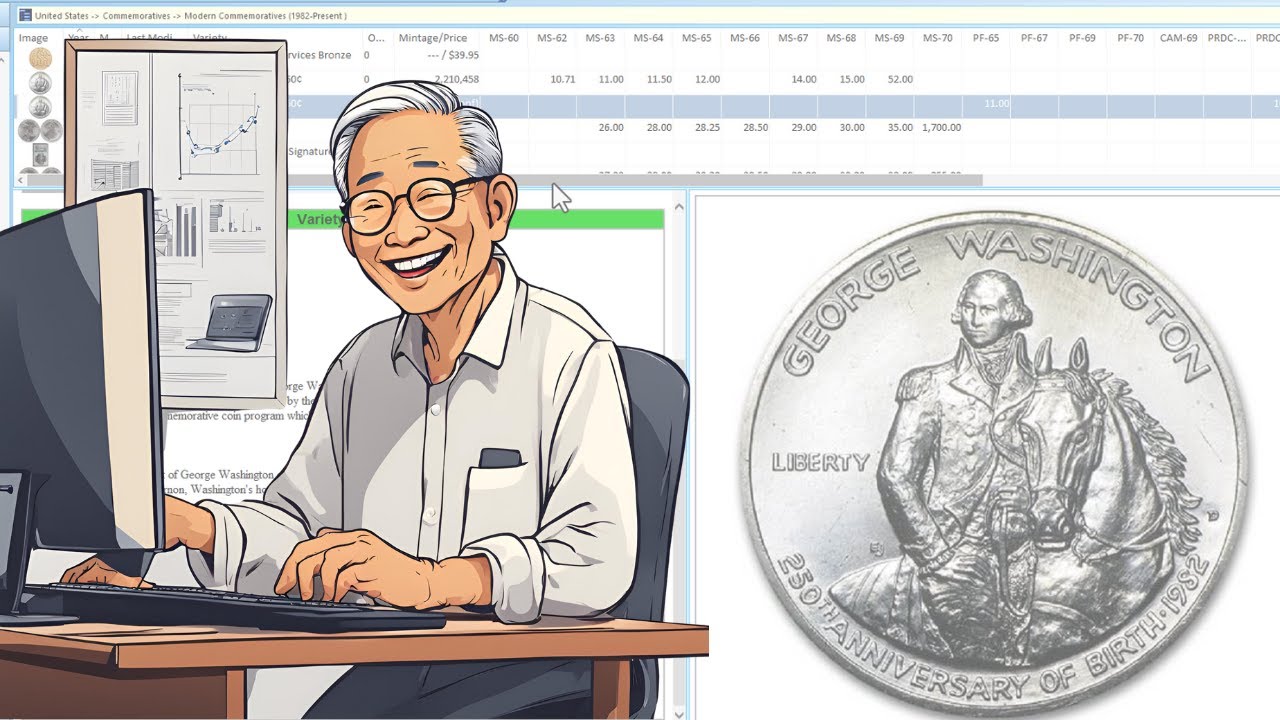
USA Presidential dollars & Modern Commemoratives. Names have been standardized last name first for better sorting on
the Variety column.
Added gold content to commemorative gold coins. Due to current price of gold the value of many of these
coins is now decided by the current gold spot price.
Added images for some varieties missing images. Such as 30 or so Innovation Dollar varieties.
User Interface
Gray separator lines are now shown for better readability.
The background of the currently sorted column will be highlighted for better visibility.
Value each coin is now a default column. No longer necessary to add it manually in the Preferences.
Major New Version of the Report Designer
Includes some performance improvements
Improved UI in the report designer, more options for creating graphs.
Improved Excel output especially for complex graphics
Upgrading
CoinManage will now perform a backup before importing data from a previous install of CoinManage. Select File / Manage Backup Files... to view the folder where the backups are stored.
Reports
per coin value will now show in the Coins Owned - Image + Details report
Several reports will now show comments for a coin inventory if applicable
Bug Fixes, Printed manual and Usability enhancements
The user manual has been improved with better screenshots.
We now use the Mint Product Code (if available) to improve search results for eBay™ listings.
If upgrading from a previous version...on first launch, CoinManage will make a backup of your current
COINDESC.MDB data file before starting the data import. Select FILE / MANAGE BACKUP FILES... to see the Backup zip file.
Values in the "coin details" view will now show right-justified for better readability.
Copy & Paste text into the Types & Varieties manager was cutting off the text with CR/LF characters. Should be fixed.
Fixed bug where the quantity in Add Coin dialog reverts to 1 when changing tabs.
Fixed problem with badly formatted years showing up in the Add Coin Country / Years section.
Повторяем попытку...
Доступные форматы для скачивания:
Скачать видео
-
Информация по загрузке: