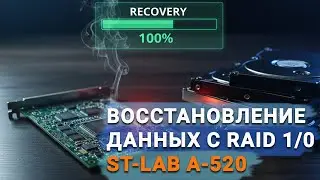
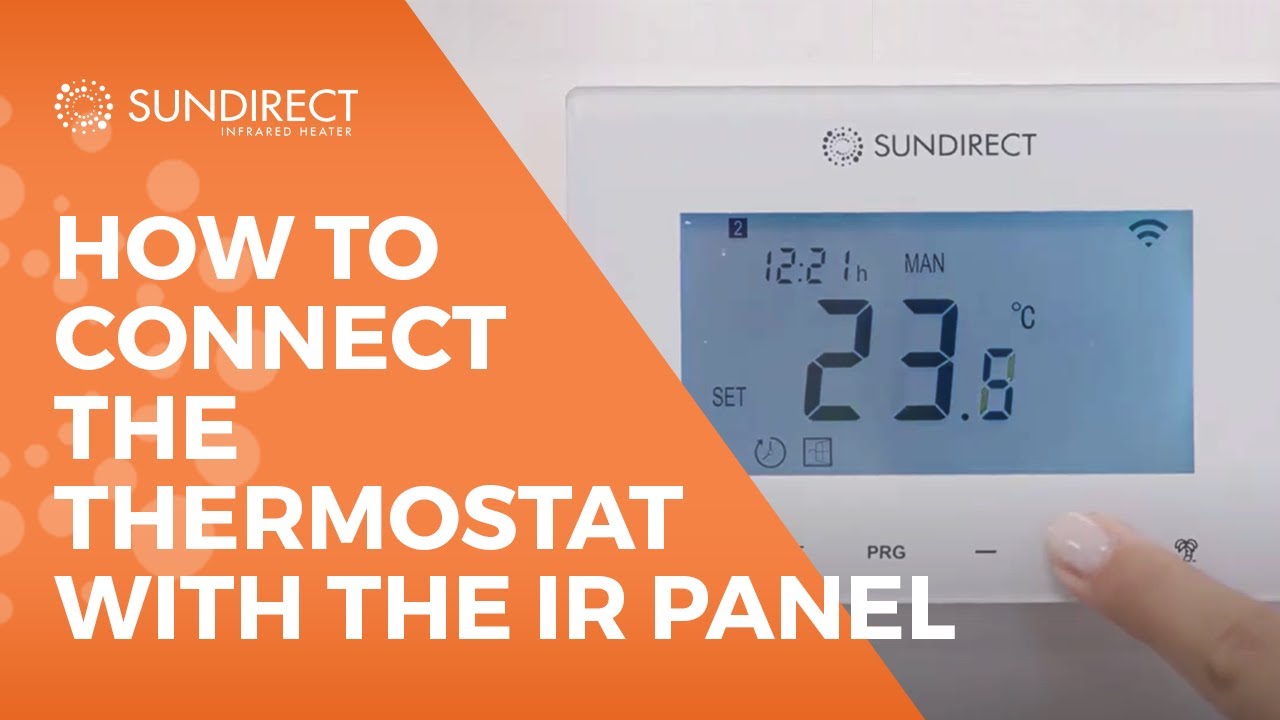
How To Connect The Wireless Thermostat to a SunDirect Infrared Panel
Автор: Sundirect USA
Загружено: 2020-12-09
Просмотров: 1360
Описание:
In this tutorial, we will explain to you how to connect your SunDirect Infrared Panel with the wireless thermostat. These thermostats are specifically designed to work together with Sundirect “Plus” range infrared panel heaters. We will introduce you to our Smart1.0, Smart1.0 PRO, and SmartPlug wireless thermostats. One thermostat can pair to more than one “Plus” heater, which means that multiple heaters within one room can be controlled by one thermostat. These thermostats will operate the “Plus” range infrared heaters by turning them ON if the room temperature is lower than the desired room temperature and will turn them OFF if the room temperature is reached.
SMART 1.0
The Smart1.0 can be used as a portable unit or surface mounted on the wall. First, remove the backside of the thermostat, and insert two AAA batteries.
If you want to mount the thermostat on the wall, mark the place for holes using the backside of a thermostat as a template. Drill the holes and insert dowels into the holes. Screw the backside of the thermostat on to the wall and mount the thermostat with batteries on to the wall.
Plug your heater into an electrical outlet. Switch the power switch of Receiver01 on. Double press the “P” button and the “Pair signal light” will start to flash. Now the heater is ready for pairing. Power-off the Smart 1.0. Now long-press the “SET” button. The “PAIR” signal will show on the screen of the remote control. Wait until the “Pair signal light” stops flashing and glows green to finish the pairing. Now that you are all set, you can explore the various options that the Smart 1.0 wireless controller is offering.
Smart1.0 has 3 different operation modes:
• Manual mode providing simple manual temperature control.
• Smart mode which allows you to program the desired temperature for every day of the week in four different time periods per day.
• Holiday mode which allows you to program the temperature while you are away. It also features a countdown timer of the holiday mode period.
SMART 1.0 PRO
Smart1.0Pro is an upgrade of Smart1.0. Please refer to the user manual of Smart1.0 for the hardware setting.
Smart1.0Pro can be controlled either using the touch screen button on the thermostat or by your mobile device via the “Sundirect Smart” APP.
Smart1.0Pro needs to have a constant power supply. You can either hardwire Smart1.0Pro to your grid or use the USB connection on the backside of the thermostat.
To connect the Smart1.0Pro to your electrical box, remove the backside of the thermostat, Connect the wires accordingly and then screw the back of the thermostat onto the electrical box. Finally, mount the front side of the thermostat on to the wall. Now that you connected your Smart 1.0Pro wireless controller to the power supply, you can proceed with the pairing the same way we already explained with the Smart 1.0 wireless controller.
SMART PLUG
The Sundirect Smart Plug is a compact plug version Wifi thermostat specially designed to work with the Sundirect “Plus” range infrared heaters. Additionally, you can operate your “Smart Plug” via our “Sundirect Smart” APP.
First, plug your heater to an electrical outlet. Switch the power switch of Receiver01 on. Double press the “P” button and the “Pair signal light” will start to flash. Now the heater is ready for pairing. Plug the “Smart Plug” to the electricity socket. The screen will now show “OF”. Long-press “P” button on the “Smart Plug” and the “P” signal will show on the screen. In the meantime, the green signal will stop flashing to finish the pairing.
Now you are all set. Make sure to check out our other video where we will show you how to connect the Smart Plug thermostat with our Sundirect Smart app.
Website: https://www.sundirect.us/
E-mail: [email protected]
Повторяем попытку...
Доступные форматы для скачивания:
Скачать видео
-
Информация по загрузке:




![Classic Infrared Heating Panels - [Surya Heating]](https://image.4k-video.ru/id-video/HzEuPRysur0)