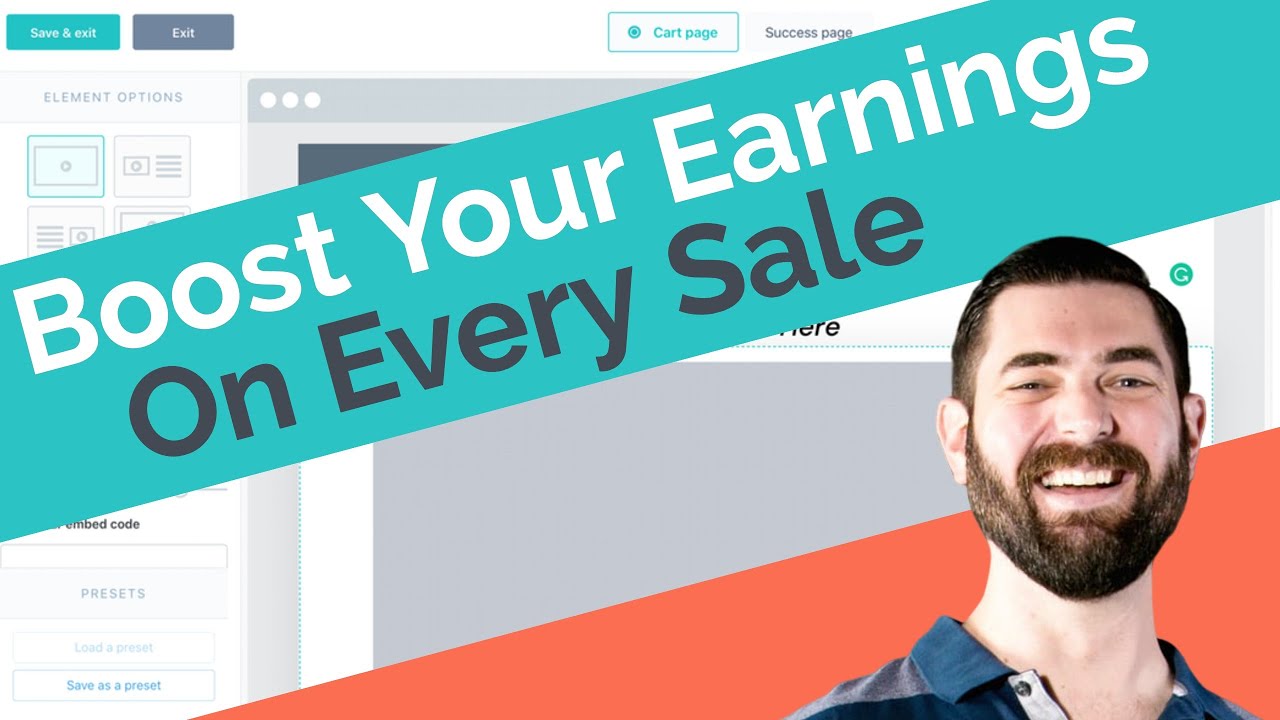
How To Split Test With ThriveCart
Автор: Thrivecart Power Users
Загружено: 2018-04-11
Просмотров: 664
Описание:
Get ThriveCart (and the One Page Template + Bonuses) here: https://getthrivecart.com/get
Split testing is one of those necessities when it comes to marketing your product. And if you are using ThriveCart for your checkout platform, then you definitely should watch this video and start split testing!
In this video, we'll walk you through how to set up your first split test. You'll learn how simple it is to get one running in a minute and how to increase your conversions doing so.
When it comes to testing elements, we always recommend split testing just one or two things at one time. This way, you'll start to understand which specific things are working best and others that aren't so great.
With ThriveCart, you have the ability to test almost anything you want! Here's an exhaustive list that you can print out and use whenever you want to split test. Just go down the list and test one at a time... I GUARANTEE your conversions will increase throughout this process...
Specific elements you can split test with ThriveCart:
The price (different prices)
Pricing options (split pay, recurring, one-time, pay your price)
Payment options (PayPal & Stripe vs. just Stripe)
Payment button color
Countdown timer vs. no countdown
Logo vs. no logo on top
Test which testimonials work best
Testimonials vs. no testimonials
Guarantee vs. no guarantee
Checkout overall design (2-step vs. 1-step, etc.)
Test which bullet points work best on the checkout page
Test two bump offers against each other
There are a ton more over at: https://getthrivecart.com/
Повторяем попытку...
Доступные форматы для скачивания:
Скачать видео
-
Информация по загрузке:











![Тестирование API простыми словами + практика | Postman, Connekt, HTTP [Полный ГАЙД с 0 до Senior]](https://imager.clipsaver.ru/TXUyoVP9CpA/max.jpg)