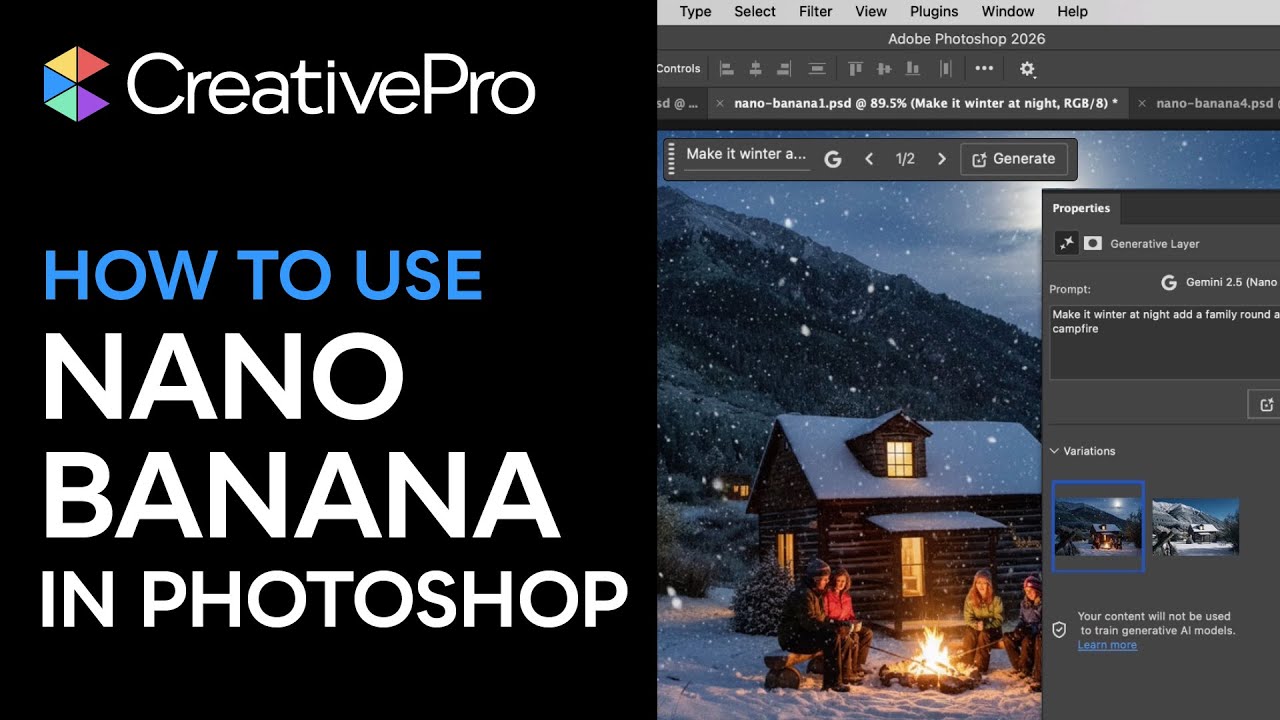
Photoshop: How to Use Nano Banana for Image Generation and Edits
Автор: CreativePro
Загружено: 2026-01-16
Просмотров: 445
Описание:
In this Photoshop how-to video, Steve Caplin explores Google Gemini 2.5—also known as Nano Banana—available directly inside of Photoshop. He compares Gemini’s results to Adobe Firefly, then demonstrates how generative fill can colorize images, transform scenes, and reposition subjects accurately. Steve then shows how the right prompt can unlock powerful, realistic image edits.
Expand your skills and stay current with CreativePro:
🌐 Visit our website for in-depth articles, tutorials, and expert insights: https://creativepro.com/
🎟️ Discover upcoming CreativePro events and learn from the industry's best: https://creativepro.com/events/
✅ Subscribe for more essential how-to videos: / @creativepro
🔒 Become a CreativePro member for exclusive content, downloadable resources, and our monthly magazine: https://creativepro.com/become-a-member/
🎓 About CreativePro
CreativePro is the world’s most trusted resource for design professionals. We bring you expert tips, tutorials, and events covering InDesign, Photoshop, Illustrator, PowerPoint, Acrobat, and more.
Help support the channel:
👍 Like this video to let us know it helped
💬 Drop a comment—we love hearing from you
➡️ Share this with a fellow designer who needs it
🔴 Subscribe for more time-saving tips and expert tutorials
🔔 Turn on notifications so you never miss a new video!
📌 Stay connected
Instagram: / creativepronetwork
LinkedIn: / creativepro
Facebook: / creativepronetwork
InDesign Secrets Facebook Group: / indesignsecrets
#CreativePro #GraphicDesignTips #DesignTutorial #CreativeProWeek #GraphicDesign #Design #DesignTips #ProfessionalDesign
►This video is sponsored by PageProof
PageProof is an ingeniously simple, yet powerful online proofing tool that makes reviewing and approving work feel effortless. Files of any kind - Adobe CC, Microsoft Office, web banners, movies, websites and more - can be securely shared with your team in just a few clicks.
With smart tools to automate workflow, review work and make sure everything is pixel perfect, providing feedback becomes an easy and welcome part of every day.
But it’s more than just a better way to review and approve work. It’s a way to give everyone in your team a voice, harnessing the brilliant diversity of thought within your organization and strengthening every piece of work it creates.
SPECIAL OFFER: Use promo code CPN15 to receive 15% off monthly or annual PageProof for Teams subscriptions.
Email: [email protected]
Повторяем попытку...
Доступные форматы для скачивания:
Скачать видео
-
Информация по загрузке: