Fix EA Sports FC26 Launch And Crash Issues On PC
Автор: Delft Stack
Загружено: 2026-01-15
Просмотров: 2062
Описание:
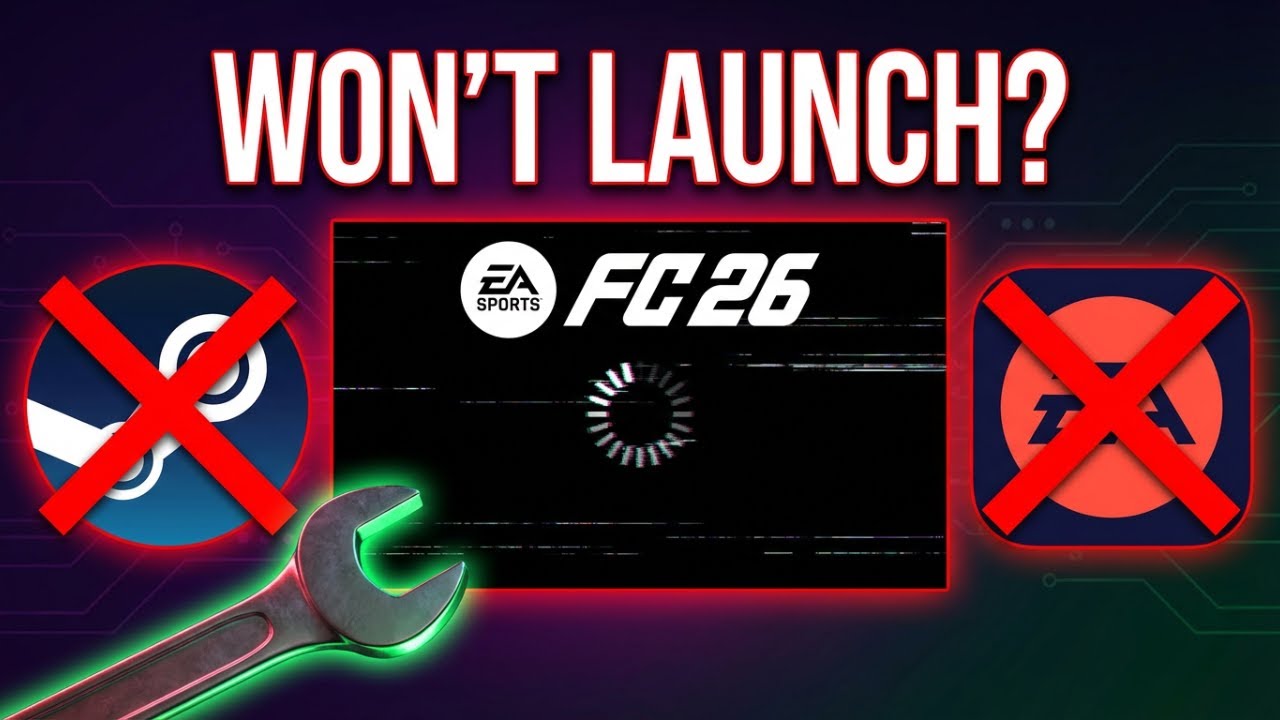
EA Sports FC26 not launching, crashing on startup, or closing right after you open it can be super frustrating. In this tutorial, you’ll go through the most reliable fixes on Steam and the EA app, including verifying game files, deleting corrupted local data, updating GPU drivers, installing Visual C++ redistributables, and enabling Secure Boot if needed. Follow along step by step and get FC26 running smoothly again. ✅
✅ What You’ll Learn In This Video
• Verify and repair FC26 game files on Steam 🛠️
• Repair FC26 directly inside the EA app ✅
• Delete corrupted Local AppData files to fix startup crashes 🧹
• Update GPU drivers (Device Manager + NVIDIA, AMD, or Intel tools) 🎮
• Install the latest Visual C++ Redistributables 📦
• Enable Secure Boot in BIOS for compatibility and launch fixes 🔐
⏱️ Timestamps:
00:00 Intro And What Causes FC26 Not Launching
00:21 Verify Game Files (Steam) And Repair (EA App)
00:46 Delete Local Files, Update GPU Drivers, Install Visual C++
01:30 Enable Secure Boot In BIOS (Advanced Fix)
🎯 Why Watch This Video?
• Saves you time by covering the most common FC26 launch fixes in one guide ⏳
• Works for both Steam and EA app installs ✅
• Fixes crashes caused by corrupted files, outdated drivers, or missing components 🔧
• Includes an advanced Secure Boot step if standard fixes don’t work 🔐
If this helped you fix EA Sports FC26, Like, Share, and Subscribe for more quick PC tutorials. Turn on Notifications 🔔 so you don’t miss the next fix. Comment below which solution worked for you.
Повторяем попытку...
Доступные форматы для скачивания:
Скачать видео
-
Информация по загрузке: