Lenovo Yoga 2 Pro Power Jack Replacement
Автор: PC 911 Computer & iPhone Repair
Загружено: 2020-06-26
Просмотров: 3516
Описание:
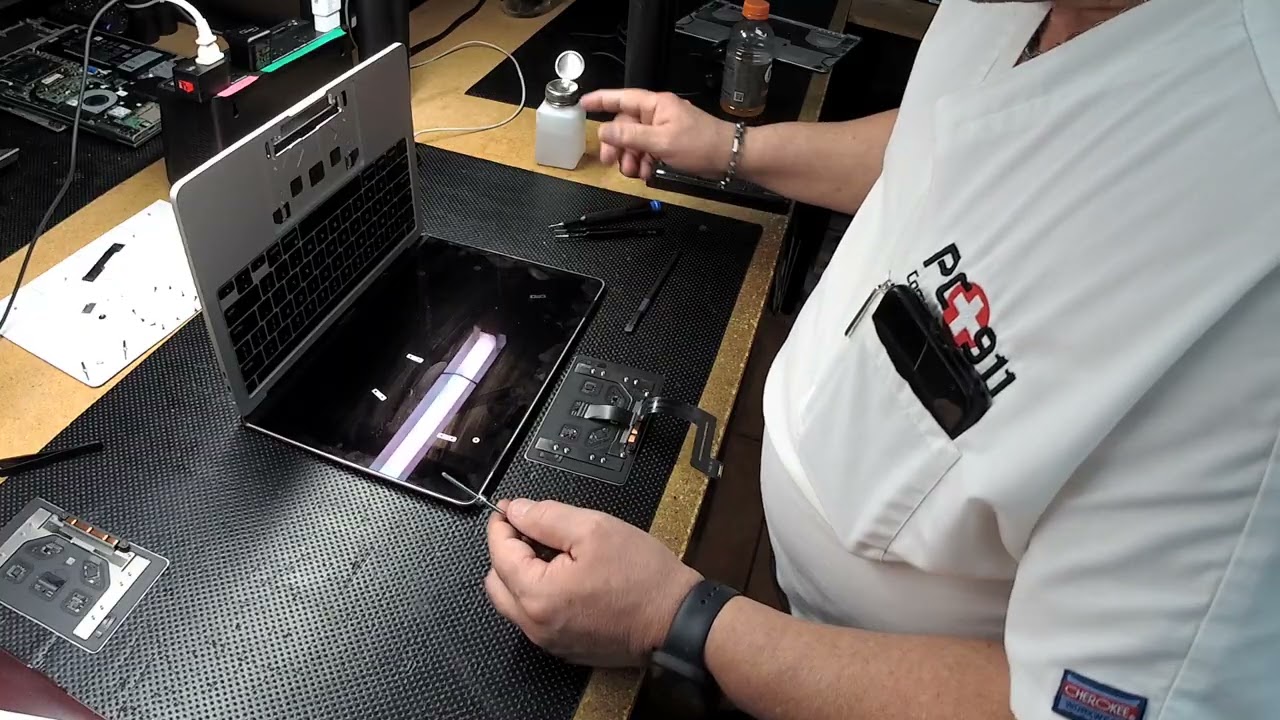
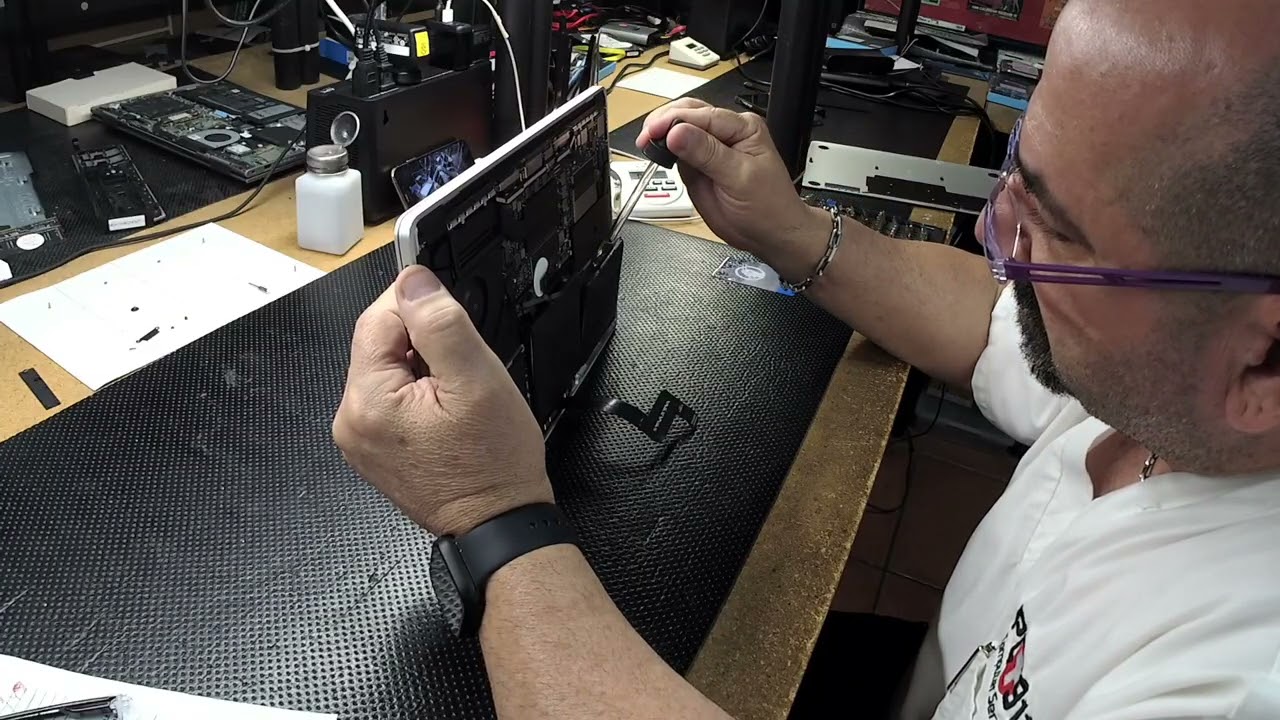
Welcome back to PC 911, today we received a Lenovo Yoga 2 Pro with a broken power jack. The fix today is to replace the broken jack with a new one. We start the fix by removing 11 screws of the back cover and with a spudger pry the sides getting it in through a slit to give it some separation. We like to use plastic spudgers so it doesn’t scratch or damage anything. We then go on to disconnect the battery by removing the screws holding it in place so it gives us room to disconnect the battery cable with the spudger you can unplug it easier. From here I took a look at the part I needed to replace before buying a new one. First we disconnect a cover it had before we disconnected the charging port cable from the board. To be able to remove it we had to lift up a part of the board what is held in place with 2 screws and then the plate holding the connector by removing 2 screws and with some plyers softly lift up the plate. The connector is held down by some glue so using a spudger to pry it up worked very well. Once I had the part I tested it out by connecting it and plugging in the charger and powering it on. Once we made sure the plug works we power the computer off and place it back where it goes what I found is that the plug cable takes a sharp turn and we ran it through were it went and held it in place with B-7000 which is a good glue that cleans up nicely as it can be rubbed off and clean it with alcohol if it smudges. Luckily, I used B-7000 because I put glue to close to the edge that smudged a little and I just cleaned it up once it was in place, I tested the strength by connecting the plug and disconnecting it. After it’s in, we place back the component we took out and screwing it back in place and sliding in the other component and hold it in place with 2 screws. From there we plugged in the battery using a spudger to put the clip in place and then screw in the battery back into the PC. I then cleaned the computer using a blower to clean the fans and any dust. From there I placed that plastic cover back over the battery connecting cable. I also cleaned the back cover by blowing the dust off as well as brushing it a little. After everything is done, we place the back plate back on and screw in all if the 11 screws. And we tested it one more time by connecting the charger in the charge port. The PC turned on and it had the charging symbol. We always check the computer since the costumer may ask any questions about it and it gives us room to make recommendations on things that can be done for the PC. And that’s what’s going on today at PC 911.
PC 911 Computer & Cell Phone Repair
http://www.PC911247.com
Повторяем попытку...

Доступные форматы для скачивания:
Скачать видео
-
Информация по загрузке: