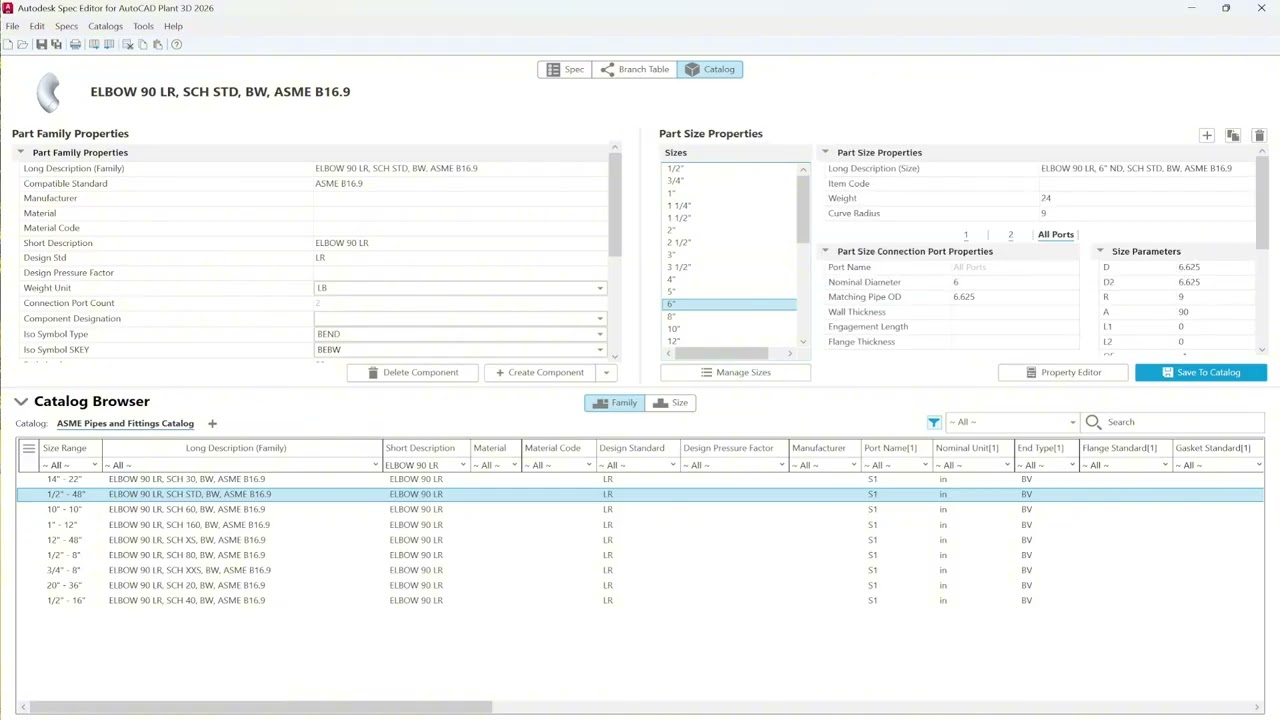
Chapter 2 Specifications: 2.7. Editing your specs in Excel
Автор: Piping Content
Загружено: 2025-04-28
Просмотров: 489
Описание:
Welcome to AutoCAD Spec Editor Training Plant 3D 2026.
In this course, you’ll learn how to create and manage the specifications and catalogs that form the backbone of accurate 3D process plant models. We’ll dive into the Plant 3D Spec Editor tool, explore key workflows, and show you how to build custom specs with confidence.
------------------------------------------------------------------------
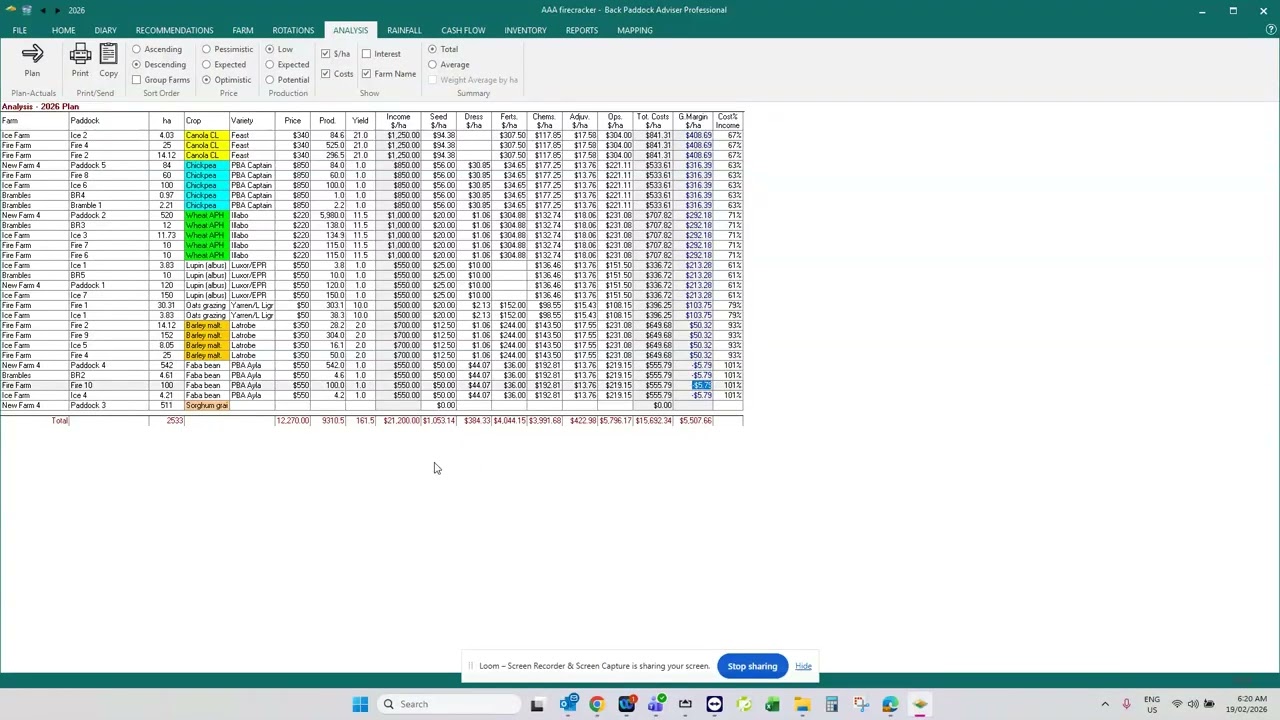
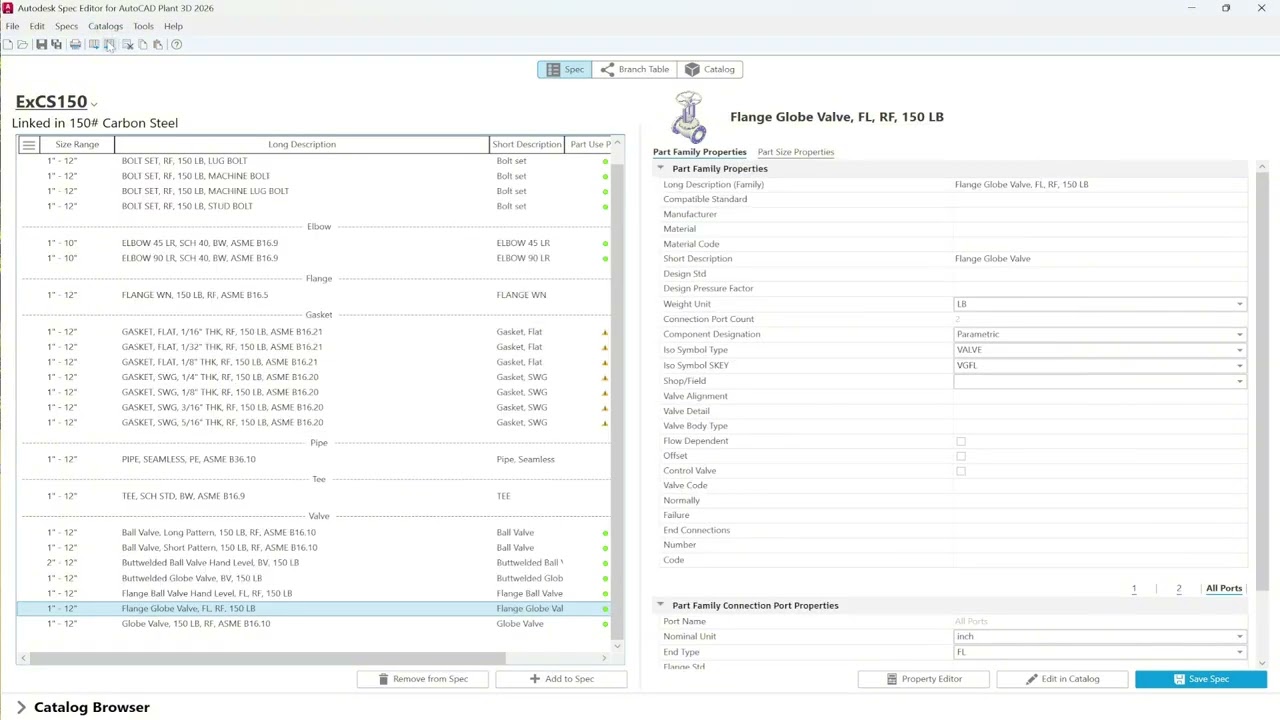
By leveraging Excel’s bulk-editing tools while carefully following the required structure and data rules, you can make sweeping changes quickly and accurately. Just remember to avoid altering system-critical fields like P&PID and stick to editing only the allowed columns.
------------------------------------------------------------------------
⚡ Exercise files: https://drive.google.com/drive/folder...
⚡ Catalog used in this video: https://apps.autodesk.com/PLNT3D/en/D...
⚡ Full course:
Chapter 1 - Getting Started: • Chapter 1 Getting Started: 1.1. Specs and ...
Chapter 2 - Specifications: • Chapter 2 Specifications: 2.1. Spec Editor...
Chapter 3 - Catalogs: • Chapter 3 Catalogs: 3.1. Using part filters
Chapter 4 - Branch Tables: • Chapter 4 Branch Tables: 4.1. Branch conne...
Chapter 5 - Conclusion: • Autodesk Spec Editor Training Plant3D 2025...
------------------------------------------------------------------------------
FIND US AT
🔥 Autodesk Store for Plant 3D spec & Tools: https://khailongtech.com
🔥 Our store: https://pipingcontent.com/
Повторяем попытку...
Доступные форматы для скачивания:
Скачать видео
-
Информация по загрузке: