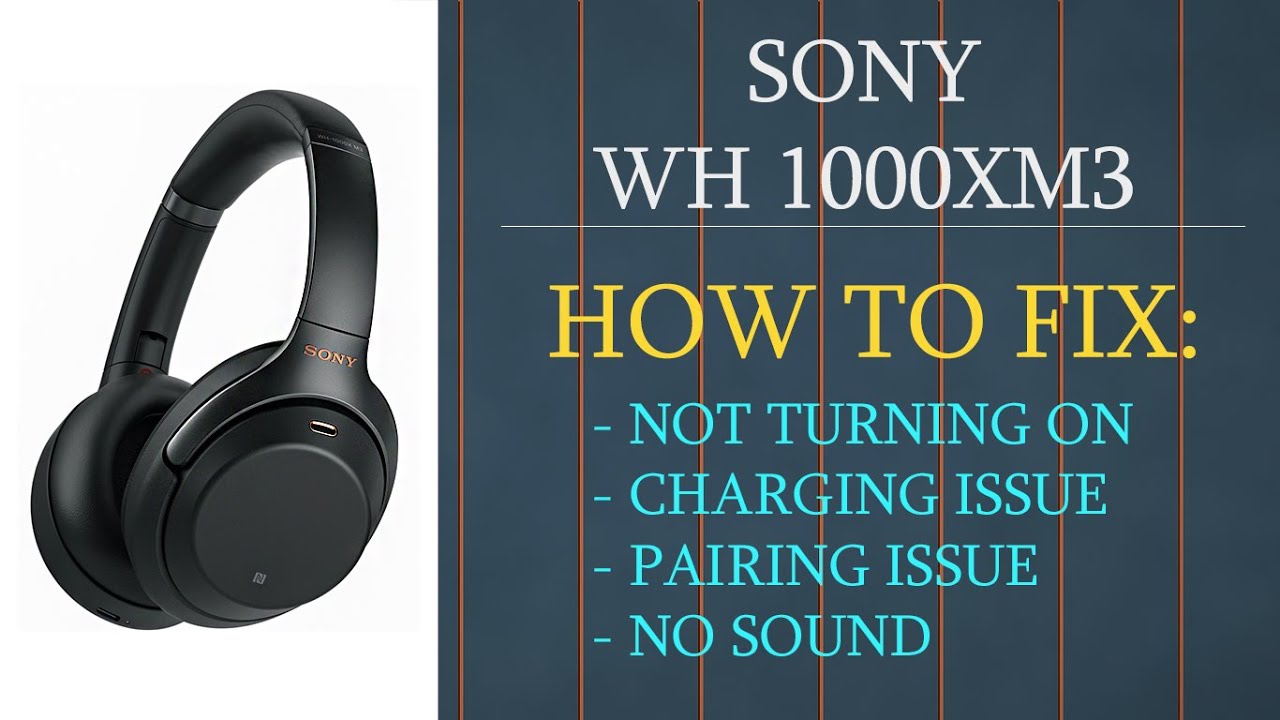
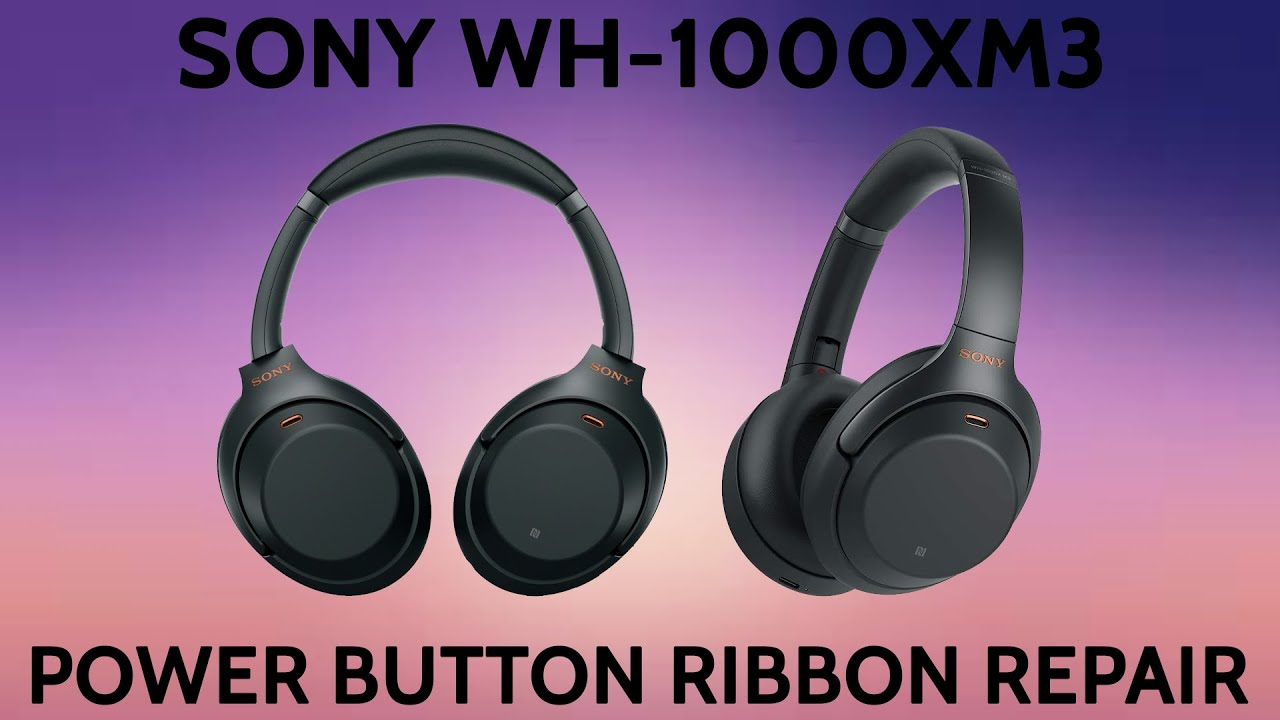
SONY WH-1000XM3 XM3 Wont Power On Issue Power Button Ribbon Replacement | Repair Tutorial
Автор: Joe's Gaming & Electronics
Загружено: 2022-05-12
Просмотров: 19661
Описание:
Buy Repair Kit: https://www.joesge.com/products/sony-...
Buy Repair Part: https://www.joesge.com/products/sony-...
Send Headphones In For Repair: https://www.joesge.com/pages/repair-s...
Steps to fix your device.
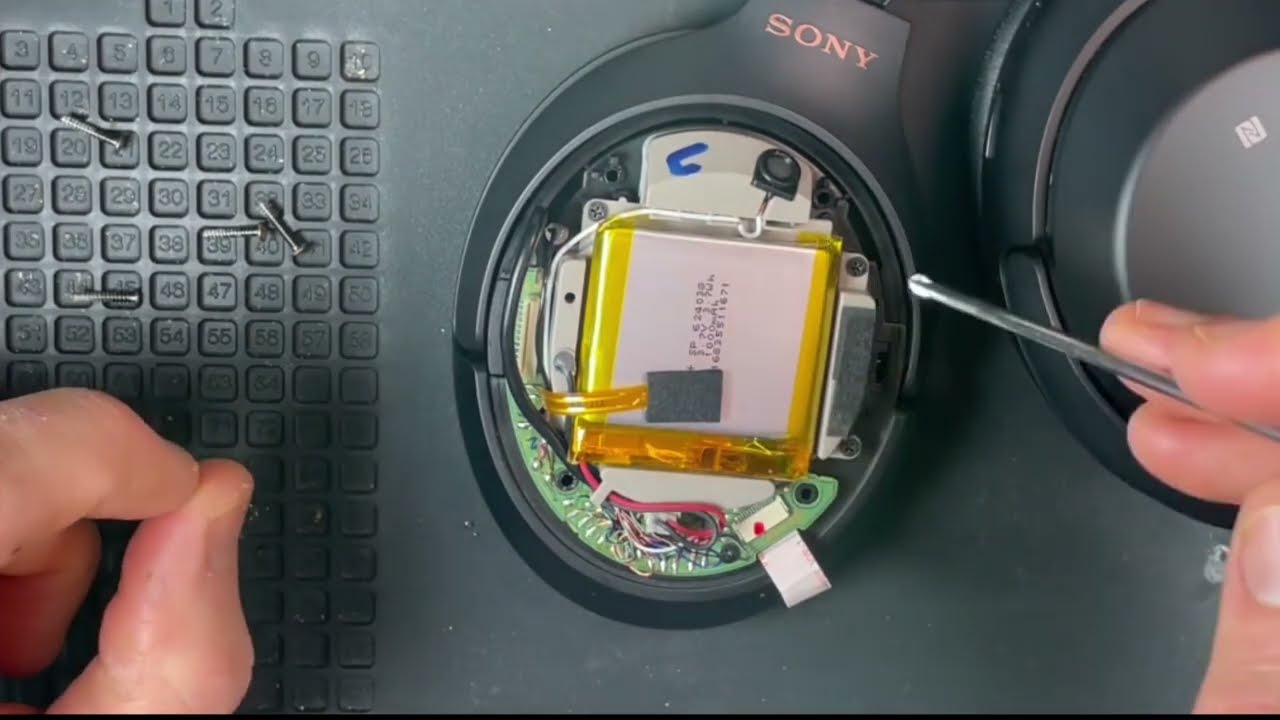
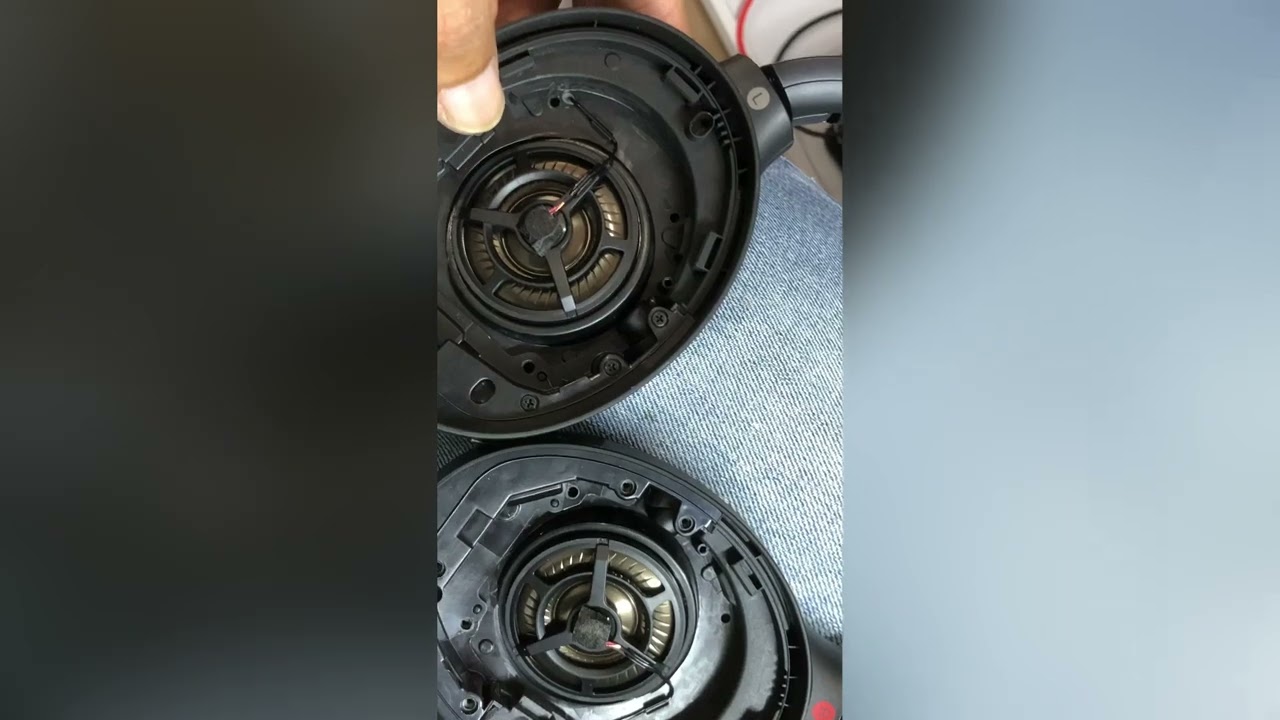
1. Remove the earmuff
2. Unscrew the main screws holding down the back touch cover
3. Unscrew the piece holding down the power button ribbon.
4. Get to the main PCB and unplug the power button
5. Remove the ribbon
6. Install the new power button ribbon
7. Put the unit back together
8. Get back to jamming out 🎵
Hello repair ninjas 🥷 As a way to help out with the increasing demand for videos of specific repairs, we have created a membership for our channel that allows you to request 1 custom repair video per month. The video you request will be put at the top of our queue and will be uploaded as quickly as possible. The video can also be started with a shout-out if you would like that. As always, thanks for checking out our repair dojo 🥷
Join Here 👉 https://bit.ly/3rMJJkW
Follow us on our social media for more repair content:
Instagram 📸 - / joesge
Facebook - / joesge
Feel free to reach out to our support team with any questions your brain has developed during the watching or pre-gaming of this video:
www.JoesGE.com 📲
[email protected] 📩
360.362.1722 📞 (Text or Call)
Повторяем попытку...
Доступные форматы для скачивания:
Скачать видео
-
Информация по загрузке: