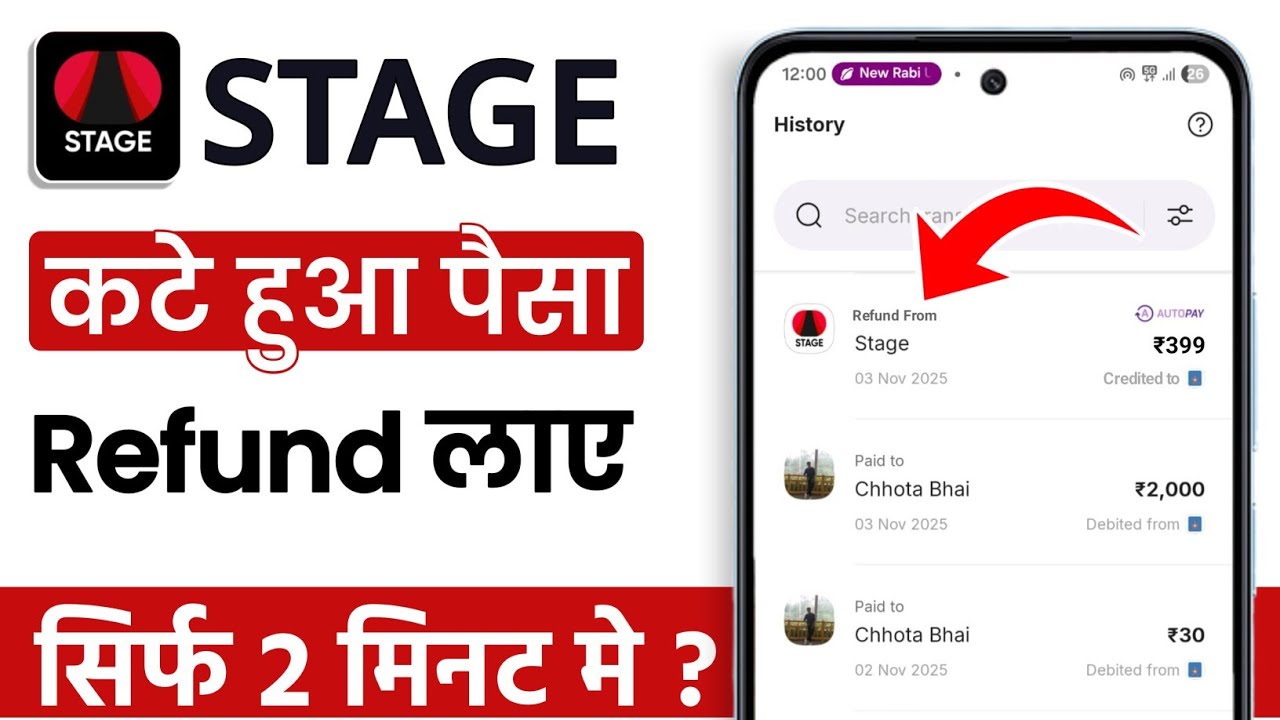
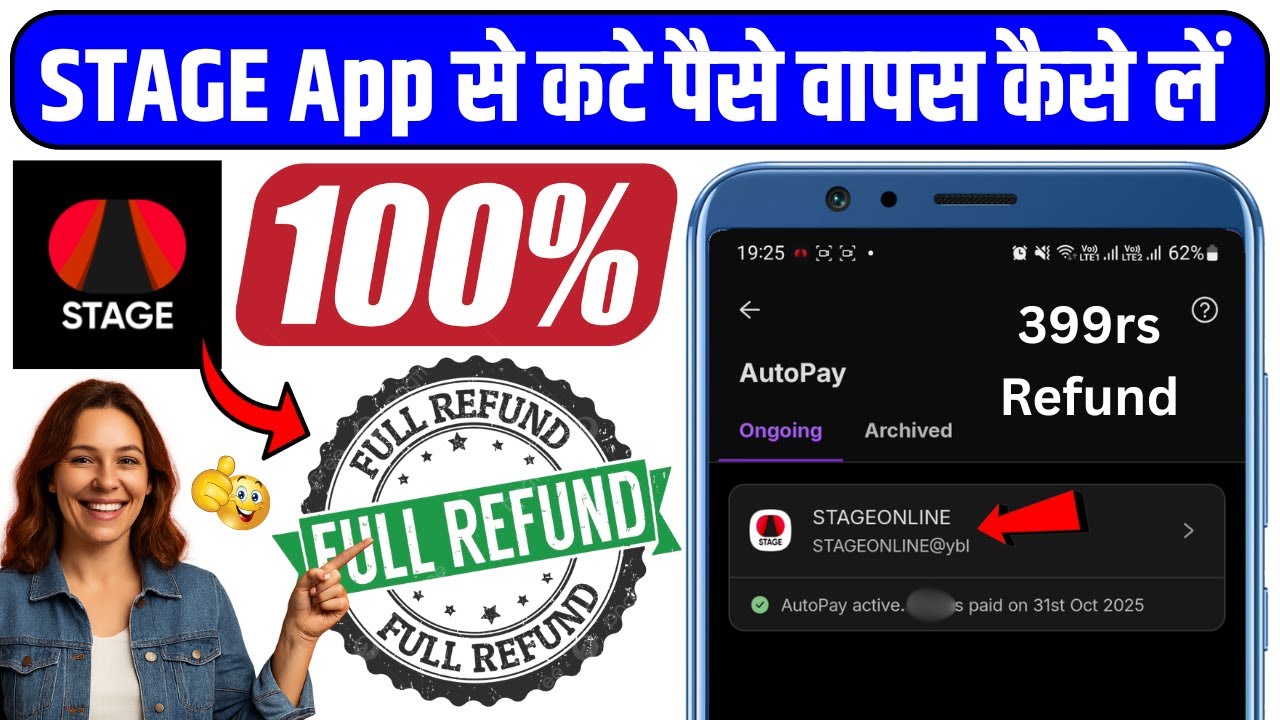
Stage app se paise wapas kaise laye | Stage app mein autopay refund kaise kare
Автор: Try To New
Загружено: 2024-12-07
Просмотров: 112307
Описание:
Stage App par agar galti se autopay activate ho gaya hai ya aapka subscription cancel karke paise wapas lena chahte hain, toh yeh video aapke liye hai! Is video mein:
Refund request ka process
Autopay refund ka tarika
Subscription cancel karne ke steps
Pure details ke liye video zaroor dekhein aur apne doubts clear karein!
👉 Important Links
Stage Support Page
Queries Solved in Video:
Stage app refund kaise kare?
Stage app autopay ko kaise band karein?
Autopay ke paise wapas kaise lein?"
*Stage App Email कैसे लिखे फॉर्मेट
Dear Stage Support Team,
I hope you're doing well! I’m reaching out to request a refund for a recent transaction I made on the Stage app. Here are the details:
Email/Phone Number: [Your registered email or phone number]
Transaction Date: [Date of the transaction]
Amount: [Amount paid]
Payment Method: [UPI, Credit Card, etc.]
Reason for Refund: [Brief reason – e.g., accidental payment, double charge, etc.]
I’d really appreciate it if you could help me process the refund as per your refund policy. Please let me know if you need any further details from my side.
Looking forward to your response!
Thanks so much,
[Your Name]
[Your Contact Information
*Hashtags:
#StageAppRefund #AutopayRefund #StageAppTips #PaiseWapasKaiseLein #StageAppHelp #SubscriptionCancel #RefundPolicy
Повторяем попытку...

Доступные форматы для скачивания:
Скачать видео
-
Информация по загрузке: