How to Fast Forward on Apple TV Remote
Автор: DigitalByte Labs
Загружено: 2025-11-16
Просмотров: 185
Описание:
How to Fast Forward on Apple TV Remote
🔗 Video Link: • How to Fast Forward on Apple TV Remote
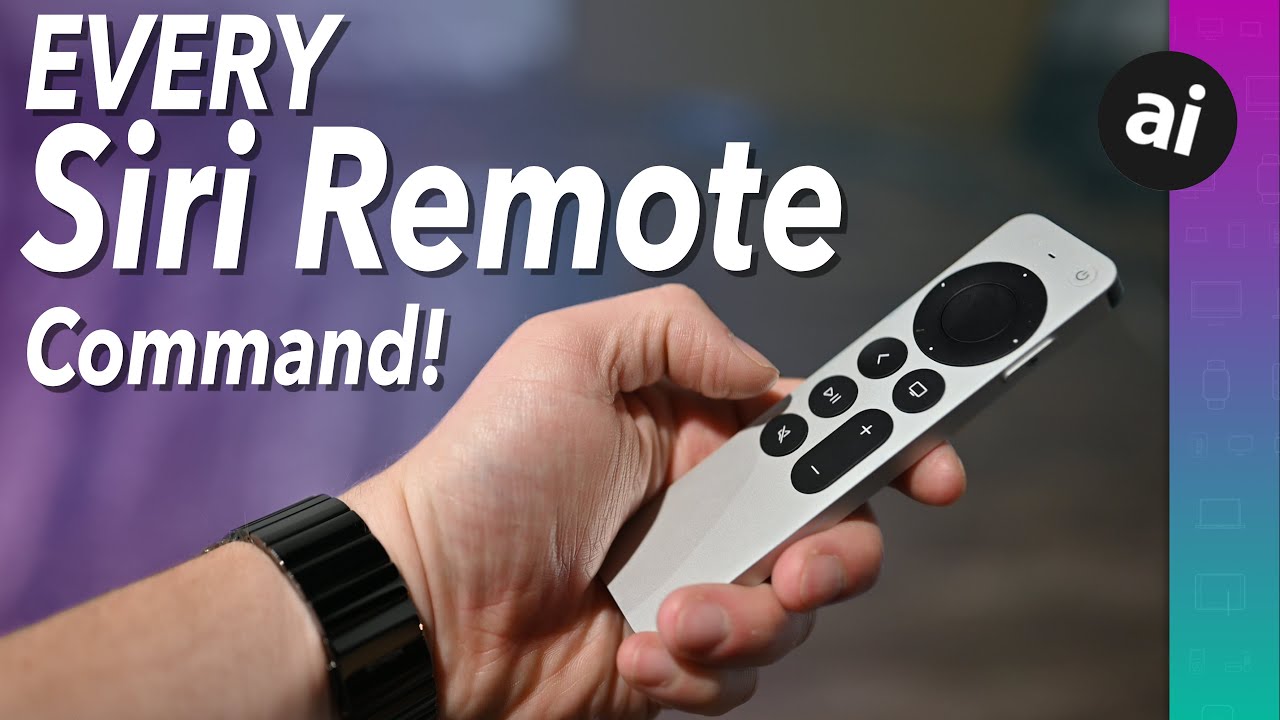
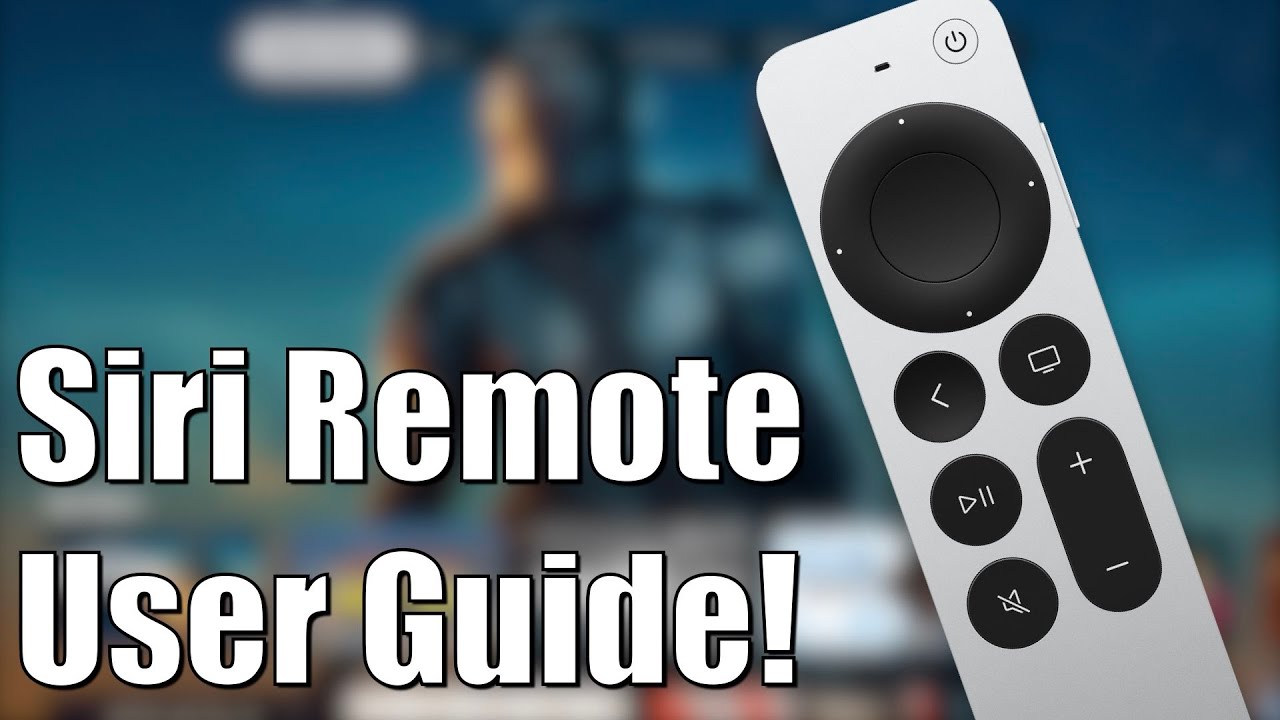
Fast forwarding on your Apple TV remote offers several intuitive methods, primarily depending on your remote model. For the current Apple TV Remote (2nd generation and later) with the circular clickpad, swipe your thumb right across the clickpad to scrub through content, or click and hold the right side for continuous fast-forwarding, increasing speed over time. If you have the earlier Siri Remote with the glass Touch surface, you'll swipe right on the surface or press and hold its right side for the same effect. A quick alternative for both Siri-enabled remotes is to double-press the Play/Pause button, which typically skips forward by 10 seconds in many apps. For ultimate precision, utilize Siri: hold down the Siri button (microphone icon) and say commands like "Fast forward 30 seconds," "Skip ahead 2 minutes," or "Go to 15 minutes and 20 seconds." This voice command feature offers a hands-free and highly accurate way to navigate your content quickly.
👉 Support the channel by:
Subscribing here: / @digitalbytelabs
Liking the video if you found it helpful
Sharing it with others who may benefit
⚠️ Disclaimer: This video is for educational purposes only. It does not replace professional, medical, financial, or legal advice. Please consult qualified experts for specific concerns.
🙏 Thank you for watching and supporting DigitalByte Labs!
Повторяем попытку...

Доступные форматы для скачивания:
Скачать видео
-
Информация по загрузке: