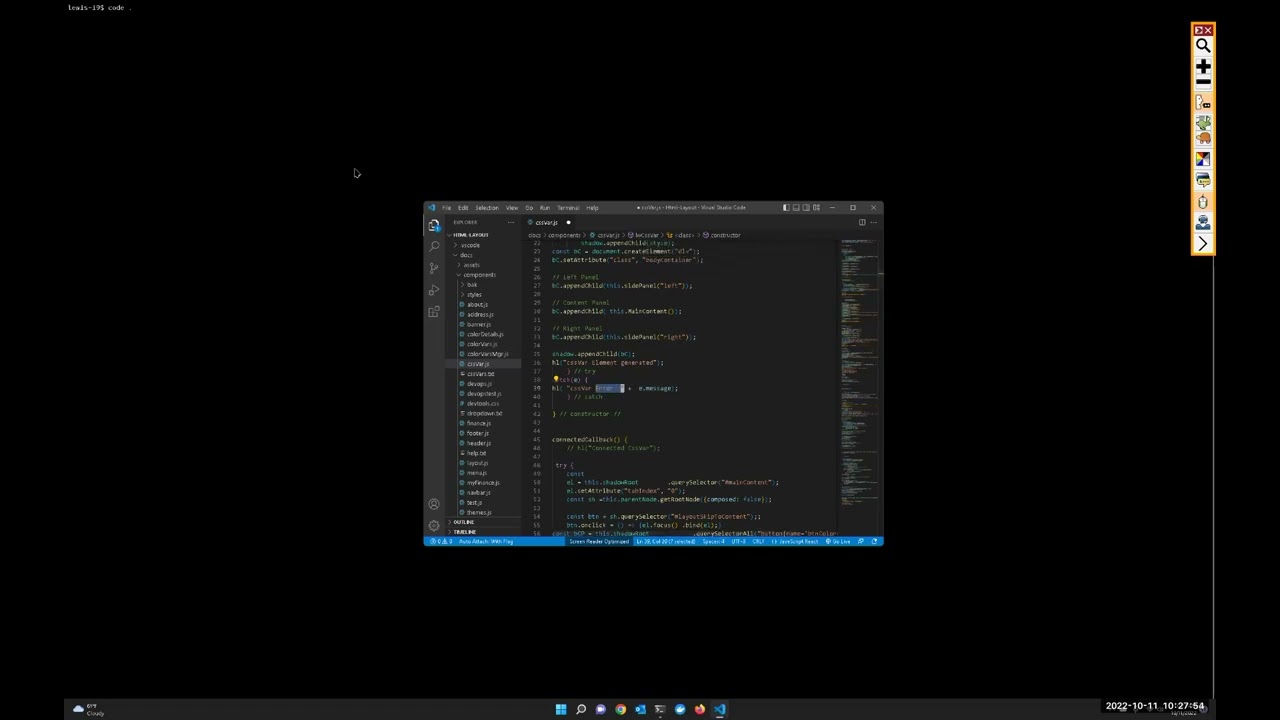
vsCode Pt 4 Split Editor and editor groups
Автор: Blind Heroes
Загружено: 2022-10-21
Просмотров: 66
Описание:
vsCode Pt 4 Split Editor Groups Anchor Selection
Explain how to perform split editing. This is where a file is editing in 2 windows/groups. Explain editor groups and perform a snippet, then block copy a folded code from one group to the newly created snippet code.
Lastly I demonstrate anchor selection, where you drop an anchor selection. Move somewhere else in the code and select to the cursor from the anchor point.
ctrl + backslash to split. ctrl + k ctrl + l to fold as well.
ctrl+k ctrl+b drop anchor, ctrl+k+ctrl+k to select from anchor to cursor.
We as blind coders proccess coding one line at a time and fail to see those helpful hints decorating the screens that our sighted counterparts see.
This is part of a series of videos on using vsCode with a screen Reader, such a Jaws and NVDA. This serious will outline on the tips and tricks I as a blind code have figured out for myself. This will supplement other resources, that are for all coders (blind or sighted).
Read more on the Blind Heroes Article
https://blindheroes.org/general/vscod...
GitHub Repository
https://github.com/lewislwood/vsCode-...
A good resource to read:
Accessibility in vsCode
https://code.visualstudio.com/docs/ed...
vsCode Intro w/Screen Reader Playlist
• vsCode Intro w/Screen Reader
Повторяем попытку...
Доступные форматы для скачивания:
Скачать видео
-
Информация по загрузке: