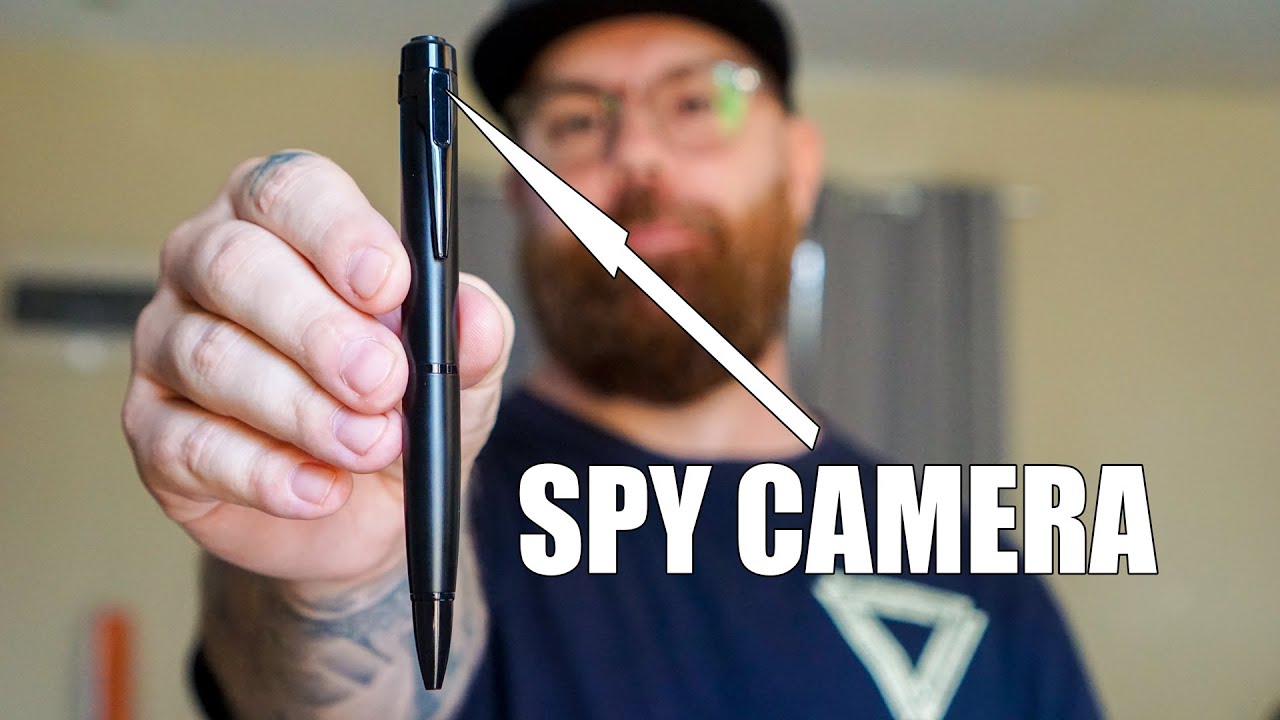
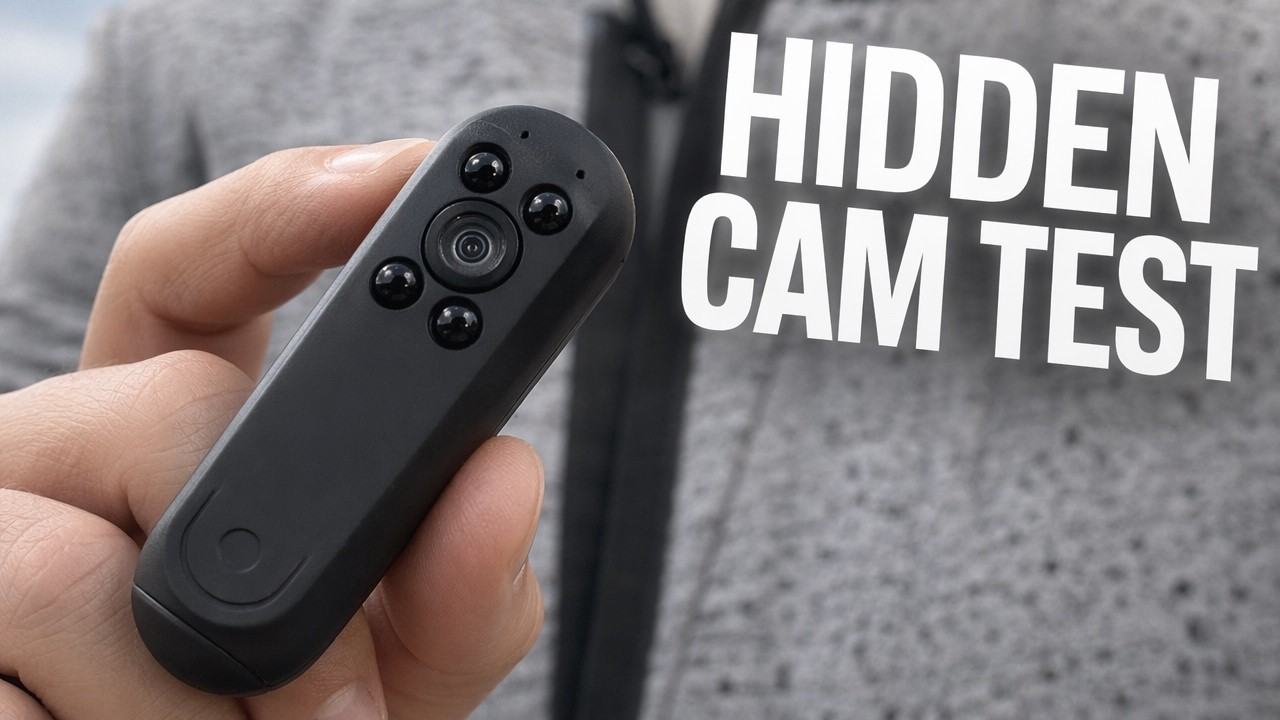
Ehomful USB Pen Wearable Body Camera
Автор: ReviewedByPhil
Загружено: 2018-11-15
Просмотров: 6815
Описание:
Discreet, lightweight, easy to use; okay video quality, but faint audio from far away. Amazon Affiliate Product Link: http://geni.us/H6QK2 As an Amazon Associate, I earn from qualifying purchases. #CommissionsEarned
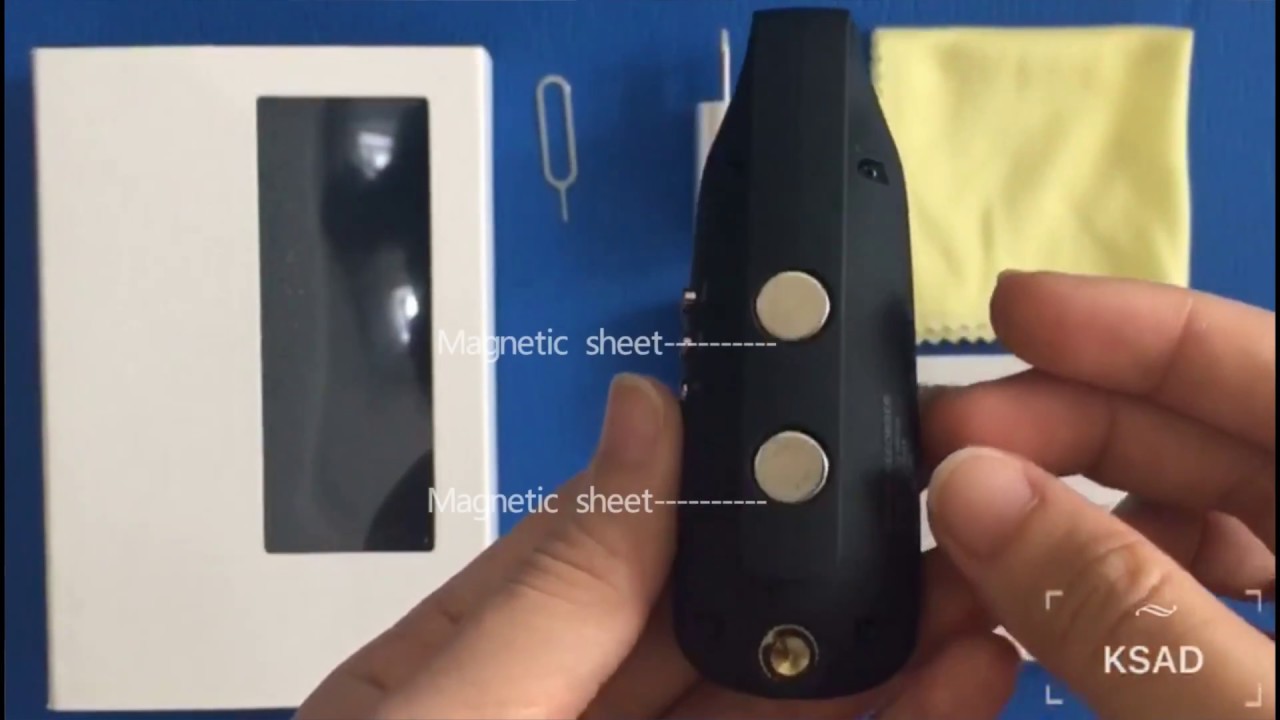
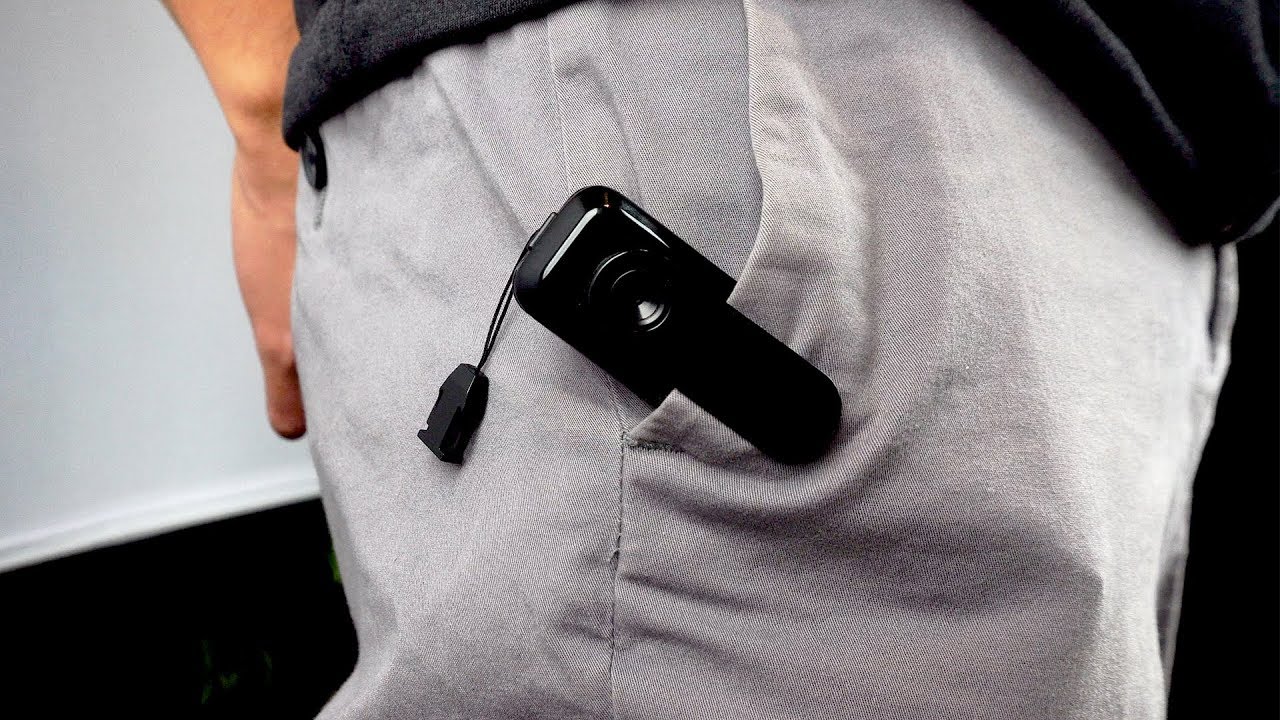
You’ll receive the camera, a wrist strap, a cleaning cloth, and an instruction leaflet. This camera measures 4.5”L x 1”W x 1/2”D and weighs about 2 oz. It has a glossy plain black plastic housing with the lens and pinhole mic on the front, a clip below that, the power mode switch on the right hand side, record button on top, lanyard clip, and a cap on the bottom which opens to reveal the microSD memory card slot and USB plug for charging and data transfers. A memory card is required but not included and the device supports cards up to 64GB cards.
This camera is able to take 120° wide angle video with a max resolution of 1920x1080p video at 30 fps. To record video, set the power switch to the first mode with the camera icon. The LED on top will be a solid blue indicating that it is in standby mode. Then click the record button on top. The LED will flash blue 3 times and then turn off to be more discreet, however, it will be recording. The camera will save video files in 5 minute clips and by default loop to write over the oldest file when the card is full. Note that this camera does not feature any infrared light for night vision recording and performs poorly in dark scenes. There is also no motion detection sensor so you can’t trigger a recording by motion. You will always have to physically press the record button to start and stop recording, and the camera will record continuously until stopped, runs out of battery, or the memory card is full, if looping is switched off.
Each 5 minute video clip is saved in AVI format and takes up about 1 GB at 1080p or 500 MB at 720p. If instead of video, you want to record audio only, set the switch to the second position with the microphone icon and the LED in standby will be green. Again, while the unit is recording the LED is off for discretion. Audio files are saved in WAV format and a 1 minute audio clip takes up about 2 MB with 128kpbs bitrate; there is no length maximum for audio only recordings and recordings are not broken into clips, nor looped over if the card runs out of space.
The camera has a 550 mAh Li-po battery inside which allows you to use the camera up to 4 hrs for video and 7 hours for audio before needing to charge. However, at 1080p resolution on a 64GB card, you’ll only get about an hour’s worth of video before it loops and with 720p video you can get a little over 2 hours of video. To charge the camera or download the saved files, simply turn the unit off, then plug it into a USB port on your computer or laptop. You can also use it as a webcam when plugged into a computer. For charging only, you can plug the device into any powered USB plug or adapter.
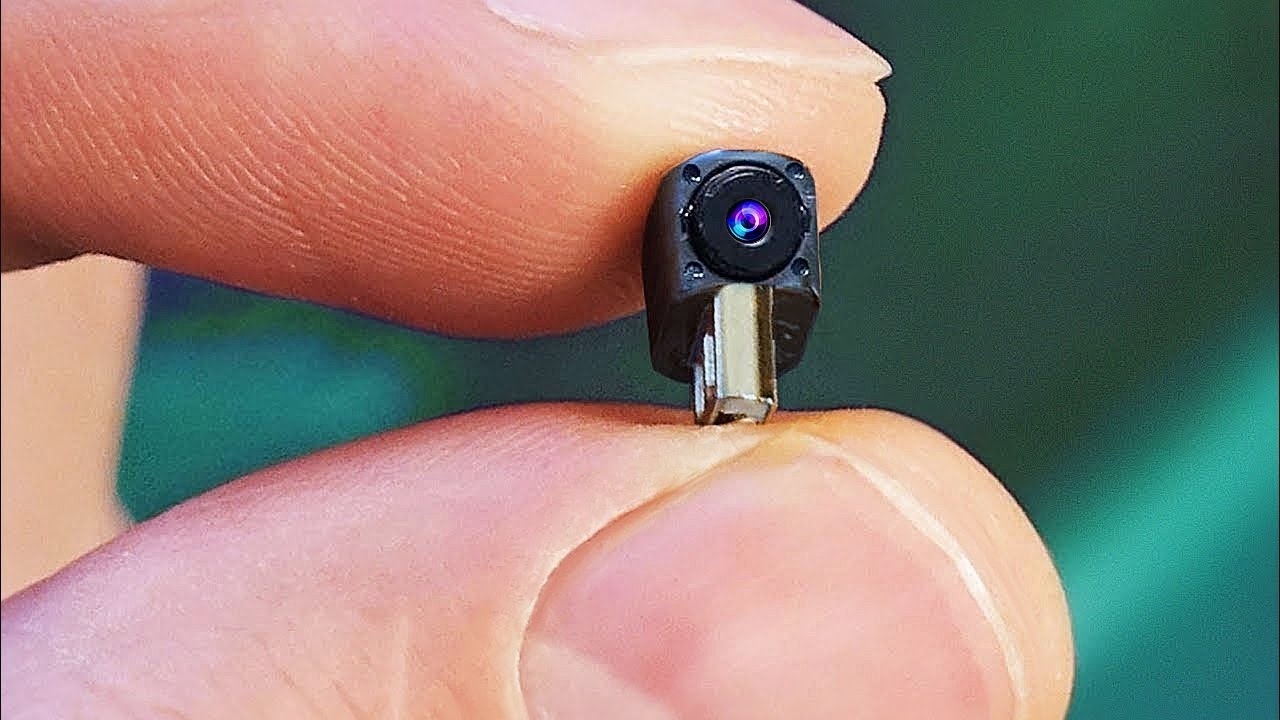
The fixed focus lens has a minimum focal point of about 3 feet. Any closer and things just look a little bit blurry. The audio is somewhat quiet, but picks up voices within a few feet clearly, albeit with some background noise. I did have to bump up the gain in post processing to get a decent volume level. You’ll notice in the video file that there is a timestamp which you can set or change, though the instruction manual explains the process incorrectly.
To set the time and date, plug the camera into your computer, then navigate to the SD card’s main folder. Create or edit the text file called settime.txt. In this file, type in the current time and date in the following format, year month and day of month separated by hyphens, comma, military hour, minute, and second separated by colons with no spaces between the date and time. Then save and close the file. You’ll need to create a separate file, called settings.txt for changing additional video settings like video resolution, loop recording, and timestamp toggle. In this file, you’ll enter 3 digits separated by commas, either 1 or 0. The first 1 sets the video resolution to 1080p, changing to a 0 sets it to 1280x720p resolution. The second 1 toggles on and off loop recording, to overwrite the oldest video or audio files, 0 for off 1 for on. And the third one toggles on or off the date/timestamp, again 0 for off and 1 for on. Save and close this file and these settings will take effect the next time you run the camera. Note that you’ll need to create the file every time you want to modify these settings.
Overall, this wearable body camera performed well as a budget level spy cam. It’s compact and fits in your pocket and the clip helps it face out to capture first person views as a body camera. The captured video isn’t amazing but has decent resolution for such a tiny lens, and the audio captured from its immediate surroundings is usable even if it’s a little quiet and noisy.
As an Amazon Associate, I earn from qualifying purchases. #CommissionsEarned
Amazon Affiliate Product Link: http://geni.us/H6QK2
Повторяем попытку...
Доступные форматы для скачивания:
Скачать видео
-
Информация по загрузке: