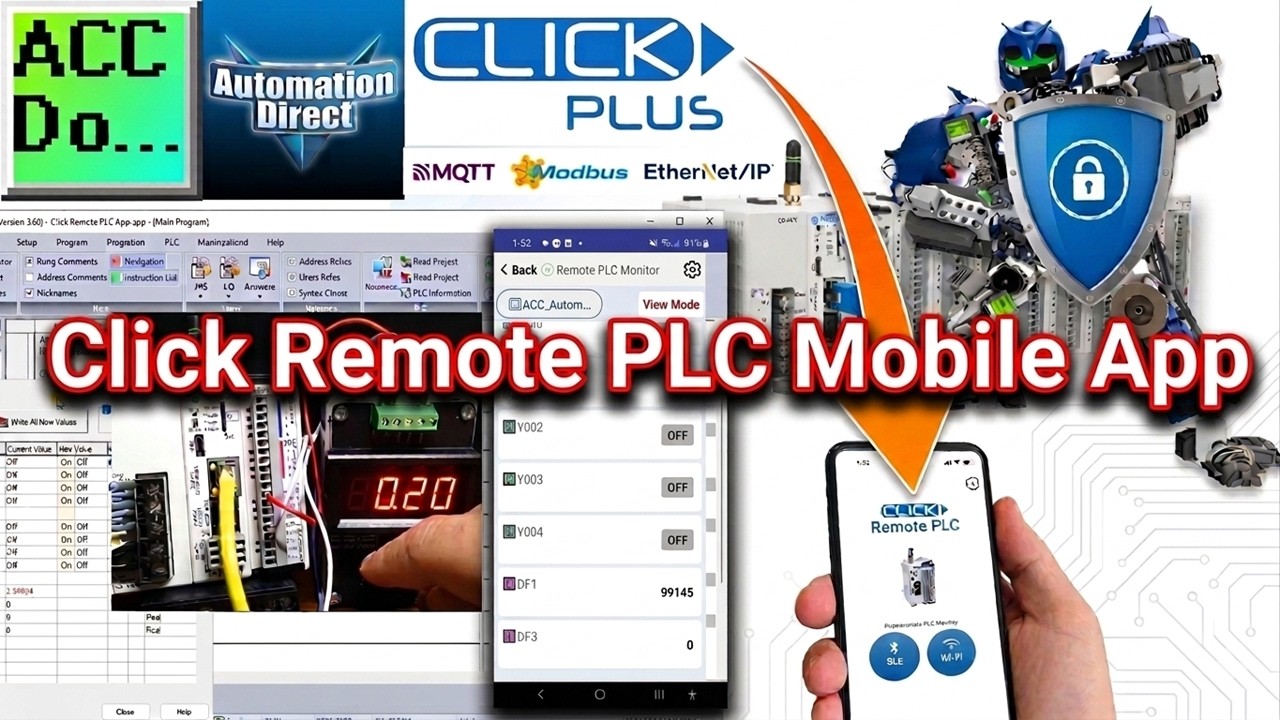
Click Remote PLC Mobile App
Автор: ACC Automation: PLC & Industrial Control Learning
Загружено: 2024-09-29
Просмотров: 2111
Описание:
The Click PLC Programming Software Version 3.60 has added support for a new Remote PLC Mobile App, which allows users to view and edit PLC Registers and view PLC Status from an iOS or Android mobile device. Any CPU with Ethernet or Bluetooth communication supports this feature.
We will install the latest Click PLC Programming Software Version 3.60, which introduces an exciting new feature - the Remote PLC Mobile App. This app empowers users to effortlessly access and modify PLC Registers and monitor PLC Status directly from their iOS or Android mobile devices. This powerful functionality is compatible with any CPU equipped with Ethernet or Bluetooth communication. Our next steps will involve:
Installing the new Click PLC software.
Updating the firmware.
Putting the new Remote PLC Mobile Application to the test on our Click PLC.
Let's get started.
More information can be obtained at our website. This includes all of the links mentioned in this video.
https://accautomation.ca/click-remote...
00:00 Click Remote PLC Mobile Application
01:16 Install the new Click 3.6 version Software
02:09 Click Program and Update Firmware
05:25 Setup Remote Application (App)
08:38 Test and Demonstrate Click Remote PLC App
Previously, we looked at the following:
Click Plus Software Installation
https://accautomation.ca/click-plus-s...
• Click Plus PLC Software Installation
Establish Communication
https://accautomation.ca/click-plus-e...
• Click Plus Establish Communication
MQTT Communication
https://accautomation.ca/click-plus-p...
• Connecting Click Plus PLC to IoT Networks ...
Data Logging
https://accautomation.ca/click-plus-d...
• DATA Logging with Click Plus PLC & Micro S...
Click Plus Real Time Clock
https://accautomation.ca/click-plus-r...
• Click Plus PLC Real-Time Clock
Click PLC Serial Communication Timing
https://accautomation.ca/click-plc-se...
• Click PLC Serial Communication Timing Now!
Retentive Data Memory Registers
https://accautomation.ca/click-plc-re...
• 💽🖥️Master RETENTIVE Memory in Click PLC Pr...
Click PLC Analog Input Non-Linear Scaling
https://accautomation.ca/click-plc-an...
• Click PLC Analog Input Non-Linear Scaling
How to Connect Pushbutton Switch to Programmable Controller
https://accautomation.ca/how-to-conne...
• Master PLC Wiring: Safe Single-Button Star...
Click to Click PLC Communication
https://accautomation.ca/click-to-cli...
• Click PLC Master-Slave: WIFI, Ethernet & S...
Click PLC to Click PLC Communication RS485
• Koyo Click PLC RTU Protocol Programming Tu...
Click PLC to Click PLC Communication Ethernet
• Master Click PLC Remote Control via Ethern...
Click PLC to Click PLC Communication WiFi
• Click PLC WLAN Ethernet Data Transfer Mast...
Integrating an XY-MD02 Sensor with Modbus RTU into Click PLC
https://accautomation.ca/integrating-...
• Integrating an XY MD02 Sensor with Modbus ...
CLICK PLCs were designed with simplicity in mind, providing reliable control at a low, low cost and with little to no learning curve.
This simplicity makes CLICK a perfect solution for small machines, home automation projects, pneumatic applications, and anywhere a simple system needs a budget-saving control solution.
Building on the original CLICK's simple design, the new CLICK PLUS PLCs offer the same practical control but with surprising bells and whistles. Using the same FREE, streamlined PLC programming software as its predecessor, the CLICK PLUS PLCs provide no-headache programming combined with advanced capabilities like Wi-Fi communication and data logging.
The Click and Click PLUS PLC series can be found at this URL:
https://accautomation.ca/series/click...
Features of the new Click PLUS PLC (C2-0xCPU) include the following:
Micro USB
DHCP support
DNS support
Wi-Fi (programming and Modbus TCP)
Bluetooth (Wi-Fi) provisioning
SD Card (Data Logging)
Data Logger
Network Time Service
MQTT (Publish/Subscribe)
Required PLC Password
Disable Ports
Strong Password Support
Disable Ping Response
Encrypted Password Transfer
We are using the Click and Click PLUS PLCs for several reasons. Here are just a few.
Investment is low for the hardware, and the software is free
Standalone PLC with built-in I/O
Communication ability - Ethernet Port, RS232, RS485 - support for Modbus RTU, Modbus TCP, etc.
Ability to expand the system with various modules, including RTD and Thermocouple inputs directly.
https://www.accautomation.ca
Повторяем попытку...
Доступные форматы для скачивания:
Скачать видео
-
Информация по загрузке: