Switch Out of S Mode from Windows 11 Setup Screen - HOWTO
Автор: Jo The Techie
Загружено: 2026-02-01
Просмотров: 90
Описание:
#howto #tutorial #stepbystep #lifehacks
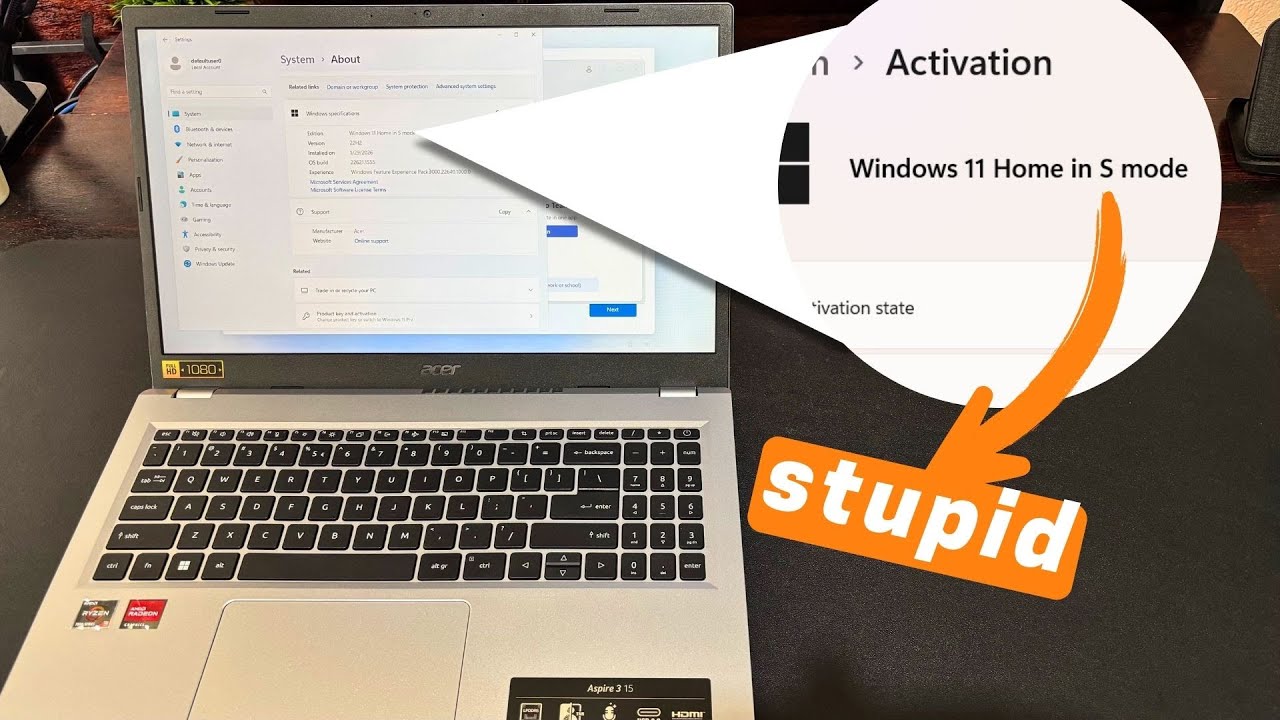
In this video I'll show you how to get out of Windows 11 S Mode without having to complete the Windows setup process for a new computer.
☕BUY ME A COFFEE☕
coff.ee/jothetechie
SUPPORT MY YOUTUBE JOURNEY 🙏🏾
🔔 SUBSCRIBE FOR MORE CONTENT LIKE THIS: http://tiny.cc/wd8onz
FOR BUSINESS
Contact - [email protected]
PROCEDURE:
• Once you get to the setup screen
• Just go through the wizard until you get to the Connect to a network screen
• Join a working WIFI with Internet of your choice and go no further
• At this point I’ll hit Windows key and R to open the run command prompt
• Sometimes you have to press it a number of times before it comes up
• Enter the command ms-settings:system and hit run
• System settings should then open
• Scroll down and open the about section
• Then scroll down again and click Product Key and Activation
• Open up the S Mode section
• Then press the Open Store button to open the Microsoft store
• Click the Get button to Switch Out of S Mode
• At this point it will ask you for your Microsoft login
• Enter your email address then hit next
• When it asks for your face, fingerprint or pin, just hit cancel
• Then press the fine print text that says Sign In Another Way
• Choose password, and enter your password
• At this point with most laptops I've done this with, it normally gives an error for some reason
• I sometimes have to re-press the Get button multiple times, until it finally works
• Once its successful it will finally say You're all set
• Your laptop is now out of S Mode
• And you'll be able to install any application you want
• The last and final step I'll do is to reset the laptop to remove my Microsoft account
• You'll just need to go back to settings
• Search for Reset
• Choose Reset PC, then hit the reset button
• Choose Remove all my files, then Local reinstall
• This will reset the laptop back to factory settings and bring you back to the setup screen
• You'll now have Windows 11 Home laptop that's way more capable
LIKE | COMMENT | SHARE | SUBSCRIBE
🛒My Tech
===============================
⌨️Desk/Office Setup
Monitor Arm https://amzn.to/3Ugtdrv
Desk Mat https://amzn.to/3w6V7hQ
Plant https://amzn.to/3wbZMz1
Laptop Cooler https://amzn.to/49S4P5m
Mic https://amzn.to/4daN449
⚠️ DISCLAIMER
This video description may contain affiliate links, which means that if you click on one of the product links, I’ll receive a small commission at no extra cost to you.
📹 Shot using iPhone 15 Plus
Повторяем попытку...
Доступные форматы для скачивания:
Скачать видео
-
Информация по загрузке: