Complete AI Character Workflow: Concept to Control Rig
Автор: Pointlessimon
Загружено: 2026-04-26
Просмотров: 352
Описание:
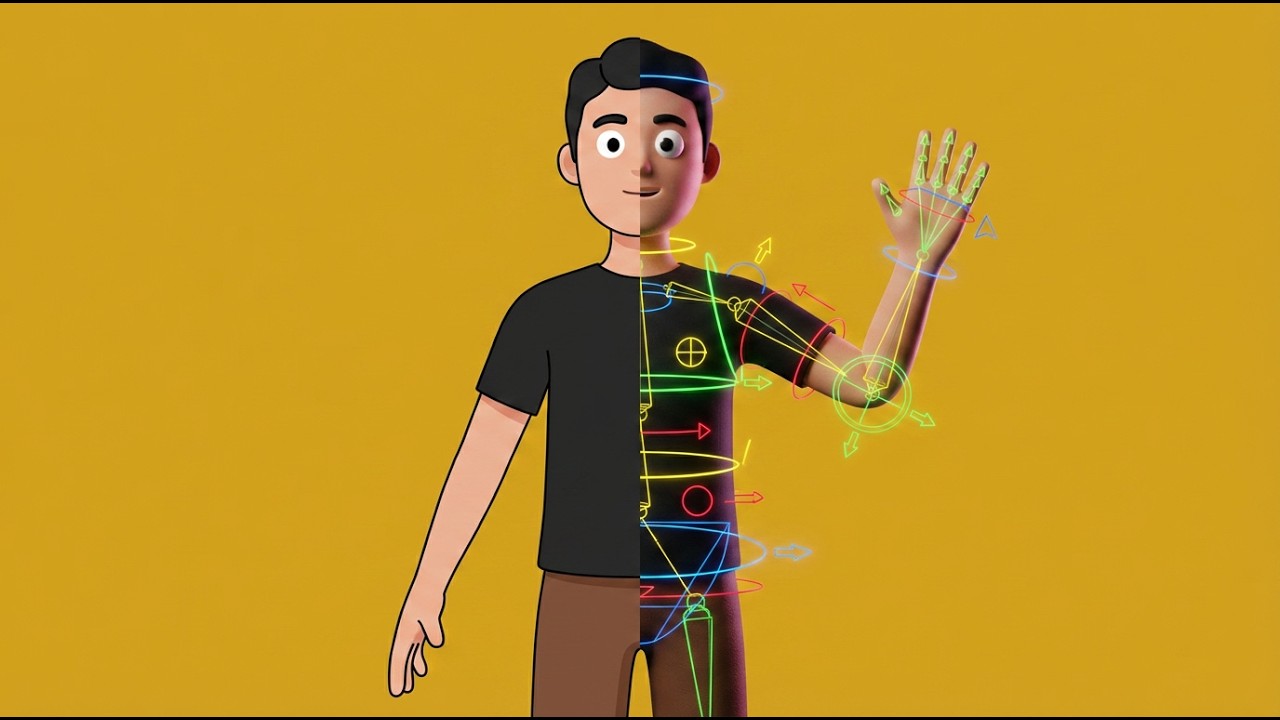
In this video I walk you through my full AI character creation pipeline. We start by generating a character with AI, then convert that image into a 3D model, and finally rig it with a control rig so it's ready to pose and animate.
This is exactly the kind of workflow I love sharing because it cuts out the manual grind and gets you to results that actually look good.
Whether you're just getting into 3D or you've been at it for a while and want to streamline your character process, this one's for you.
🔗 If you want to go deeper with this stuff, come join The 3D Shortcut. It's my free community where I share the shortcuts I actually use professionally, including character rigging workshops, my personal project files, and direct feedback to help you improve faster.
👉 https://www.skool.com/the-3d-shortcut...
🛠️ Links mentioned in the video
AccuRIG (free auto rigger)
👉 https://actorcore.reallusion.com/auto...
Auto Setup for Blender
👉 https://www.reallusion.com/auto-setup...
✍️ AI Prompt I used
Simple stylized 3D male character, full body, standing in an A-pose, facing forward, open hands with relaxed spread fingers, wearing a plain black t-shirt and simple brown pants, clean minimal design with smooth surfaces and no complex geometric shapes, cartoon-like proportions, white spherical eyes with black pupils, neutral expression, simple stylized hair, soft studio lighting, pure white background, isolated character, centered composition, high clarity, polished 3D render.
⏱️ Chapters
00:00 Intro
00:20 Generating the AI Character
04:34 Converting Image to 3D Model
05:19 Preparing the model
07:07 Rigging the Character
11:27 Control Rig
12:30 Outro
If this helped you out, a like and subscribe goes a long way. See you in the next one.
Повторяем попытку...
Доступные форматы для скачивания:
Скачать видео
-
Информация по загрузке: