Your New Fiber Laser & Lightburn Setup
Автор: Nate's Toolbox
Загружено: 2025-07-21
Просмотров: 916
Описание:
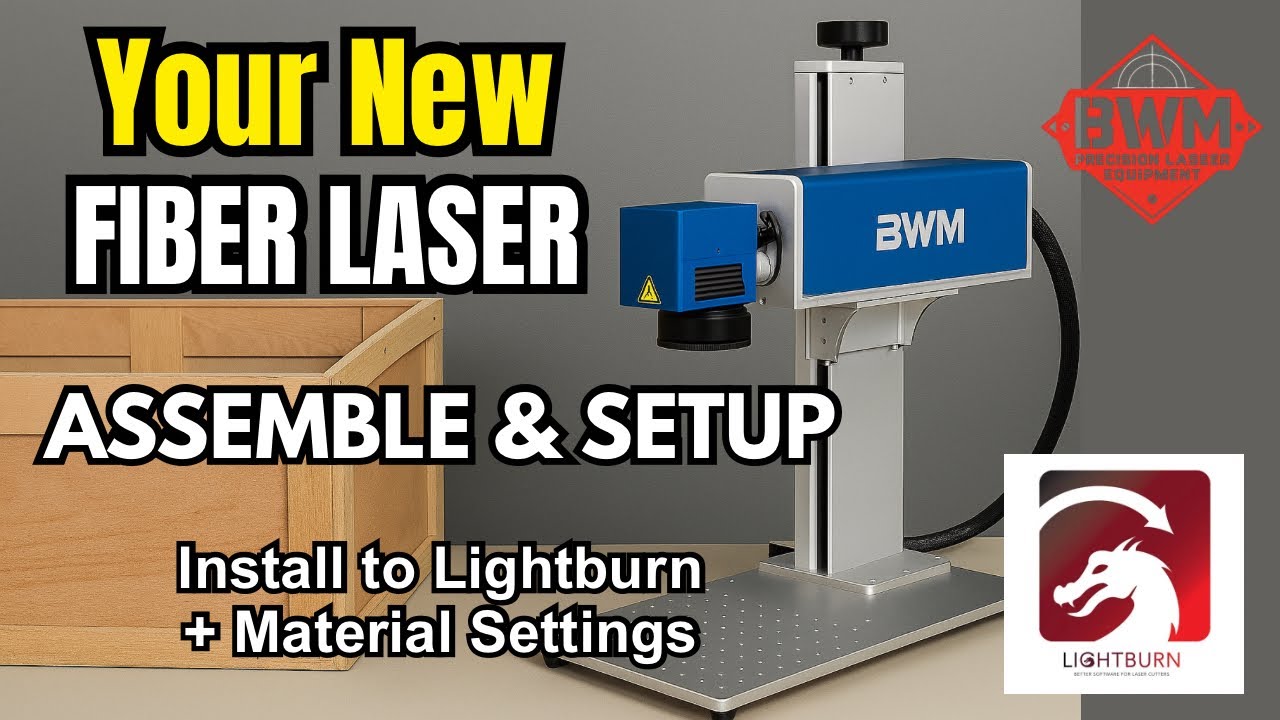
Just landed — the 60W BWM MOPA fiber laser. In this video, I walk you through the full unboxing and setup process, step by step. From uncrating to getting it running in LightBurn, I cover every detail you’ll want to know, including how to connect the motorised Z tower, install lenses, and configure your laser correctly.
I’ve been using BWM for a while now — this is actually my third laser from them. Emily and the team have been incredible to deal with, and I rate their machines and support so highly I’ve partnered with them to offer something special for my subscribers.
💥 Use code NATESTOOLBOX when ordering any BWM Galvo laser — including fiber lasers, CO2 Galvo lasers, and UV lasers — and they’ll throw in a bonus Theta lens free. It’s the kind of value and service you won’t get anywhere else.
A small starter material library is also included with every fiber laser purchase. If you’re just getting into Galvo lasers, be sure to subscribe and leave a comment — I’ll be dropping new videos weekly with tips, settings, and test results for different materials.
Whether you’re setting up your first Galvo laser or upgrading from a gantry system, this will help you get off to a smooth start.
⸻
Thanks so much for watching! Don’t forget 👉🏻 Like, Comment & Subscribe.
⸻
@bwmlaser
#fiberlaser #bwmfiberlaser #60Wfiberlaser #mopafiberlaser #lasersetup #lightburnsetup #lasertutorial #laserengraving #laserengraver #engravingbusiness #laserstarterkit #laserwalkthrough #mopalaser #lasermachine #lightburnsettings #lasermaterials #galvohead #motorisedztower #engravingtips #lasertips
Повторяем попытку...
Доступные форматы для скачивания:
Скачать видео
-
Информация по загрузке:


