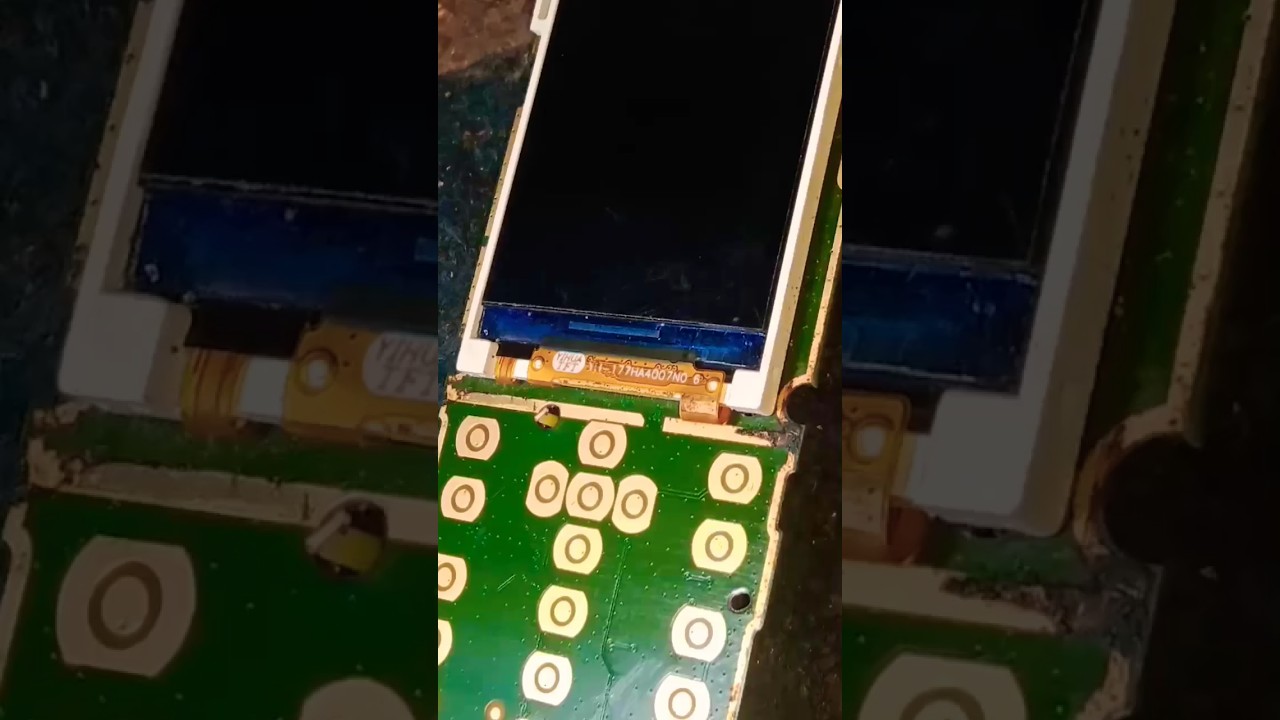
Nokia ta 1174 power key jumper/Nokia ta 1174 on off ways
Автор: Mobile Repairing FRP
Загружено: 2024-01-05
Просмотров: 9792
Описание:
"Hello, tech enthusiasts! In today's video, we're going to tackle an issue that many Nokia TA 1174 users face – a faulty power key. Instead of replacing the entire button, we'll show you how to create a power key jumper to restore functionality. Let's get started!"
Materials Needed:
Nokia TA 1174 device
Screwdriver set
Multimeter
Soldering iron and soldering wire
Thin insulated wire
Heat shrink tubing
Tweezers
Heat gun
Step 1: Identify the Power Key Location
"First, power off your Nokia TA 1174 and remove the battery. Identify the location of the power key on the circuit board. You can refer to the device's manual or use online resources to find the specific area."
Step 2: Disassemble the Phone
"Use the appropriate screwdriver to remove the screws from the back cover. Gently pry open the casing using plastic prying tools. Be cautious to avoid damaging any internal components."
Step 3: Locate the Power Button Contacts
"Locate the power button contacts on the circuit board. Examine the area closely, looking for any visible damage or loose connections."
Step 4: Measure Continuity with Multimeter
"Turn on your multimeter and set it to continuity mode. Test the continuity of the power button contacts. If there's no continuity, it indicates a problem with the power button."
Step 5: Create a Jumper Connection
"Identify a nearby point on the circuit board that connects to the power button. Using a thin insulated wire, carefully create a jumper connection between the power button contact and the chosen point. Ensure a secure and neat soldering job."
Step 6: Insulate and Secure the Jumper
"Cover the soldered connection with heat shrink tubing to insulate it. Use a heat gun to shrink the tubing. This will prevent short circuits and ensure the stability of the jumper."
Step 7: Reassemble the Phone
"Carefully reassemble the phone by securing the back cover and tightening the screws. Make sure everything fits securely and snugly."
Step 8: Test the Power Button
"Insert the battery and power on your Nokia TA 1174. Test the power button functionality by turning the device on and off. Ensure that the power key jumper is working correctly."
Conclusion:
#There you have it – a step-by-step guide on creating a power key jumper for the Nokia TA 1174. If you found this tutorial helpful, please give it a thumbs up, share it with others facing a similar issue, and subscribe for more tech guides. If you have questions or suggestions, drop them in the comments below. Thanks for watching, and happy fixing!"
Повторяем попытку...
Доступные форматы для скачивания:
Скачать видео
-
Информация по загрузке:


