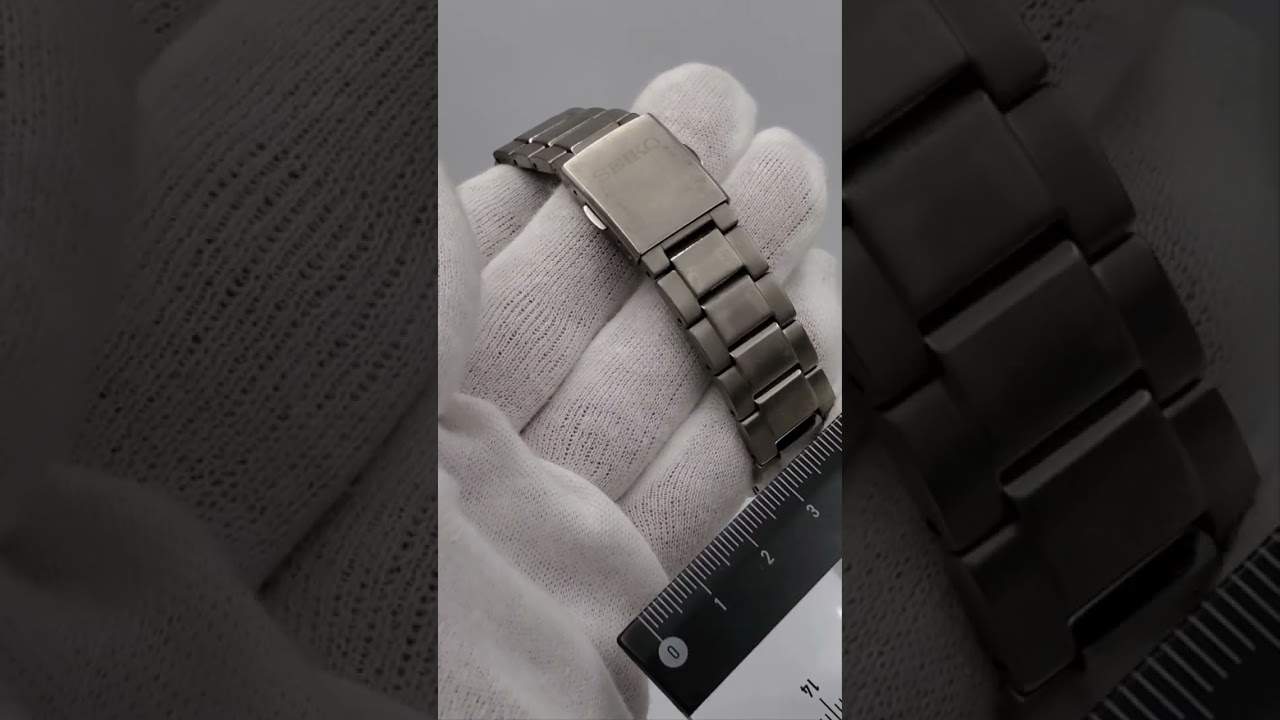
セイコー ブライツ 7B24-0BH0 基準位置 時刻修正 オールリセット SAGZ079 Seiko Brightz Reference position adjustment All reset
Автор: 仙堂時計店
Загружено: 2025-01-03
Просмотров: 1012
Описание:
Press the A button on the top right to check the results of the previous radio wave reception. This time, it pointed to N, which means No.
↓
The B button on the bottom right is a hidden button, and you press and hold it with a thin object.
The second hand points to the time difference from GMT, which means the time zone display.
You can change the time zone setting by pressing the buttons on the top and bottom.
If you do not set the correct time zone, the watch will not receive the local standard radio wave.
↓
Press and hold the A and B buttons simultaneously to correct the calendar's reference position.
To straighten the display of the day, press the B button briefly and repeatedly, then press it for a long time.
↓
If you are satisfied with the position of the display of the day, leave it as it is and the calendar reference position correction mode will end.
(If you press the A button before the hands start moving again, the hour, minute and second hands will start moving to their reference positions, but in this video we did not do this and waited for the normal hand movement mode for the next all-reset operation. The behavior of the hands is the same.)
↓
If you pull out the crown to the second step, the second hand will point straight up. After that, press buttons A and B simultaneously for four seconds, and after five seconds the second hand will make one full rotation, indicating that the all-reset operation has been accepted.
↓
The minute hand will rotate slowly, and when the hour and minute hands point straight up, the all-reset is complete.
The hands will resume moving when you return the crown to its normal position.
Повторяем попытку...
Доступные форматы для скачивания:
Скачать видео
-
Информация по загрузке: