ESi Controls 3 Channel Programmer: temporarily overriding your heating and hot water settings
Автор: ESi Controls
Загружено: 2016-11-17
Просмотров: 24328
Описание:
How to temporarily override your heating and hot water settings
You can use the boost function to turn on your heating or hot water for 1, 2 or 3 hours when your programmer is in AUTO or OFF mode
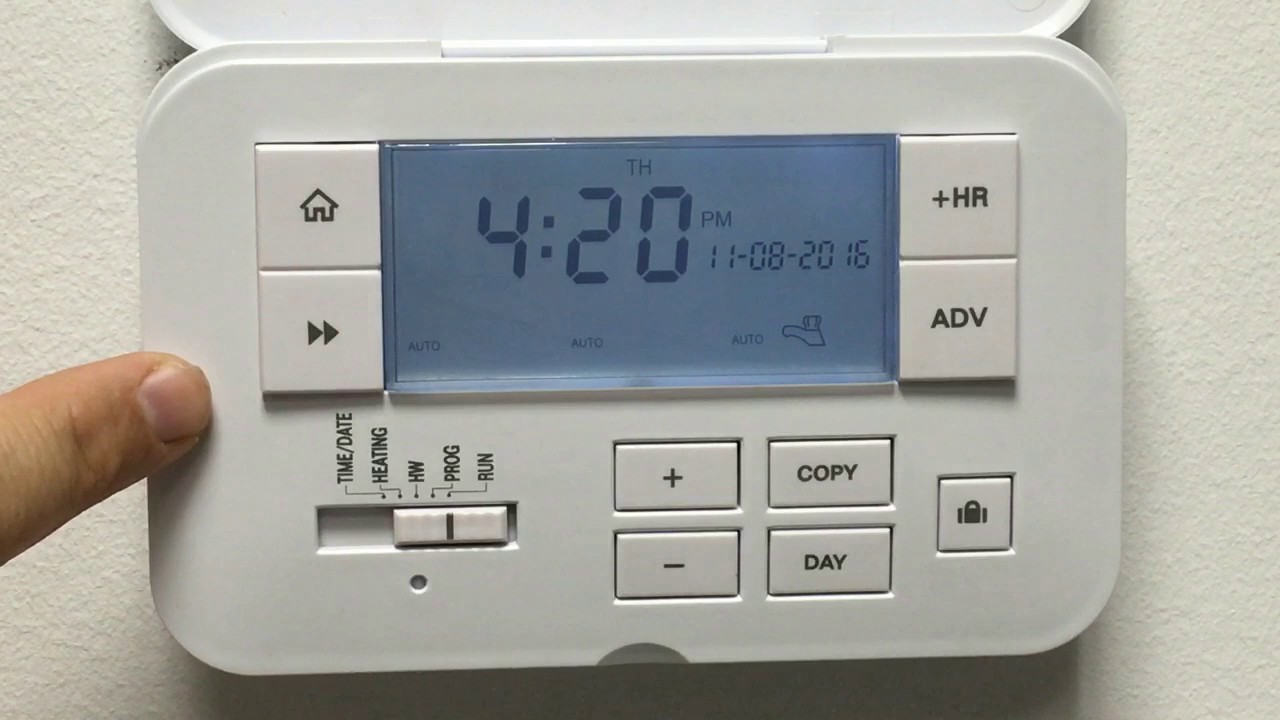
1. Select between either heating zone 1, heating zone 2 or hot water by pressing the NEXT button until the one you require is flashing.
2. You can now use the BOOST function to turn on the heating or hot water for 1, 2 or 3 hours by pressing the +HR button once, twice or three times.
3. You can also advance to your next ON setting by pressing the ADV button. This will start your next ON setting immediately and it will remain on until the programmed OFF setting.
Повторяем попытку...
Доступные форматы для скачивания:
Скачать видео
-
Информация по загрузке: