Batocera CRT 240p with Intel integrated graphics processor
Автор: jfroco
Загружено: 2020-09-21
Просмотров: 19045
Описание:
UPDATE3: I wrote this guide for GroovyMAME on BATOCERA 31: https://docs.google.com/document/d/1y...
UPDATE2: I wrote this guide for BATOCERA 31 https://docs.google.com/document/d/1o...
UPDATE1: Rion ( / @rionredemp83 ) sent me this: https://wiki.batocera.org/batocera-an... which is a step by step guide to enable 15KHz on Batocera.
All instructions here in the description using timestamps
Summary: Configuring Batocera on a small PC: Intel I3 + Intel integrad graphics processor to be used with a Sony PVM at 480i (menu) and 240p (games).
Preparation:
1.- Download Batocera and flash it to a USB flash drive. I used batocera-5.27-x86_64-20200912.img.gz
2.- Configure your PC BIOS to boot from the USB flash drive.
3.- Donwload Putty or similar to access your PC using SSH (console) via the network. In my case the PC is connected via Ethernet.
4.- Connect your PC to your CRT (I use a VGA port and an UMSA adapter - RGBHV to RGBS)
Let's start:
*************************
00:00 Booting first time
It should boot at a non-supported resolution
************************
00:32 Connect via SSH
Get the IP address doing "ping batocera" in a command line window
username: root
password: linux
**********************************
01:10 Get your monitor/TV name:
xrandr -display :0.0 | grep " connected"
VGA-1 connected primary 720x480+0+0 (normal left inverted right x axis y axis) 0mm x 0mm
***********************************
01:22 Add the 480i video configuration
cp /etc/X11/xinit/xinitrc ~/.xinitrc
Edit .xinitrc and after:
change the resolution and the Hz
xrandr -s 640x480 -r 60
Add (replace VGA-1 with your display name)
xrandr -display :0.0 --newmode "NTSC-DVD-60i" 13.514 720 736 800 858 480 484 492 525 Interlace
xrandr -display :0.0 --addmode VGA-1 "NTSC-DVD-60i"
xrandr -display :0.0 --output VGA-1 --mode NTSC-DVD-60i
xrandr -display :0.0 --output VGA-1 --transform 1,0,-40,0,1,10,0,0,1
Last line in case you want to move the image : -40 (right) 10 (up)
Now you can reboot, everything should be at 480i
*******************************************************************************
03:40 Change Retroarch menu driver to RGUI and select the right video output
Edit batocera.conf, add the following configuration:
global.videooutput=VGA-1
global.integerscale=1
global.smooth=0
global.retroarch.menu_driver=rgui
Reboot to apply changes.
******************************************
05:09 Configure CRT switchres per core
Now, choose any core and game inside Batocera using your gamepad or keyboard.
Example: Core: Atari 2600 Game: H.E.R.O.
Access the menu and configure (in this order):
Main Menu -- Settings -- User Interface -- Show Advanced Settings [ON]
Main Menu -- Video -- Bilinear Filtering [OFF]
Main Menu -- Video -- Scaling --Integer Scaling [ON]
Main Menu -- Video -- Scaling --Aspect ratio 4:3 (you can change that later)
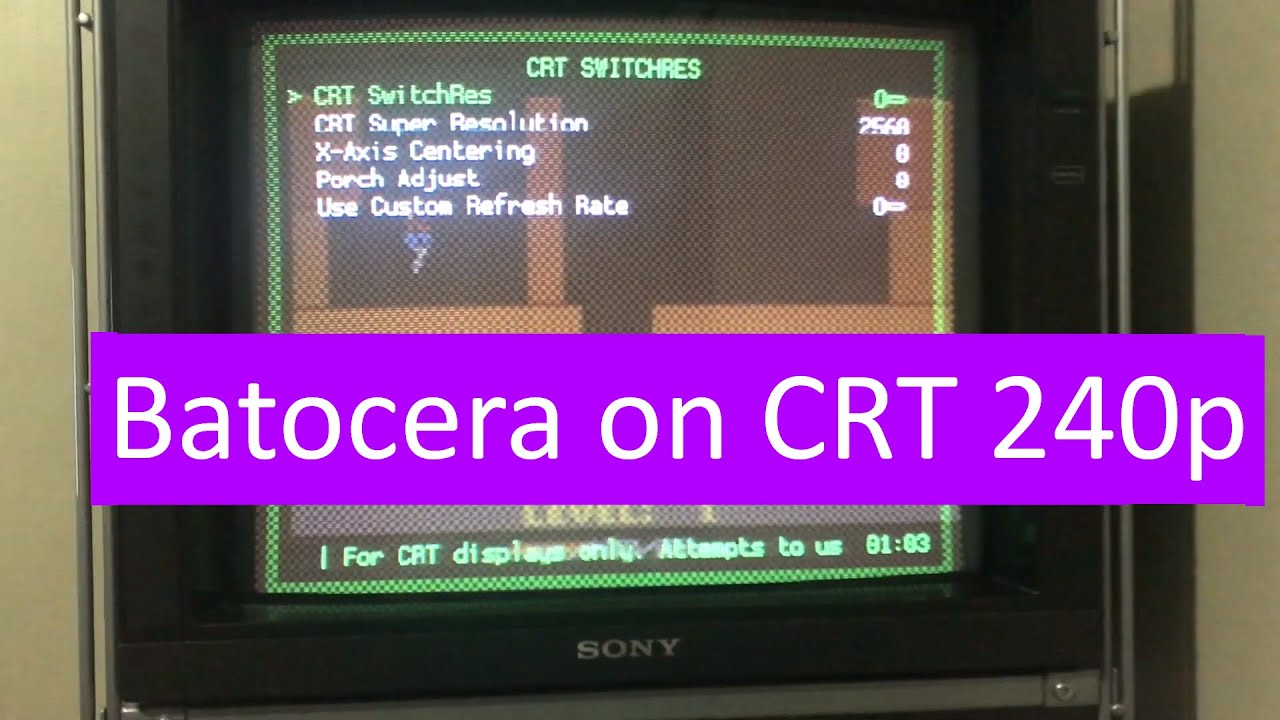
Main Menu -- Video -- CRT SwitchRes -- Use custom Refresh Rate [ON]
Main Menu -- Video -- CRT SwitchRes -- CRT Super Resolution: 1920
Main Menu -- Video -- CRT SwitchRes -- CRT SwitchRes [ON]
It should change to 240p
Now you can adjust your scaling in: Main Menu -- Video -- Scaling
Finally, save the configuration for this core:
Quick Menu -- Override -- Save Core overrides
Do the same with other cores
********************************
06:45 Enjoy!!!
Повторяем попытку...
Доступные форматы для скачивания:
Скачать видео
-
Информация по загрузке: