ycliper

Популярное

Музыка Кино и Анимация Автомобили Животные Спорт Путешествия Игры Юмор

Интересные видео

2025 Сериалы Трейлеры Новости Как сделать Видеоуроки Diy своими руками

Топ запросов

смотреть а4 schoolboy runaway турецкий сериал смотреть мультфильмы эдисон
Скачать

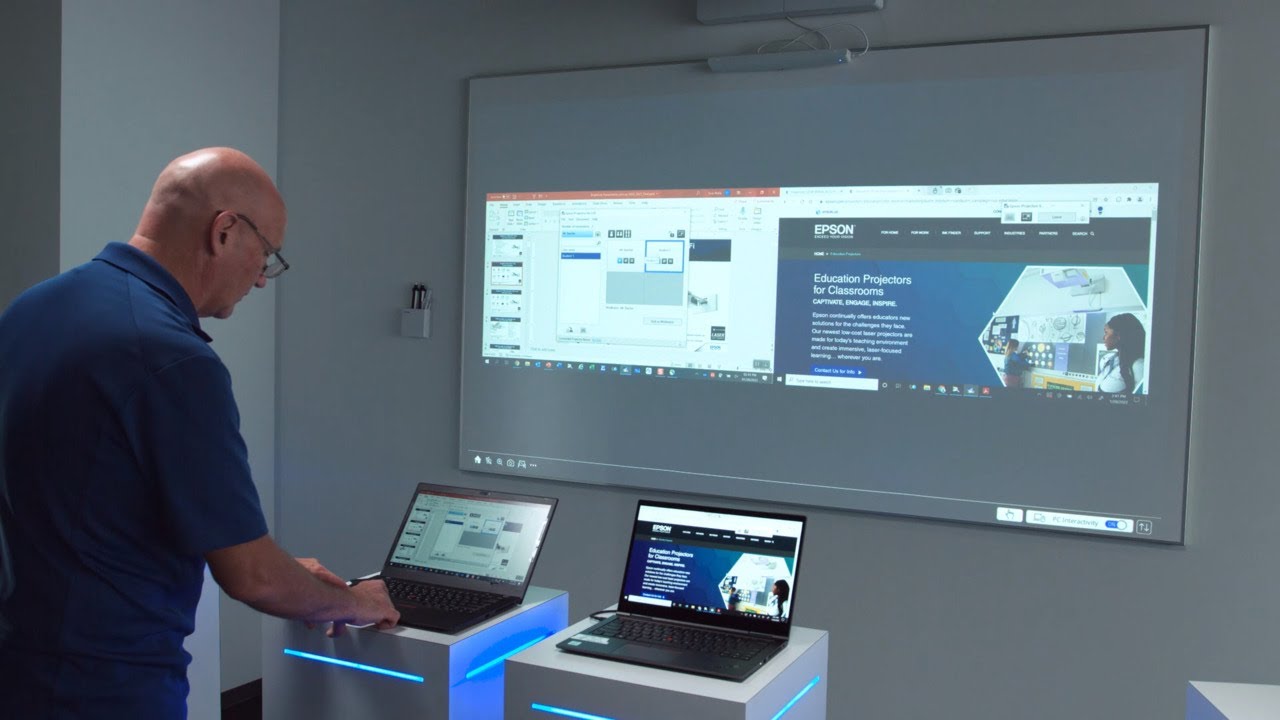
How To Use the Epson iProjection™ App with your Mac or PC

Автор: Epson America

Загружено: 2022-04-29

Просмотров: 107228

Описание: Get up and running with the many capabilities the Epson iProjection app. See how to discover, connect, and display to your projector from a PC or Mac computer, as well as optimizing performance through the menu settings. An introduction to the iProjection moderator function shows how you can connect and manage the display from as many as four devices simultaneously, as well as sharing projected images to other connected devices. Learn more at Epson.com/iProjection.

Не удается загрузить Youtube-плеер. Проверьте блокировку Youtube в вашей сети.
Повторяем попытку...
How To Use the Epson iProjection™ App with your Mac or PC

Поделиться в:

Доступные форматы для скачивания:

Скачать видео

  • Информация по загрузке:

Скачать аудио

Похожие видео

BrightLink 700 Series | Product Tour

BrightLink 700 Series | Product Tour

Epson iProjection App | Connect effortlessly from your iOS device

Epson iProjection App | Connect effortlessly from your iOS device

Epson Projector Professional Tool  EPPT | Tutorial (Part 2)

Epson Projector Professional Tool EPPT | Tutorial (Part 2)

Epson BrightLink Interactive Displays | The Basics

Epson BrightLink Interactive Displays | The Basics

Redefining High Production DTG Printing100 T-Shirts in an hour

Redefining High Production DTG Printing100 T-Shirts in an hour

Wireless projection made easy with the Epson iProjection App

Wireless projection made easy with the Epson iProjection App

Education and BrightLink Training

Education and BrightLink Training

Epson BrightLink Interactive Displays | Easy Interactive Tools 5 - Advanced Features

Epson BrightLink Interactive Displays | Easy Interactive Tools 5 - Advanced Features

BrightLink 700 Series | Product Demo

BrightLink 700 Series | Product Demo

Epson iProjection | Direct Wireless Connection Setup

Epson iProjection | Direct Wireless Connection Setup

BrightLink Laser Displays: Engage and Inspire with the Ultimate Display for Modern Classrooms

BrightLink Laser Displays: Engage and Inspire with the Ultimate Display for Modern Classrooms

Epson EcoTank ET-2985 | Connecting Your Printer to a Wireless Network

Epson EcoTank ET-2985 | Connecting Your Printer to a Wireless Network

Epson WorkForce ET-2750: Cleaning the Print Head

Epson WorkForce ET-2750: Cleaning the Print Head

Epson EcoTank ET-2750 / ET-2850 | How to Clear Jammed Paper

Epson EcoTank ET-2750 / ET-2850 | How to Clear Jammed Paper

Epson SureColor S8170 Printer Overview | Maximize productivity with our fastest 64

Epson SureColor S8170 Printer Overview | Maximize productivity with our fastest 64" solvent printer

Epson BrightLink 1480Fi/1485Fi Projector | #10 Complete Installation

Epson BrightLink 1480Fi/1485Fi Projector | #10 Complete Installation

Epson EcoTank ET-3950U | Cleaning the Printhead

Epson EcoTank ET-3950U | Cleaning the Printhead

Epson EcoTank ET-3950U | Filling the Ink Tanks

Epson EcoTank ET-3950U | Filling the Ink Tanks

© 2025 ycliper. Все права защищены.


  • Контакты
  • О нас
  • Политика конфиденциальности


Контакты для правообладателей: [email protected]