How to install Pi-Hole on Raspberry Pi? (Headless setup in 15 minutes or less)
Автор: RaspberryTips
Загружено: 2020-10-25
Просмотров: 35693
Описание:
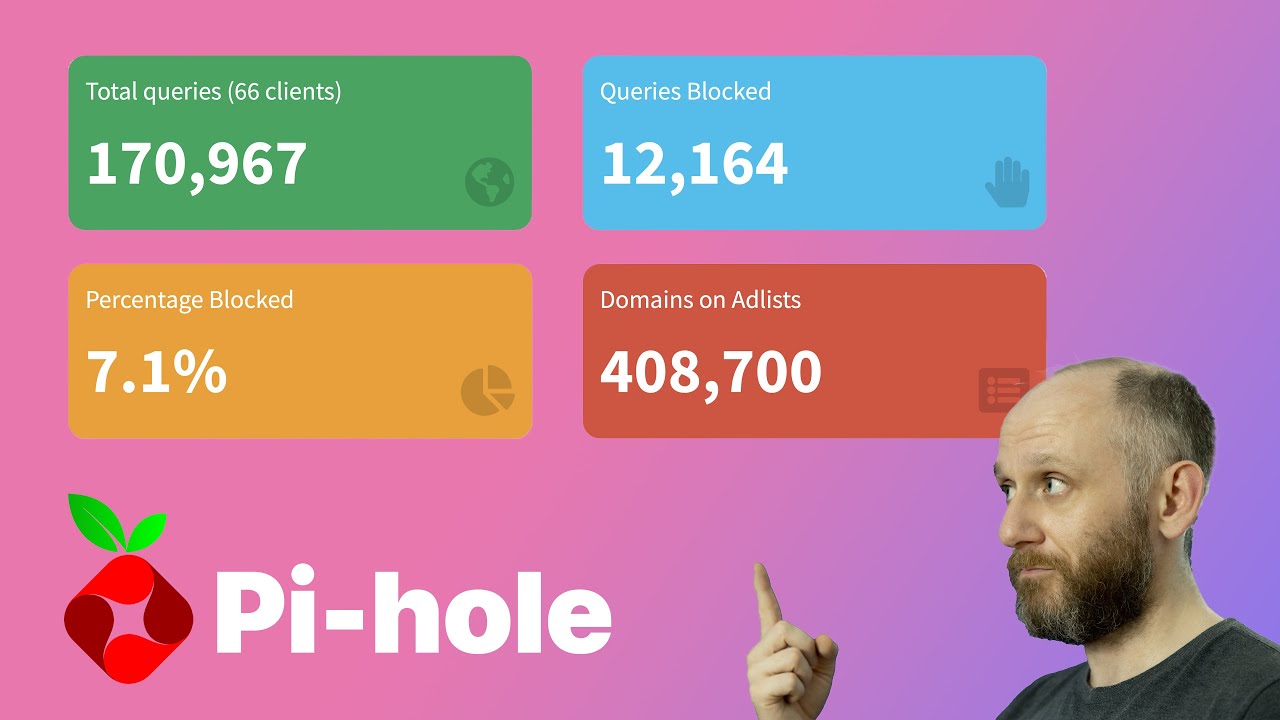
Today, we’ll see how to install an ad blocker for your entire network in 15 minutes
We’ll use Pi-Hole, which is a famous ad-blocker for Raspberry Pi.
Pi-Hole is a free and open source ad-blocker you can use on Raspberry Pi
You can install it on Raspberry Pi OS, so there is no need to dedicate a Raspberry Pi for this
Check the link below for more details
--------- Links ---------
Learn more by reading this post:
🖥️ Related post: https://raspberrytips.com/install-pi-...
👉 WPA Supplicant configuration: https://raspberrytips.com/raspberry-p...
👉 Pi-Hole installation: curl -sSL https://install.pi-hole.net | sudo bash
Master your Raspberry Pi in 30 days (e-book)
📕 https://raspberrytips.com/yt-ebook
👉RaspberryTips: https://raspberrytips.com/
👉Recommended hardware: http://raspberrytips.com/products
--------- Follow Me! ---------
👉Twitter: / tipsraspberry
👉Pinterest: / raspberrytips
--------- Timestamps ---------
0:00 Introduction
1:00 Raspberry Pi OS installation
2:32 Headless setup
4:00 SSH access & updates
4:40 Pi-Hole installation
6:28 Clients configuration
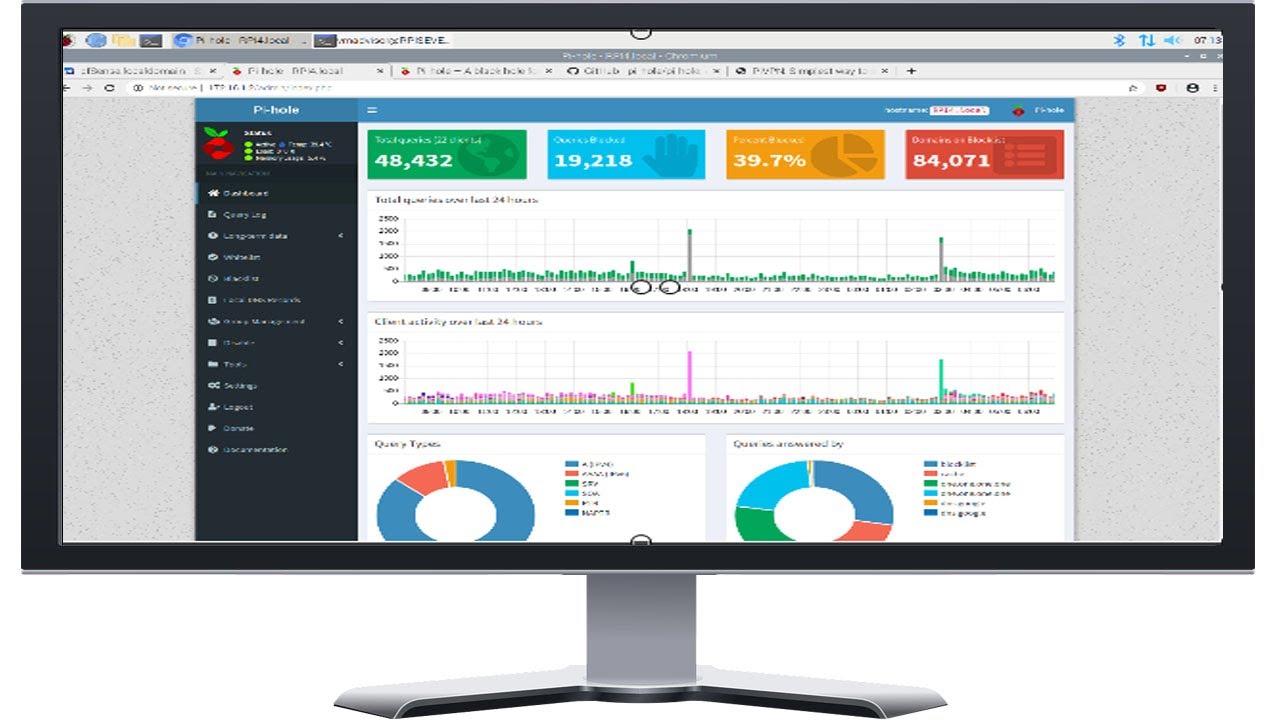
7:47 Interface overview & configuration
#raspberrypi #pihole #adblocker
Disclaimer: Patrick FROMAGET is a participant in the Amazon Services LLC Associates Program, an affiliate advertising program designed to provide a means for sites to earn advertising fees by advertising and linking to www.amazon.com.
Повторяем попытку...

Доступные форматы для скачивания:
Скачать видео
-
Информация по загрузке: