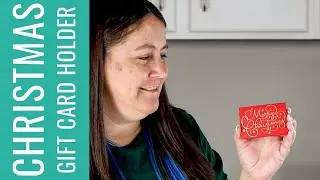
Easy DIY Personalized Gift Card Holder | Beginner’s Guide to Cricut Design Space
Автор: Our Fun Creations
Загружено: 2024-12-08
Просмотров: 106
Описание:
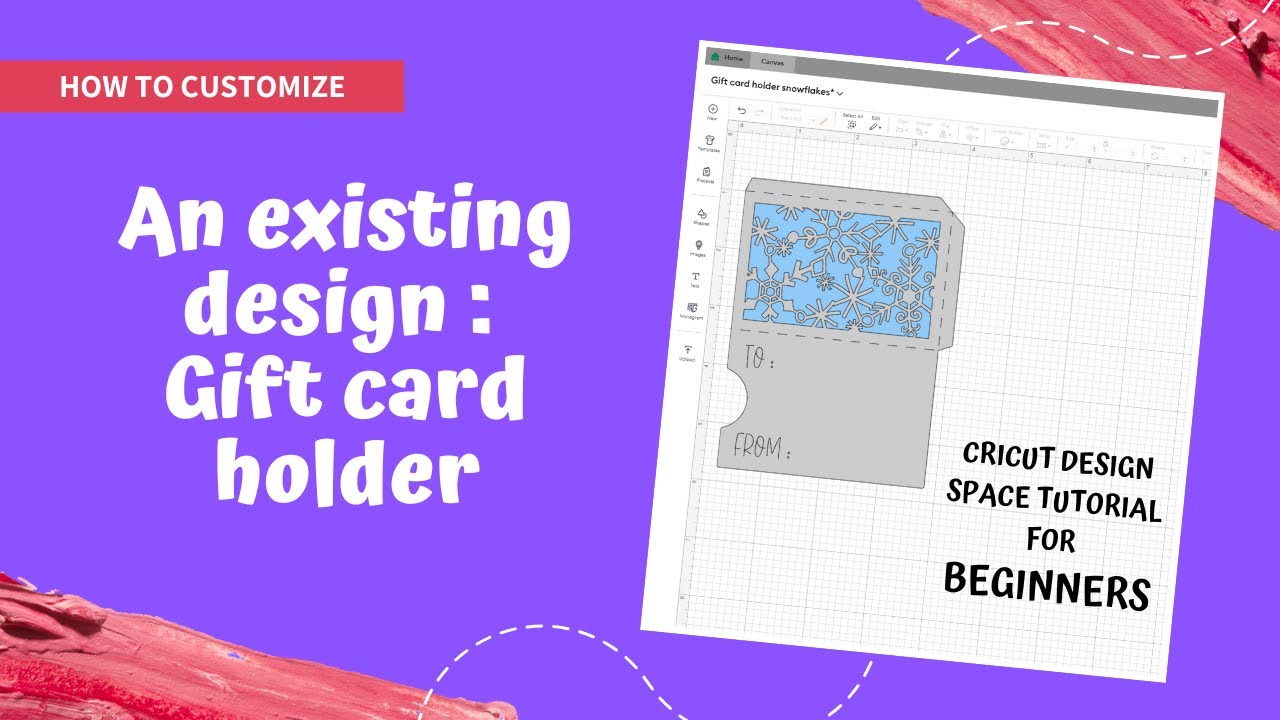
Learn how to create a custom gift card holder with your Cricut machine! This beginner-friendly tutorial will guide you step-by-step through the process of using Cricut Design Space to design a unique and personalized gift card holder, perfect for any occasion. 🎁
In this video, you’ll discover how to:
Look for an image/project
Resize an image
Rotate an image
Add text and change the font
Change color to an element of the design
Attach Text to a design
Save a project
Check the video below for the cutting and assembling processes.
• DIY Gift Card Holder Tutorial | Cricut Des...
Designs link (Cricut Design Space): https://design.cricut.com/landing/pro...
Chapters
00:00 Introduction
00:12 Start a new project
00:32 Resize the design
00:59 Rotate the design
01:15 Add text and change text size
01:33 Save the project
01:55 Change font
03:03 Align and position text
03:23 Attach Text on the design
03:41 Change color of the design (layer)
03:57 Add colored insert in the back
04:25 Conclusion
📌 Don’t forget to like, comment, and subscribe for more easy DIY projects! Hit the bell icon to get notifications for our latest videos. Share your finished gift card holders with us using #CraftWithOurFunCreations!
Start your crafting adventure today and impress your friends and family with a handmade, heartfelt gift! 🎨
#diygiftideas #diycrafts #easycrafts #craftwithme #crafting #cricutforbeginners #diy #cricutmade #cricutcrafts #diyprojects #craftingideas #papercrafts #handmadegifts #gifttags #cricuttutorial #cricutdesignspace #holidaycrafts
Повторяем попытку...
Доступные форматы для скачивания:
Скачать видео
-
Информация по загрузке: