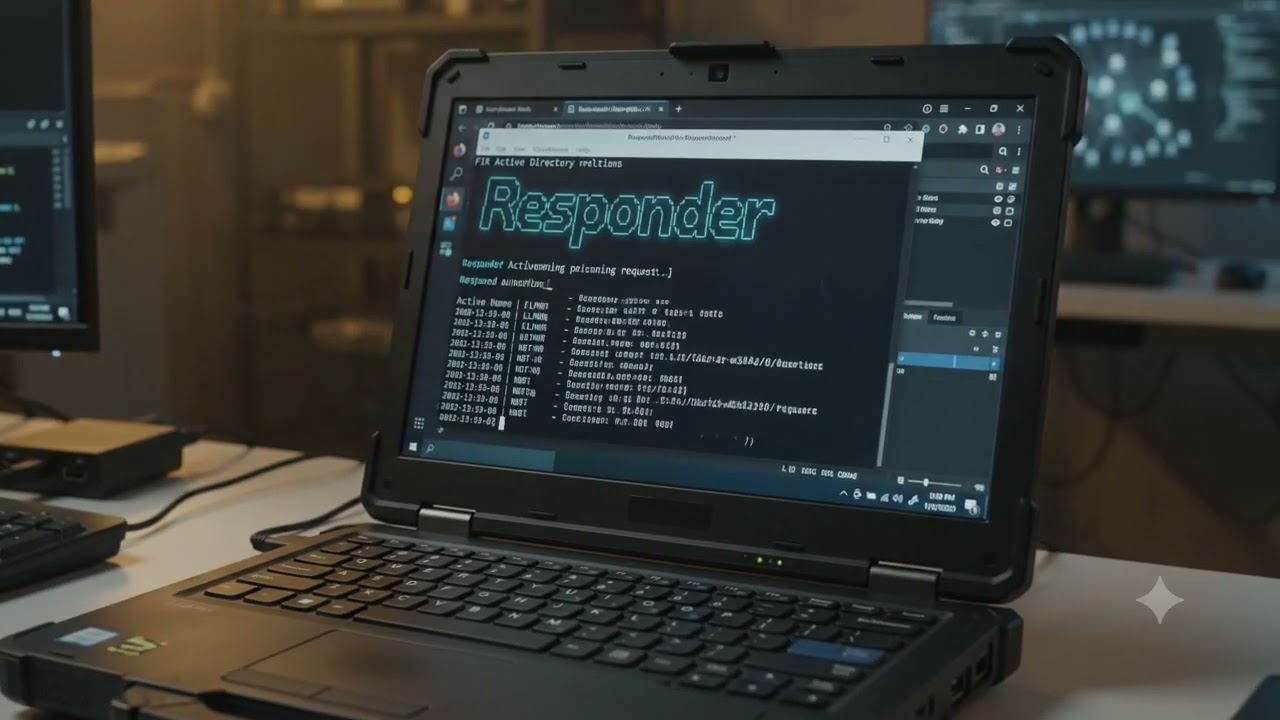
responder and bloodhound how to hack windows server Active Directory
Автор: Alexis M
Загружено: 2026-07-11
Просмотров: 4
Описание:
Responder captures or poisons local-network authentication attempts. BloodHound maps Active Directory relationships and shows possible attack paths.
They are often used together during an authorized Active Directory security assessment, but they do completely different jobs.
What Responder is
Responder is a network tool mainly used on Windows-heavy networks to identify and capture authentication attempts caused by name-resolution problems.
It listens for systems asking questions like:
Who is FILESERVER?”
“Where is PRINTER01?”
“Does anyone know the IP address for this hostname?”
If normal DNS does not answer, Windows may fall back to older local-network protocols. Responder listens for those fallback requests and may pretend to be the system the victim is searching for.
Why Windows sends these requests
Windows normally tries to resolve a hostname using DNS.
For example, a user types:
```text
\\filesrever\documents
```
Notice that `filesrever` is misspelled.
The process may look like this:
```text
User requests \\filesrever
↓
Windows asks DNS
↓
DNS says: hostname not found
↓
Windows tries local fallback protocols
↓
Responder hears the request
↓
Responder says: “I am filesrever”
↓
Victim attempts to authenticate
```
The dangerous part is the fallback process.
Common protocols involved include:
LLMNR
NBT-NS
mDNS
WPAD-related discovery
What LLMNR is
LLMNR stands for:
```text
Link-Local Multicast Name Resolution
```
Повторяем попытку...
Доступные форматы для скачивания:
Скачать видео
-
Информация по загрузке: