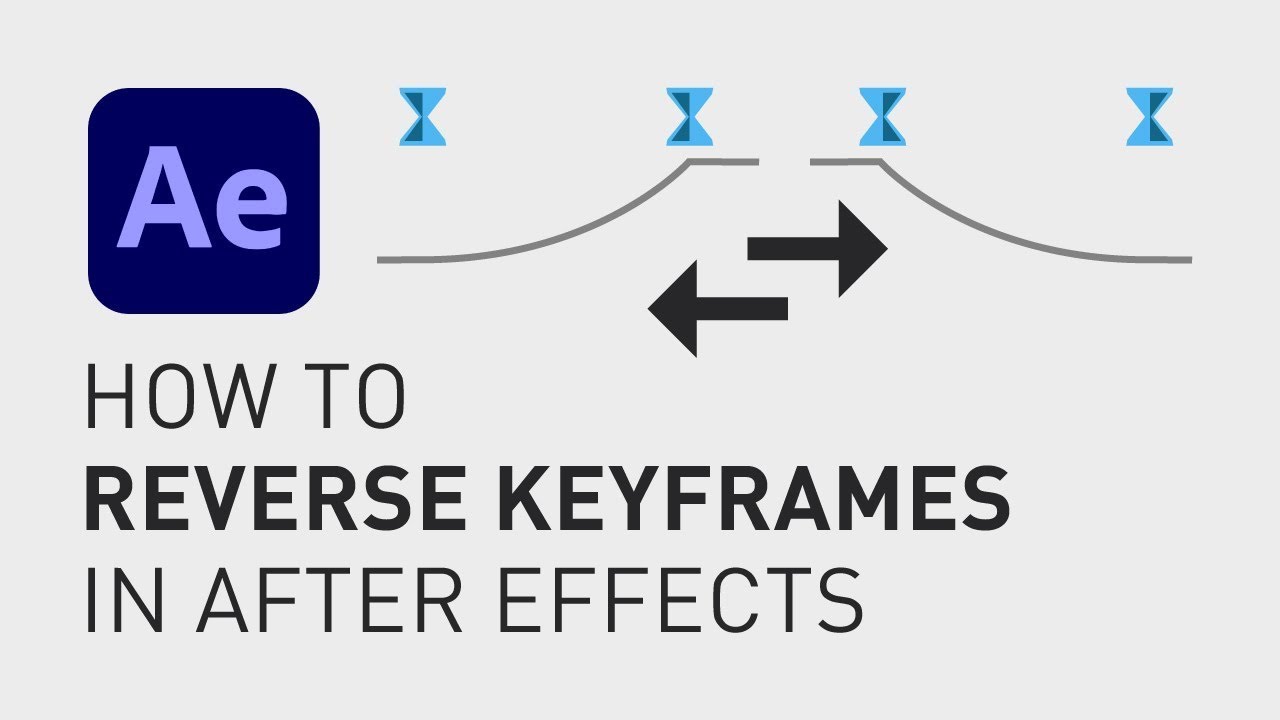
How to reverse an animation in After Effects
Автор: David Lindgren
Загружено: 2021-05-09
Просмотров: 98241
Описание:
🎁 FREE browser extension to grow your YouTube channel:
https://www.tubebuddy.com/davidlindgr...
Let's say you have a motion you want to reverse or you want it to go back to the starting position so that you can loop the motion.
I'm going to show you two different ways of doing it, one with individual layers and one with the whole composition.
First, to reverse a single motion, just select that layers keyframes and then right click on one of the keyframes, go down to "Keyframe assistant" and click "Time-Reverse-Keyframe". Pretty simple.
The other method is to select all the layers, right click on one of the layers and then click "Pre-compose". Click "OK" and now you will have a composition inside your composition and to access the individual layers, just double click on it to open it in a new tab.
Now right click on this composition, go up to "Time" and click "Time-Reverse Layer" to reverse the whole composition.
I hope you liked this video and if you want to see more quick tutorials just like this one, please subscribe to the channel and check out my playlists about After Effects, Premiere Pro and Final Cut.
Keep learning and have a great day!
**********
RESOURCES:
📈🎞 Want to grow your YouTube channel?
Get your 30-day free trial 🎁 of TubeBuddy here:
► https://www.tubebuddy.com/freetrial?a...
📈 🧠 Want to become a better Content Creator?
Get resources, digital products and BTS content here:
► / davidlindgren89
🎵🎞 Want music for your videos?
Get 2 extra months 🎁 of Artlist for free:
► https://artlist.io/David-121249
💻💡 Want to learn more about Adobe Premiere Pro?
Check out my playlist with short tutorials:
► • How to move clips with the keyboard in Pre...
✈️🗽 Want to follow a Content Creators journey?
Check out my playlist where I document my way to towards Vayner Media, NYC:
► • Project Vayner - Weekly vlog
🧰🛠 Want to know what camera gear I use?
Check it out here:
► https://kit.co/DavidLindgren89
**********
GEAR I USE (AND RECOMMEND):
🚁 Drone: DJI Mavic 2 Pro ► https://amzn.to/37v7Hbw
💻 Laptop: Macbook Pro 15" ► https://amzn.to/2WqI7ic
Laptop stand ► https://amzn.to/3a8ufAh
Crisp device stand for laptop/ipad ► https://amzn.to/30Wku2T
🎧 Headphones: Doqaus ► https://amzn.to/3RjlSFV
🪝 Headphone-hanger under my desk ► https://amzn.to/3didCSp
⌨️ Keyboard ► https://amzn.to/2yW0N0i
🖱 Trackpad ► https://amzn.to/35W2nvj
📷 Camera: Lumix GH5 ► https://amzn.to/2YWMD9N
Lens: 14mm F2.5 ► https://amzn.to/2xZoHYA
Lens: 25mm F1.7 ► https://amzn.to/2zsSl8Q
Lens: 12-60mm F3.5-5.6 ► https://amzn.to/2YWoQqO
Budget tripod: Velbon M43 ► https://amzn.to/306ft7U
🎛 Stream deck ► https://amzn.to/2BDkETp
🎤 Wireless mic: Sennheiser AVX-MKE2 Lavalier Pro Set ► https://amzn.to/2WpXk2Y
🎤 Budget microphone: Takstar SGC-598 shotgun mic ► https://amzn.to/3Y0Mwpm
🎤 Condenser Microphone ► https://amzn.to/2T3CUuH
💡 Portable handy ringlight ► https://amzn.to/39ZfRu9
💡 Handy portable rechargeable lights ► https://amzn.to/40bjTY9
Handy adapters: USB 3.0 to USB C ► https://amzn.to/2WVgo8z
USB C Hub (all-in-one) ► https://amzn.to/2LqAnXe
Adapter: HDMI to USB ► https://amzn.to/2AsFfcp
Cable bag ► https://amzn.to/2WpVKyi
Super-usable cable straps for everyday use ► https://amzn.to/2yTKTn9
🖨 Labelling machine ► https://amzn.to/3fnbaex
**********
📲 CONNECT WITH ME HERE:
► / davidlindgren89
► / davidlindgren89
► / davidlindgren89
► / davidlindgren89
► / davidlindgren89
► / davidlindgren89
**********
DISCLAIMER: This video and description might contain affiliate links, which means that if you click on one of the product links, I'll receive a small commission. This helps support the channel and allows me to continue to make videos like this. Thank You for your support! 🙏
(All links are my genuine recommendations.)
Повторяем попытку...
Доступные форматы для скачивания:
Скачать видео
-
Информация по загрузке: