TBC - Create Site Calibration - Survey Intermediate Edition Commands
Автор: AEC Software Technology
Загружено: 2024-11-18
Просмотров: 613
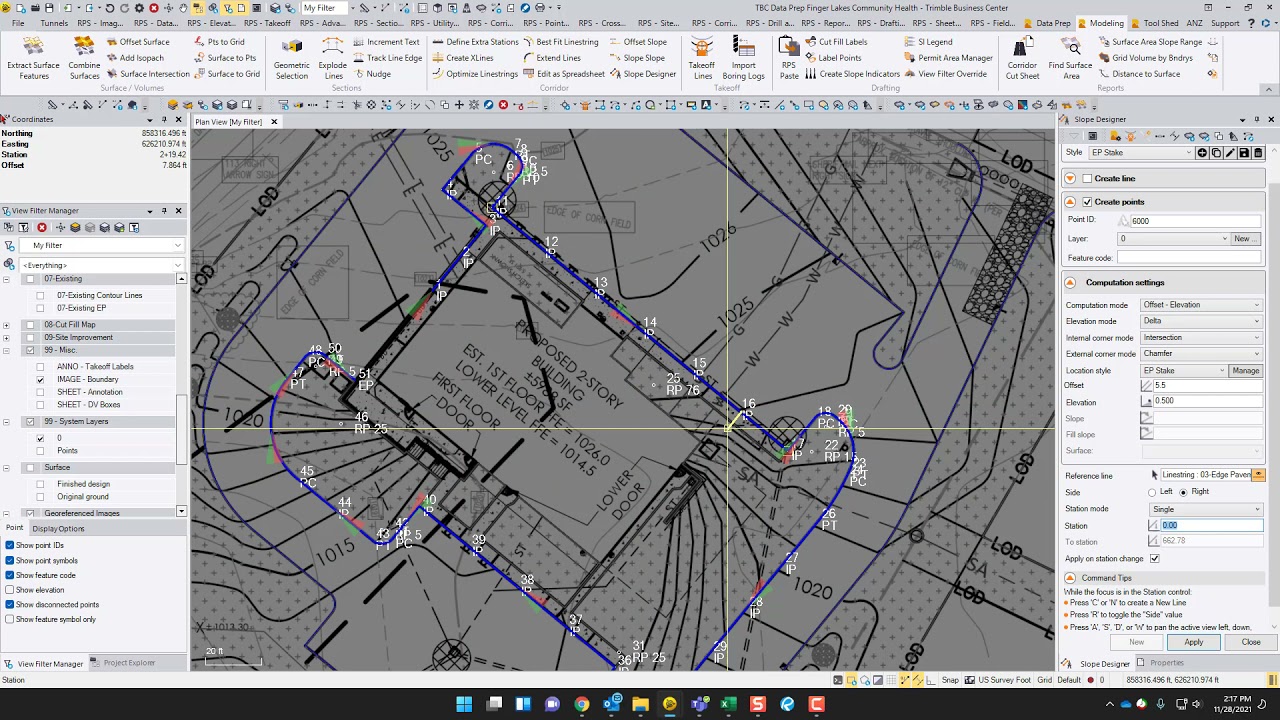
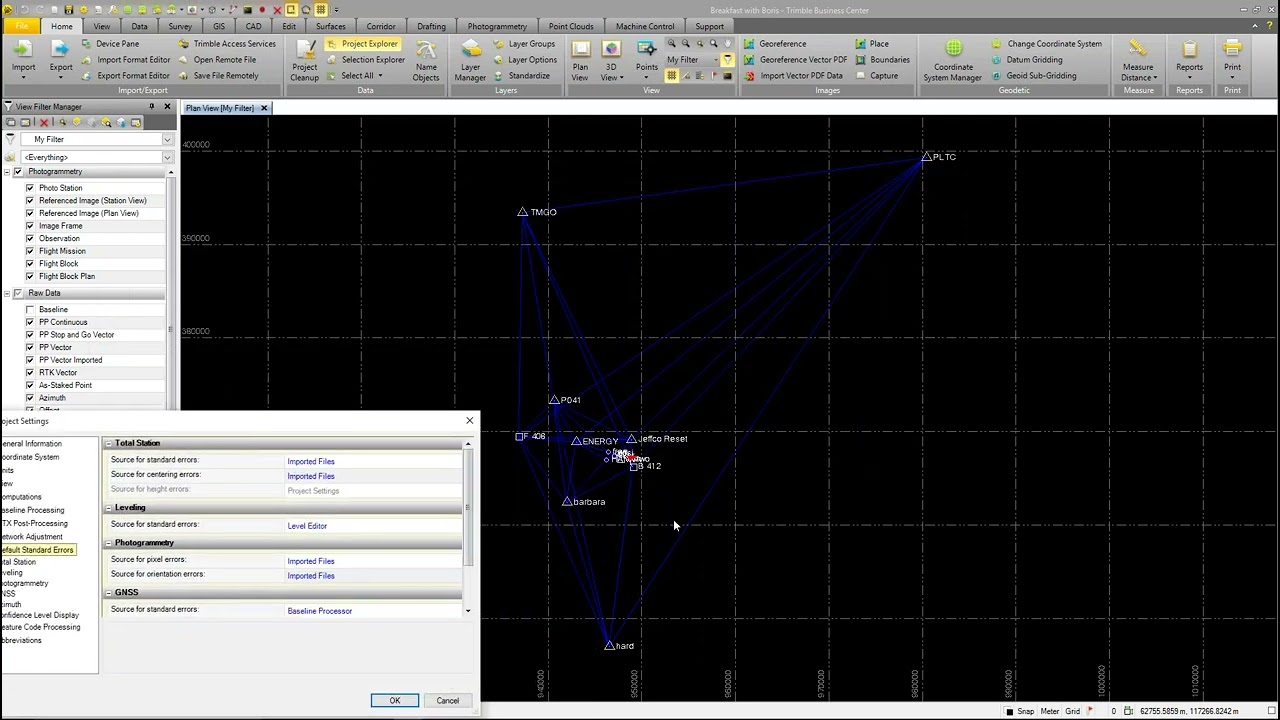
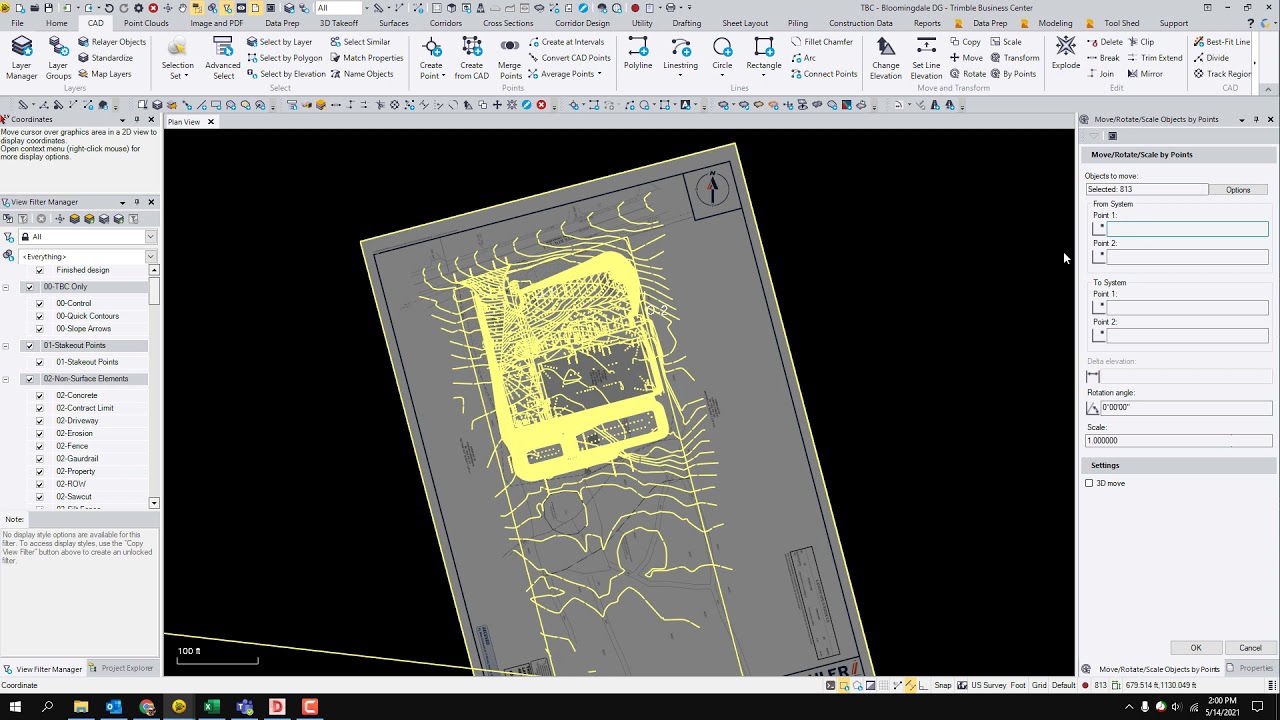
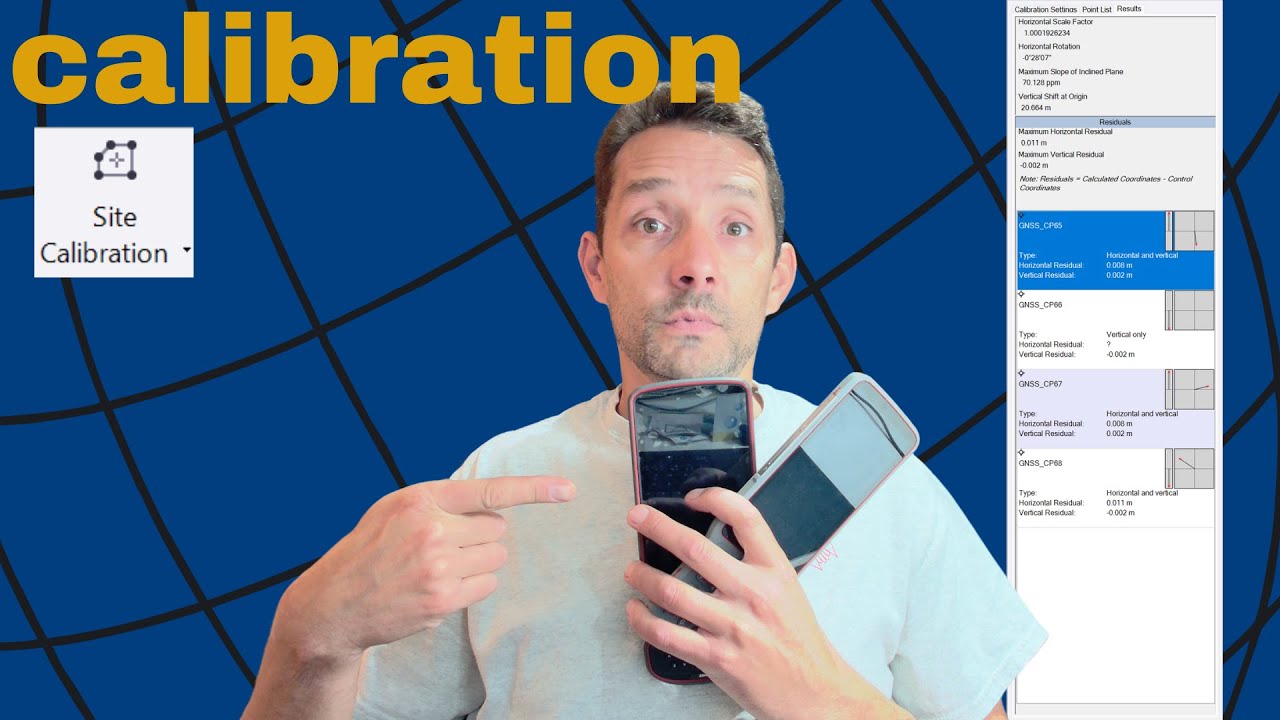
Описание: The Survey Intermediate Edition allows users to perform an office site calibration using control points and GNSS points. The process begins by importing a CSV file containing control points, which includes northing, easting, and elevation data. After importing, the control points are displayed on the site. Next, a CSV file with latitude and longitude data for GNSS points is imported. Users must ensure that the 'enabled' checkbox is unchecked and set the coordinate quality to 'mapping' before importing. During the import, users should avoid merging points to facilitate calibration. In a 3D view, the GNSS points can be compared to survey control points. The site calibration is conducted via the survey tab under the network section, where users can adjust settings like scale factor and geoid model usage. The process involves selecting corresponding GNSS and grid points for calibration. Once all points are connected, users compute the calibration, obtaining values for horizontal scale factor, rotation, slope inclined plane, vertical shift at origin, and residuals. If satisfied with the residuals, users apply the calibration, transitioning the site from a grid to a calibrated state, which can be exported for field use.
Повторяем попытку...
Доступные форматы для скачивания:
Скачать видео
-
Информация по загрузке:







![Divine Music - The Year Mix Vol.10 [Chill & Ethnic Deep 2025]](https://imager.clipsaver.ru/Q3XBH_FhuKY/max.jpg)