Timex Sinclair 1500 1000 and ZX81 loading games using MP3 player
Автор: dvuemedia
Загружено: 2013-03-01
Просмотров: 5198
Описание:
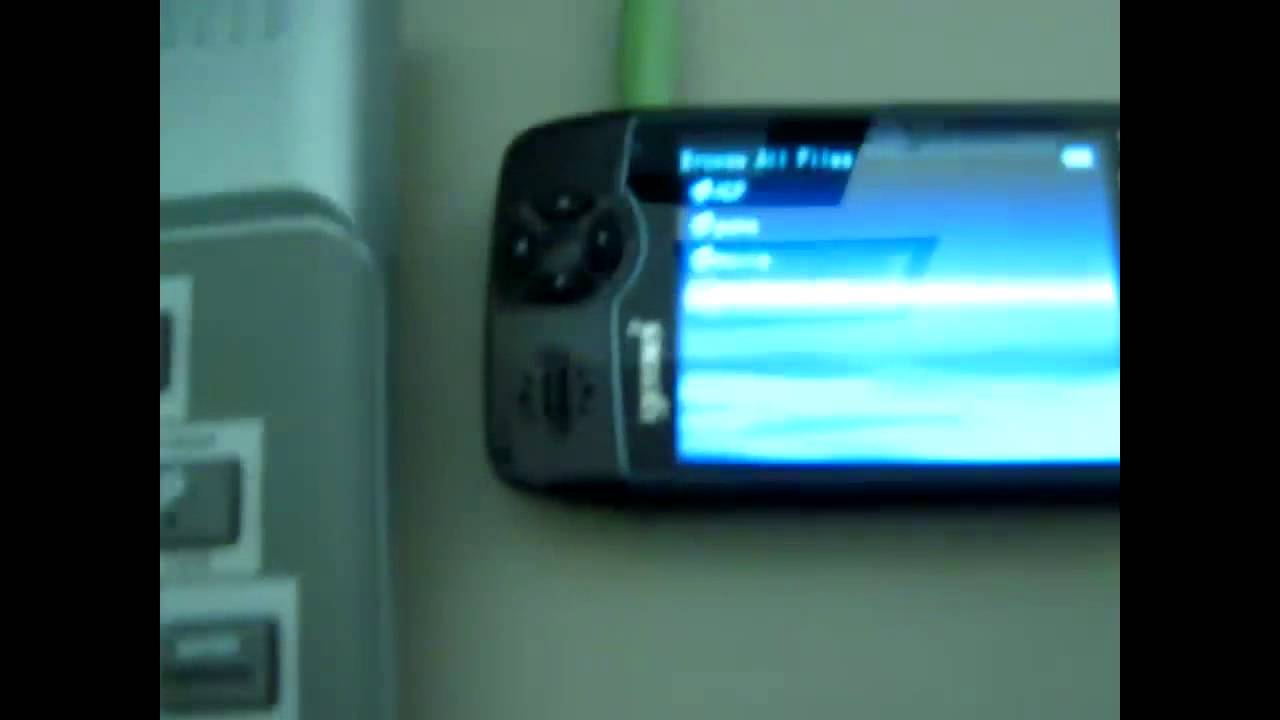
In this video I will show you how to get games loaded in Timex 1500 (also should work on Timex 1000 and ZX81)
Basic steps:
1. Download game into the PC
2. Convert game to WAV file
3. Copy game to your MP3 player (make sure it plays WAV files)
4. Type LOAD"" in the Timex 1500 and press ENTER
5. Select the game in your MP3 player and press play
6. Wait many minutes
7. Enjoy the game
Things to look at: Observe how the screen looks like before you press Play on your player. The screen should look different when the program is loading. If you don't see any changes on the screen, try to adjust the sound level on your player and try again. The sound level should be set above 75% level or more.
Thanks for watching and experiment yourself!
Повторяем попытку...
Доступные форматы для скачивания:
Скачать видео
-
Информация по загрузке: