CozySquirtle MUGEN Tutorial: How I Make Small Portraits
Автор: CozySquirtle
Загружено: 2021-05-03
Просмотров: 1546
Описание:
THINGS YOU WILL NEED:
GIMP or PAINT.NET (or whatever you use to edit pictures, I use PAINT.NET most of the time)
MS Paint (for coloring)
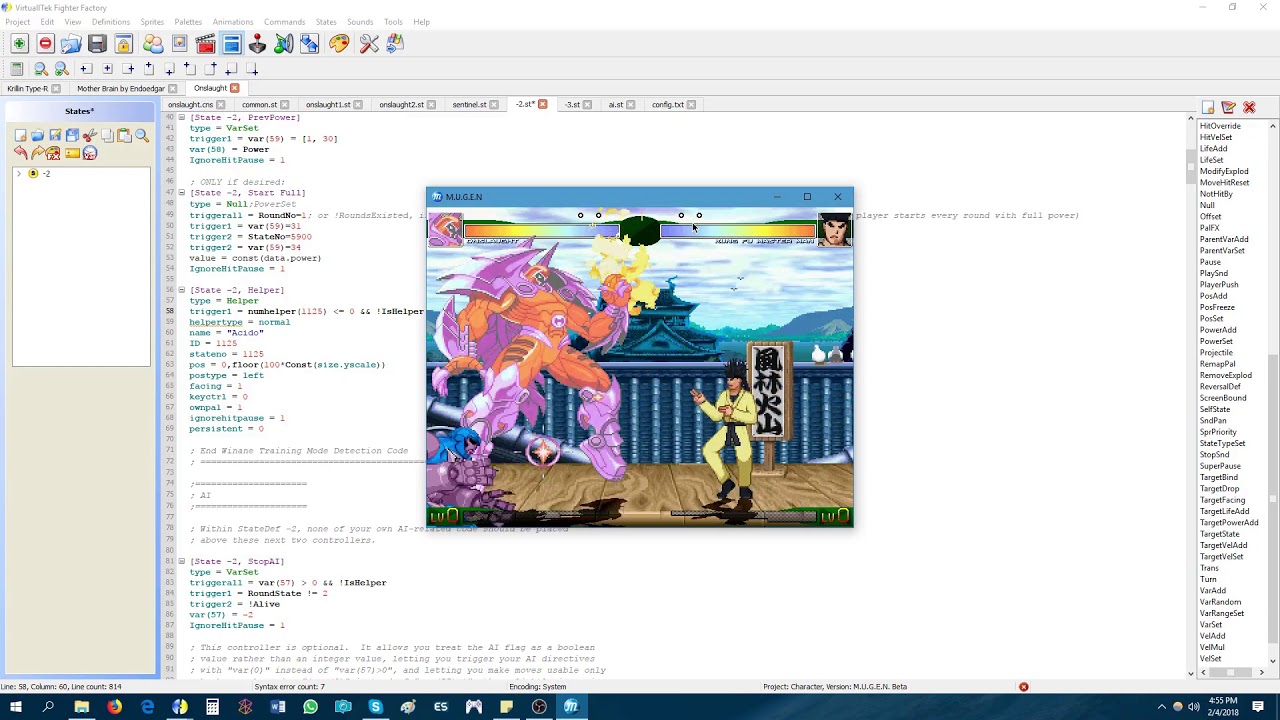
Fighter Factory (for the character and stuff)
Image that you want to use
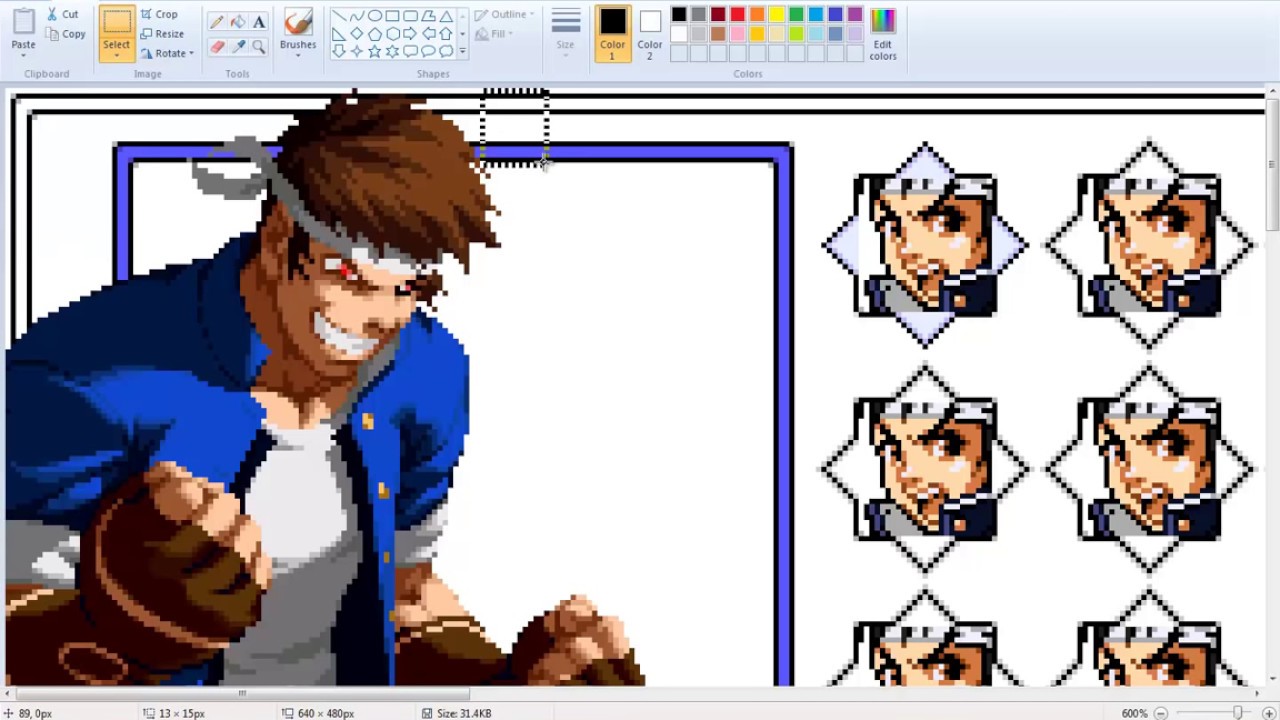
Scale the image down, if needed (I used Yang's Blazblue: Cross Tag Battle render and scaled it down by 50% *2 times*)
Crop the image down to 25 by 25 pixels
Make it Black and White
Posterize it with your preferred level, I usually set mine to 4 ~ 7 (this mostly depends on the characters palette, but for decent results, use 7, please note that you might have to double or even triple up on a color)
Color in the Black and White pixels with colors from the character's palette (I use MS Paint to do this)
Make changes and adjustments to the image when necessary (this all depends on how accurate you want your small portrait to be and this can be tedious and time consuming)
Save the image as a .png (other small portrait makers index their stuff before saving, since I don't know how to do it, I just saved it as a .png)
Apply the character's palette to the .png you created in Fighter Factory and you're pretty much finished (In the video, I 'cheesed' a little bit and applied Yang's hair color to the image to save myself some time and then I saved it then applied it)
Songs Used:
I Burn (8-bit cover) by Aaron Good; Original Song by Jeff Williams feat. Casey Lee Williams (RWBY Vol. 1 OST)
Armed and Reay (8-bit cover) by Aaron Good; Original Song by Jeff Williams feat. Casey Lee Williams (RWBY Vol. 4 OST)
Follow Me/Like Me On Facebook: / cozysquirtle
Follow Me On Twitter: / cozysquirtle
Повторяем попытку...

Доступные форматы для скачивания:
Скачать видео
-
Информация по загрузке:


![[MUGEN JUS : 🦴 Sans The Skeleton (Undertale) Release 🦴]](https://imager.clipsaver.ru/q7zFROaXLaM/max.jpg)