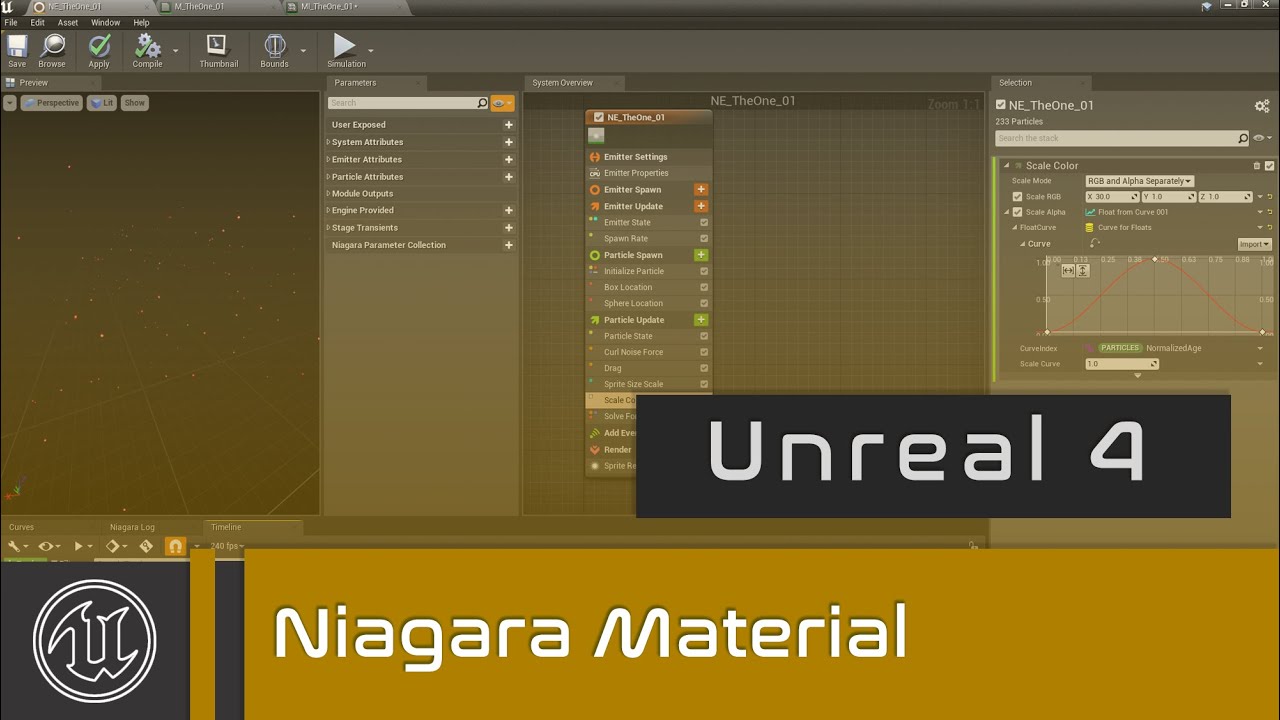
Different Material for Each Particle in Unreal Engine 5.4 Niagara Tutorial: A Step-by-Step Guide
Автор: CGHOW
Загружено: 2024-09-03
Просмотров: 2940
Описание:
Improved Title
Multiple Materials on Each Particle in UE5.4 Niagara 🎨✨
Description
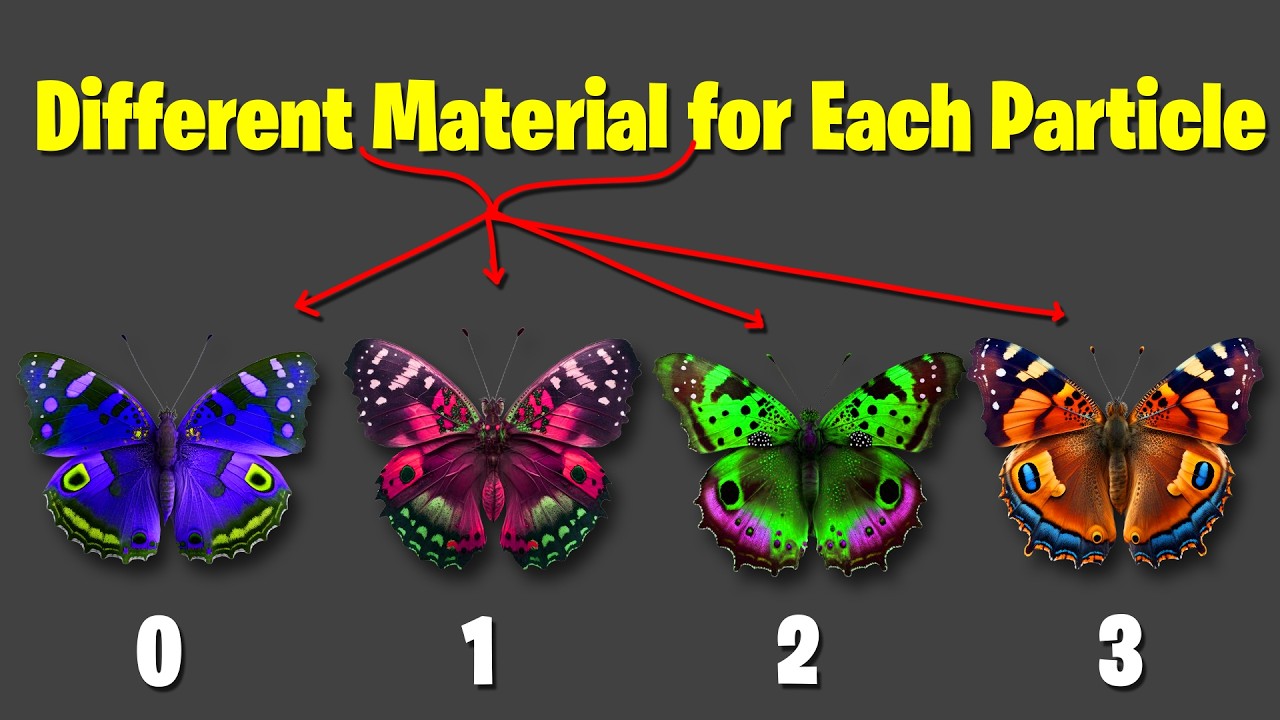
Want to create visual effects with incredible visual variety from a single emitter? In this comprehensive UE5.4 Niagara tutorial, your guide, Ashif Ali, a RealtimeVFX artist from India, will teach you a powerful, advanced workflow: how to give each particle a different material instance! This is a core technique for creating visually rich effects like an explosion with varied debris, a magical spell with different glowing runes, or a fire with multiple flame textures.
This video is a must-watch for game developers and VFX artists who want to go beyond the basics and create truly unique and chaotic visual systems. I will walk you through the entire process, from setting up the material to assigning a different one to each individual particle.
What You'll Learn:
✅ Dynamic Material Instances: Master the essential steps to create dynamic material instances that can be controlled by Niagara.
✅ Per-Particle Material: Discover how to use a specific Niagara module to assign a unique material to each particle in your system.
✅ Visual Variety: Learn how this technique can be used to add immense visual variety and complexity to a single effect, making it look hand-crafted.
✅ Advanced Workflow: I'll show you how to build this professional-looking effect from scratch, making it easy to adapt for your own projects.
Keywords & Information:
Tutorial Level: Beginner
Software: Unreal Engine 5.4 (UE5.4)
Keywords: Unreal Engine 5, UE5, UE5 Niagara, Niagara tutorial, Multiple Materials, Dynamic Materials, VFX tutorial, RealtimeVFX, Game Art, Unreal Engine tutorial, visual effects, CGHOW, Ashif Ali.
Stay Connected & Support the Channel:
I hope this tutorial helps you level up your skills! If you enjoyed it, be sure to hit that like button 👍 and subscribe for more Unreal Engine tutorials! 🔔
FAB: https://www.fab.com/sellers/CGHOW
Whatsapp: https://bit.ly/3LYvxjK
Patreon: / ashif
NFT: https://opensea.io/CGHOW
Twitter: https://x.com/cghow_
Liked it? Subscribe here: http://bit.ly/2UZmiZ4
Channel Ashif: http://bit.ly/3aYaniw
Support me on: paypal.me/9953280644
Website: https://cghow.com/
Unreal Engine Marketplace: https://bit.ly/3aojvAa
ArtStation Store: https://www.artstation.com/ashif/store
Gumroad: https://cghow.gumroad.com/
ArtStation: https://www.artstation.com/ashif
Instagram: / cghow.com_
#UE5Niagara #RealtimeVFX #vfxtutorials
Unreal Engine 5.4 Niagara different material per particle
UE5 Niagara multiple textures per emitter tutorial
How to assign unique materials to particles in Niagara
Niagara render visibility tag tutorial for beginners
Unreal Engine 5 particle material randomization guide
UE5 Niagara butterfly effect material switching
How to randomize particle textures in Unreal Engine 5
Fixing overlapping materials in Niagara sprite renderer
UE5 Niagara tutorial multiple textures in one material
Assigning different materials to 2D particles Niagara
Niagara visibility tag not working for different materials
Create random butterfly variations in Niagara UE5
UE5 Niagara execution index material selection
Niagara dynamic parameter texture switch node tutorial
Niagara sprite renderer visibility tag logic
Unreal Engine 5 VFX random texture assignment
Using multiple sprite renderers in Niagara UE5
Niagara particle system material instance per particle
Повторяем попытку...
Доступные форматы для скачивания:
Скачать видео
-
Информация по загрузке: