How to Use the Quote Line Import in Cetec ERP
Автор: Cetec ERP
Загружено: 2025-08-29
Просмотров: 58
Описание:
You can import lines into a quote via import. Here’s how:
Create a quote.
Create your excel sheet with the parts (exact part names) and BOMs listed.
In Cetec ERP, create a new quote (Sales, Quotes, New Quotes).
Fill in the necessary field information.
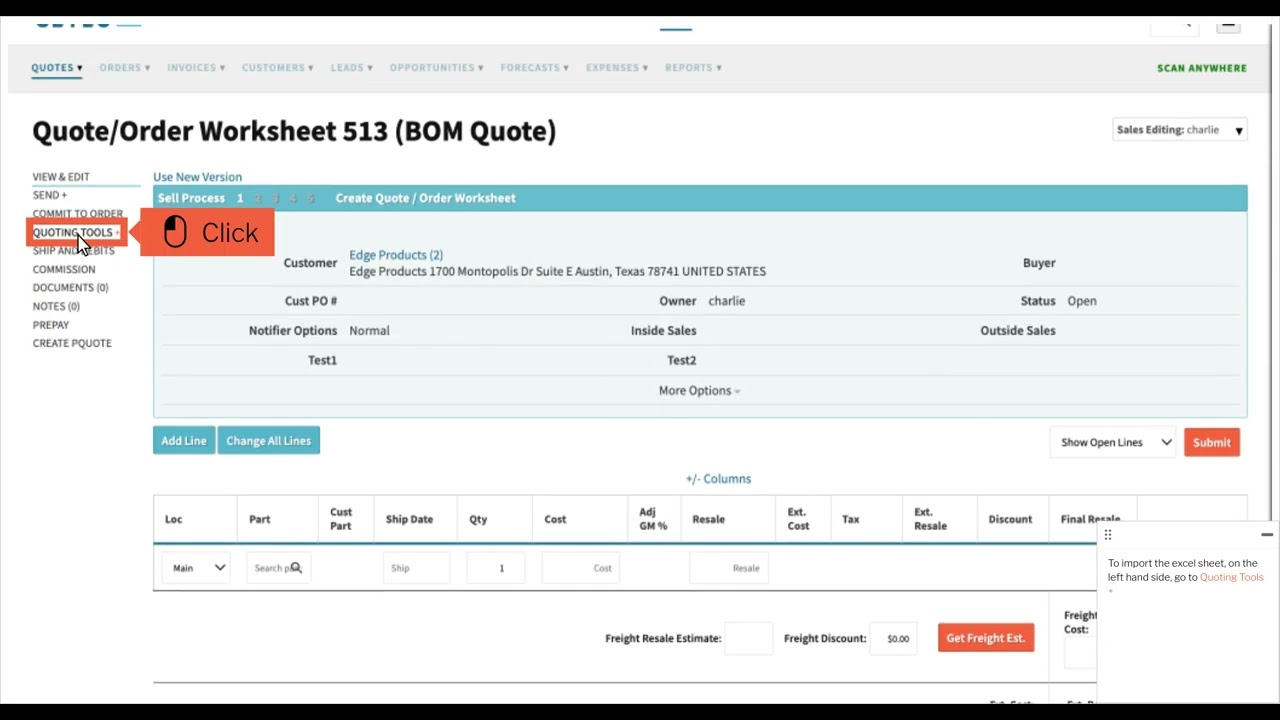
To import the excel sheet, on the left hand side, go to Quoting Tools +, Import.
In the box titled “Import quote lines in .xls or .csv format”, upload your .xls file(s) via the “Choose File” button.
Click submit.
On the rerouted screen, go through each column and identify what the column is.
After identifying, click update underneath the table.
When finished and everything looks good, click Finish.
Verify each line imported.
Повторяем попытку...
Доступные форматы для скачивания:
Скачать видео
-
Информация по загрузке: