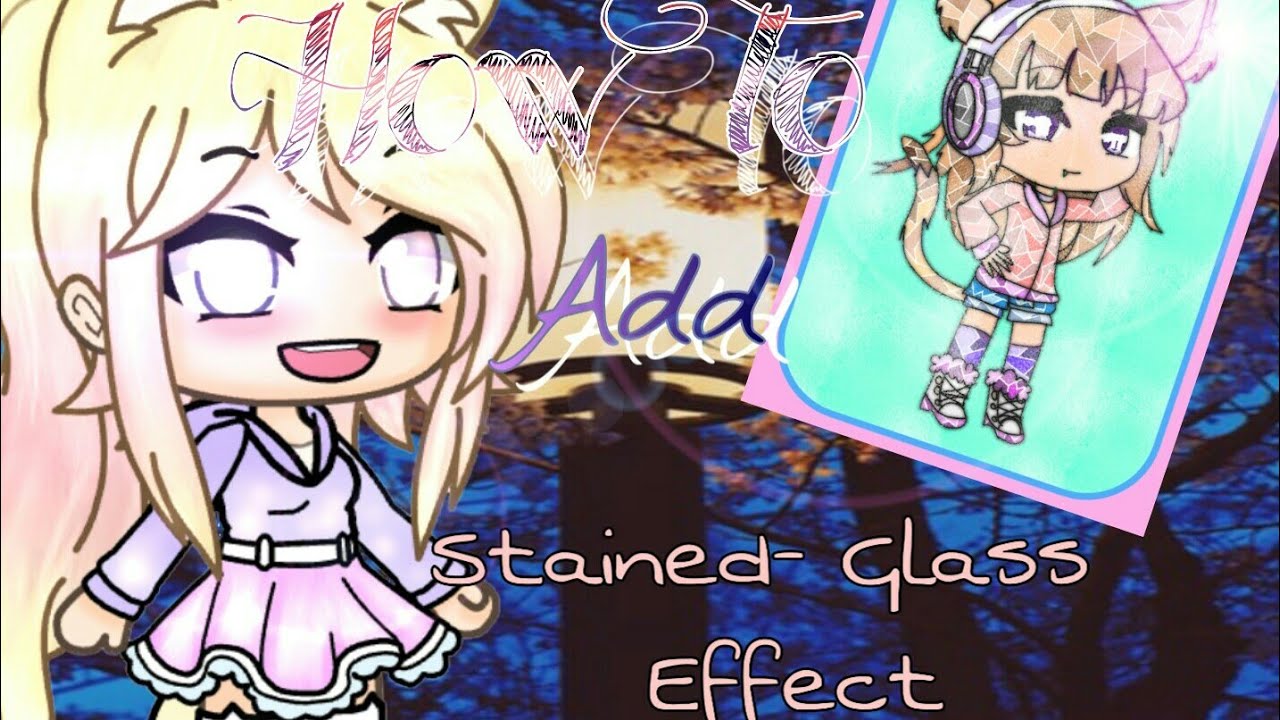
How To Add Stained-Glass Effect
Автор: Chloe !! (saw svt)
Загружено: 2019-08-08
Просмотров: 127
Описание:
Ok, ok, maybe I edited WAY too fast. Sorry! If you want, please change the playback speed to 0.75 to slow it down a bit.
If you really didn't get the steps, here:
1. Draw something!
*It can be a gacha edit or anything
2. After drawing it, draw some lines inside or outside, as many as you want.
You can draw zigzags, straight lines only, no Xs nor curvy lines
*If it's a gacha edit you can only draw line on the hairs,and clothes, you can't on the skin
3. Color it!
Use the bucket tool
Use the same color in the chosen part, though you can't make the same shades be beside each other, get it?
4. Add the Effect.
*Duplicate the layer of the lines, all of it( drawing and straight lines)
*After that, go to that layer and then go to the Filter Tool. Select Gaussian Blur and make it around 6 pixels.
*Try and find a grey (like the one I used)stained glass picture then add 2 layers of the same picture. One layer is an Overlay in Blending Mode. The other one is a Screen Layer.
5. It's Done
Shoutouts:
WolfGirl1013906
firecatrainbowzz 10
Ok I have instagram(Winter EditZ), try and find me.
Check out our other channels
Winter: WinterEditZ
Finity: Finity Cosmos
Kyunkuu: Kyunkuu Kuu
Tinku Shiku: im sorry she doesn't have
If you have any suggestion or asking for tutorials or questions, please comment down below!
Bye Snowflakes!
Повторяем попытку...
Доступные форматы для скачивания:
Скачать видео
-
Информация по загрузке:





![InkScape — Учебное пособие для начинающих за 13 МИНУТ! [ПОЛНОЕ РУКОВОДСТВО]](https://image.4k-video.ru/id-video/rFYQW2DCM2I)