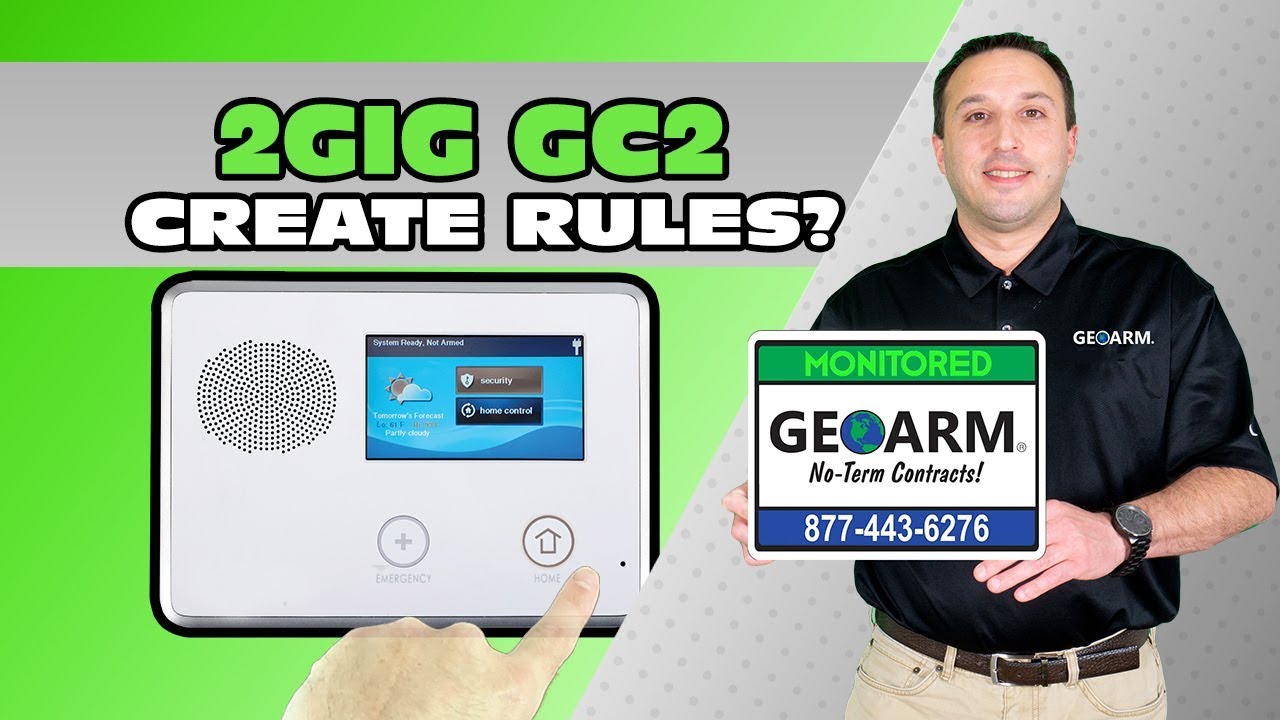
2GIG GC2: How to Create Automation Rules?
Автор: GeoArm Security (GeoAlarm)
Загружено: 2014-06-05
Просмотров: 356
Описание:
Here you will learn how to create z-wave home automation rules with the 2GIG GC2 wireless security system.
2GIG Color touch screen interface
Intuitive, user-friendly interface is found on the 2GIG GC2 System, your computer (internet) and web-enabled phone—providing your customers with access when and where they need it.
GSM (cellular) radio
The most reliable communication option available in the industry. No more concern with cut phone lines or the elimination of residential phone lines altogether.
Integrated two-way voice
GC2 allows the central station to listen in and talk to the homeowner when a signal is received.
Built-in Z-Wave RF Protocol
Customers can now control lighting, HVAC, and other Z-Wave appliances in the home right from the panel, web-enabled phone, or the internet. No need for extra hardware—it’s all contained within the GC2 panel. And this is just the beginning! Numerous money- and time-saving applications are currently being developed for 2GIG’s GC2 System.
Languages
Interfaces available in English and Spanish
Support materials available in English, French (Canadian), Portuguese, Spanish, Turkish
Model Numbers:
2GIG-CP21-345E (English)
2GIG-CP21-345E2 (English)
2GIG-CP21-345S (Spanish)
2GIG-CP21-345C (French Canadian)
#homesecurity #diy #smarthome
2GIG GC2: https://bit.ly/2VUXReb
2GIG GC3: https://bit.ly/2vVVE3v
2GIG Alarm Monitoring Services: https://bit.ly/2VqdaHk
Subscribe to our Youtube Page: https://bit.ly/2VAePPC
Contact GeoArm: https://www.geoarm.com/contact.html
Free Alarm Monitoring Or Security Product Quote: https://bit.ly/2YAoUsX
Повторяем попытку...
Доступные форматы для скачивания:
Скачать видео
-
Информация по загрузке: