ycliper

Популярное

Музыка Кино и Анимация Автомобили Животные Спорт Путешествия Игры Юмор

Интересные видео

2025 Сериалы Трейлеры Новости Как сделать Видеоуроки Diy своими руками

Топ запросов

смотреть а4 schoolboy runaway турецкий сериал смотреть мультфильмы эдисон
Скачать

📦 SAP for Beginners Tracking Stock in Transit with Fiori MB5T! 📦

Автор: S4HCLUB - Learning SAP

Загружено: 2025-05-21

Просмотров: 138

Описание: 📦 SAP for Beginners: Tracking Stock in Transit with Fiori (MB5T)! 📦
Hey #SAPBeginners! Ever sent materials from one plant to another and wondered where they are in their journey? Knowing the status of stock in transit is vital for accurate inventory management and planning!

SAP S/4HANA, especially with its #SAPFiori apps, makes tracking this process super intuitive. One key app you'll use is "Display Stock in Transit."

Why is "Stock in Transit" Important?
When goods leave a supplying plant but haven't yet reached the receiving plant, they are considered "in transit." This stock is still owned by your company, but it's not yet available at the destination. Tracking it helps you:

Improve Visibility: Know where your inventory is at all times.
Enhance Planning: Accurately plan for incoming materials.
Prevent Delays: Proactively address any issues during transfer.
How to Check Stock in Transit (Using Fiori App):
Let's walk through a common way to check this using a Fiori app, which often leverages the MB5T functionality in the background:

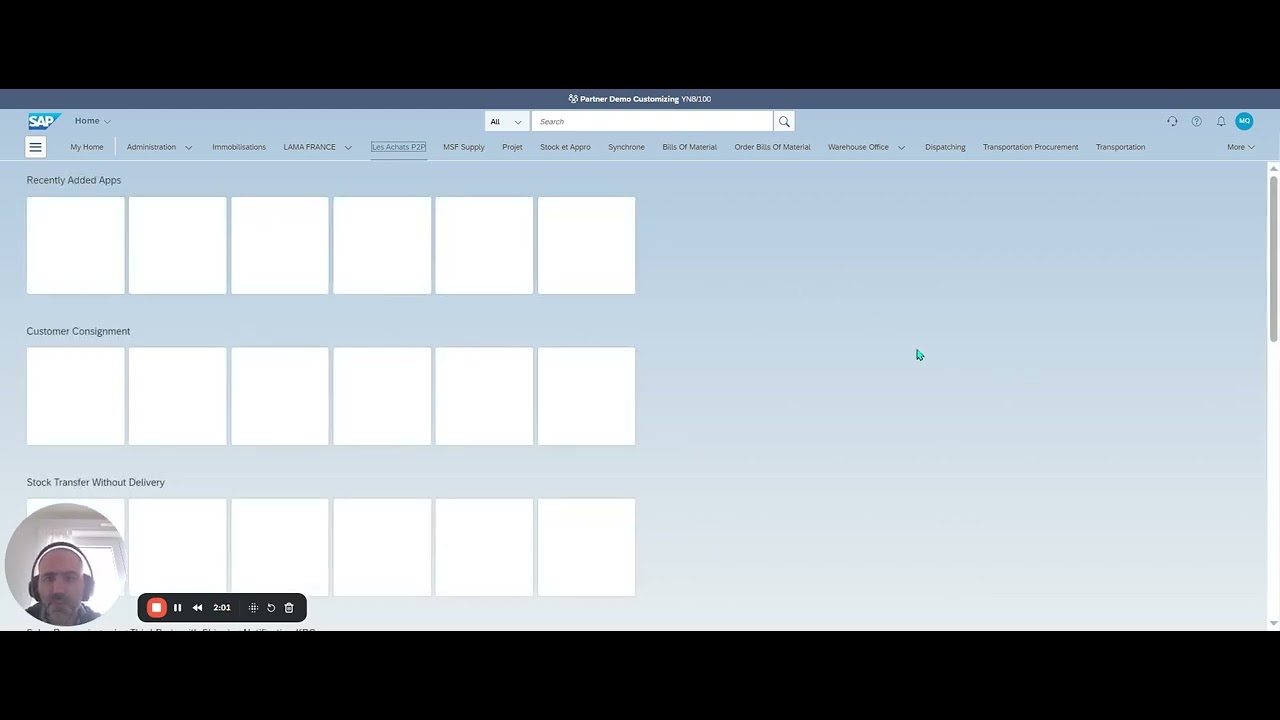
Log On to Fiori: Start by logging onto your SAP Fiori launchpad as a Warehouse Clerk (or a role with similar inventory access). You'll see your Fiori homepage.

Access the App: Open the "Display Stock in Transit" Fiori app. You can usually find this by searching or Browse your Fiori tiles.

Enter Transfer Order Data:

On the app's screen, you'll need to enter some key details. For instance:
Material Number: (e.g., TG11) - The specific material you're tracking.
Receiving Plant: (e.g., 1010) - The plant where the goods are headed.
After entering the data, choose Execute (or the equivalent button in the Fiori app).
View Results:

The system will then display an overview of all stock transfer orders that are currently "in transit" for your specified material and receiving plant.
This list includes all materials that have been dispatched from the supplying plant but haven't yet been received and posted into stock at the receiving plant.
This straightforward process gives you crucial visibility into your supply chain, helping you manage your inventory more effectively.

What other Fiori apps have you found essential for inventory management as an #SAPBeginner? Share your discoveries! 👇

#SAP #SAPS4HANA #Fiori #InventoryManagement #StockInTransit #SupplyChain #WarehouseManagement #SAPLogistics

Не удается загрузить Youtube-плеер. Проверьте блокировку Youtube в вашей сети.
Повторяем попытку...
📦 SAP for Beginners  Tracking Stock in Transit with Fiori MB5T! 📦

Поделиться в:

Доступные форматы для скачивания:

Скачать видео

  • Информация по загрузке:

Скачать аудио

Похожие видео

🚚 MIGO for a Stock Transfer Order 🚚

🚚 MIGO for a Stock Transfer Order 🚚

SAP Inventory: How to Check Stock in Transit in SAP? MB5T

SAP Inventory: How to Check Stock in Transit in SAP? MB5T

Stock Transfer Sloc to Sloc in SAP MM | Single and Two Step Method | 311 | 313 | 315

Stock Transfer Sloc to Sloc in SAP MM | Single and Two Step Method | 311 | 313 | 315

SAP S/4HANA Cloud Public Edition Finance Training

SAP S/4HANA Cloud Public Edition Finance Training

LIVE: Trump speaks at WEF 2026 in Davos (full speech)

LIVE: Trump speaks at WEF 2026 in Davos (full speech)

SAP MM - S4 HANA / ECC.

SAP MM - S4 HANA / ECC.

11.01) Stock Transfers between SL to SL, Plant to Plant, Material to Material, etc (ECC / S4 HANA).

11.01) Stock Transfers between SL to SL, Plant to Plant, Material to Material, etc (ECC / S4 HANA).

Калькулятор создания капитала и пассивного дохода (новая версия)

Калькулятор создания капитала и пассивного дохода (новая версия)

Единицы измерения и оценки, специфичные для каждой партии, в публичном облаке SAP S/4HANA (SAP Cl...

Единицы измерения и оценки, специфичные для каждой партии, в публичном облаке SAP S/4HANA (SAP Cl...

Держать ли ОФЗ 15 лет ДО ПОГАШЕНИЯ?! Выгоды и Риски.

Держать ли ОФЗ 15 лет ДО ПОГАШЕНИЯ?! Выгоды и Риски.

SAP PS DIP Profile End-to-End Process | Project to Sales Billing with FI Posting

SAP PS DIP Profile End-to-End Process | Project to Sales Billing with FI Posting

AXENCE nVISION DATAGUARD

AXENCE nVISION DATAGUARD

SAP ePPDS CIF Configuration I Explanation and Live Demo

SAP ePPDS CIF Configuration I Explanation and Live Demo

Transfer Posting using 313/315 and 314 Movt Types

Transfer Posting using 313/315 and 314 Movt Types

Stock Transfer in SAP MM - Part 1 (Transfer Posting from Store to Store and Plant to Plant)

Stock Transfer in SAP MM - Part 1 (Transfer Posting from Store to Store and Plant to Plant)

Make-to-Order (MTO) with SAP S/4HANA Cloud Public Edition

Make-to-Order (MTO) with SAP S/4HANA Cloud Public Edition

Внедрение SAP-ноты

Внедрение SAP-ноты

How to Search for SAP Standard API - Introduction to SAP Business Hub - SAP Public Cloud - Part 1

How to Search for SAP Standard API - Introduction to SAP Business Hub - SAP Public Cloud - Part 1

Building Your First SAC Story | Part 3: KPIs, Geo-Maps & Bar Charts

Building Your First SAC Story | Part 3: KPIs, Geo-Maps & Bar Charts

SAP PM Task List Creation | Step-by-Step Configuration & Demo (Part-2)

SAP PM Task List Creation | Step-by-Step Configuration & Demo (Part-2)

© 2025 ycliper. Все права защищены.


  • Контакты
  • О нас
  • Политика конфиденциальности


Контакты для правообладателей: [email protected]