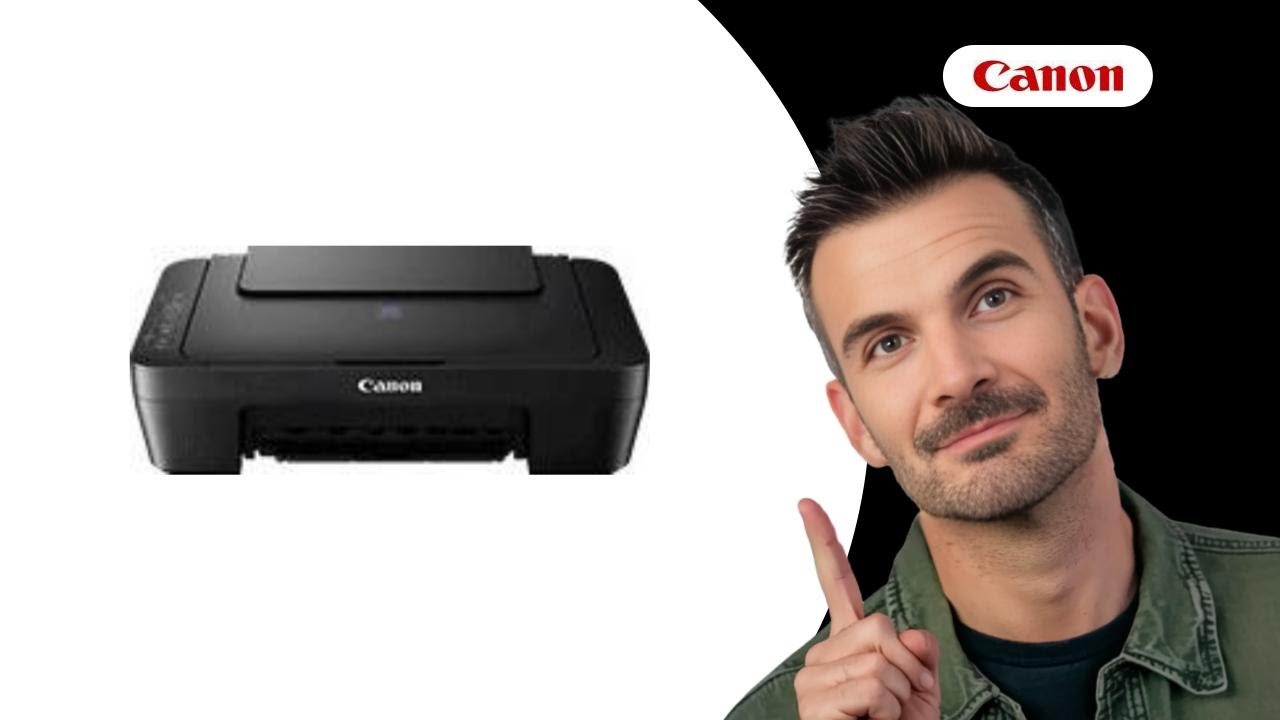
How to Easily Replace Ink Cartridges in Canon Pixma E414
Автор: FAQ Manuals
Загружено: 2025-09-11
Просмотров: 159
Описание:
📺 Learn how to easily replace ink cartridges in the Canon Pixma E414. Follow our step-by-step guide for smooth printing. Watch this video now!
📖 In 5 steps:
1. Ensure the printer is on, close the trays, and open the cover. Allow the cartridge holder to move into position.
2. Push the empty cartridge down until it clicks, then remove it from the holder carefully.
3. Unpack the new cartridge and remove the protective tape, avoiding contact with electrical parts.
4. Insert the new cartridge into the holder at a slant, ensuring the color alignment, and push up until it snaps.
5. Close the cover and adjust the print head position to ensure optimal printing results.
🔔 Subscribe:
Subscribe to our channel and stay informed about the latest questions and answers!
/ @faq-manuals
📚💬 Manual and other questions:
On our site, you can find the complete manual for the Canon Pixma E414. There, you can also ask your question to other Canon Pixma E414 users.
🔗https://www.manua.ls/canon/pixma-e414...
#CANON #PIXMAE414 #PRINTER #INKREPLACEMENT
Повторяем попытку...
Доступные форматы для скачивания:
Скачать видео
-
Информация по загрузке:





