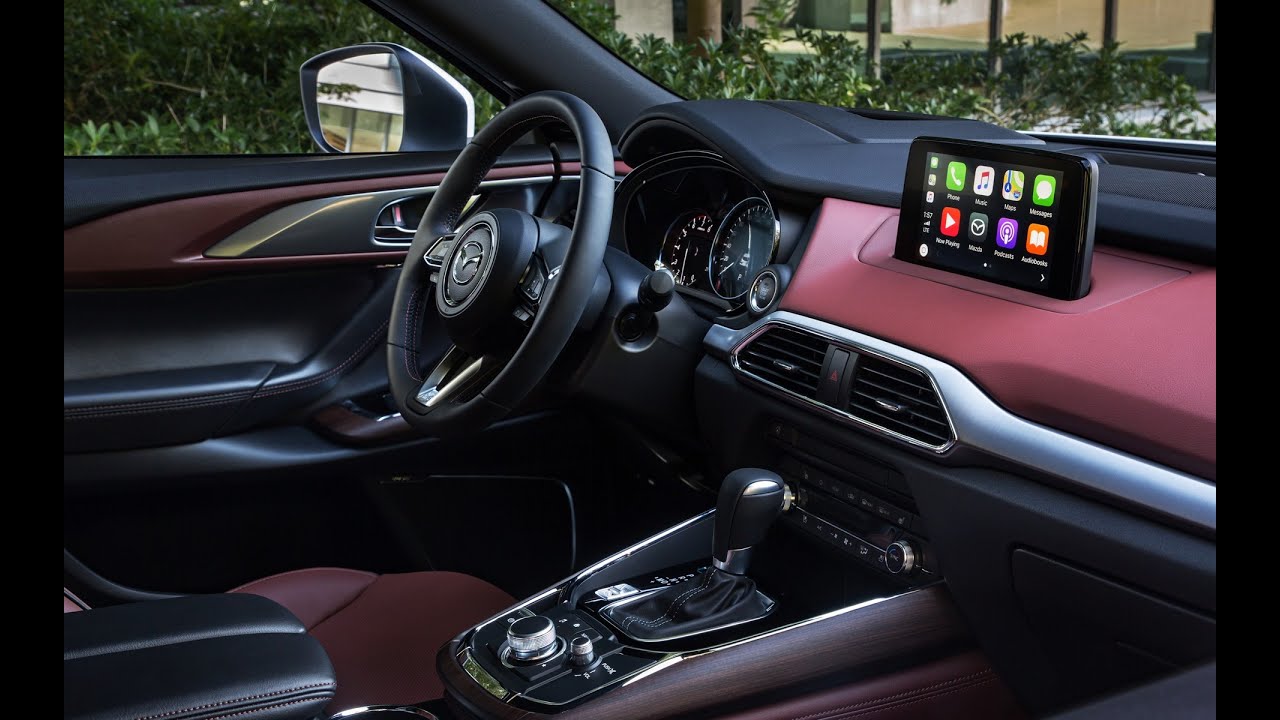
DIY:How to install Retrofit Kit (CarPlay/Android Auto) 0000-8F-Z34, TK78-66-9U0C on Mazda CX-5 2020
Автор: Mishka Mishka
Загружено: 2020-03-17
Просмотров: 11674
Описание:
↓↓↓ MAKE SURE YOU THOROUGHLY READ THE DESCRIPTION BEFORE YOU START! ↓↓↓
Russian speech / English subtitles. Step by step instruction.
Retrofit Mazda 2020 Apple CarPlay and Android Auto for Dummies
You can Buy "Mazda Apple CarPlay and Android Auto Retrofit Kit 0000-8F-Z34, TK78-66-9U0C" here https://amzn.to/31BvceW
Plastic putty knife https://amzn.to/2DDgPia
Fancy tool-set https://amzn.to/3gLMLz4
or this set https://amzn.to/31Dya2n
NOTE: The firmware MUST BE UPDATED FIRST, before beginning of the installation. If an older version of the CMU software is being used, the CarPlay/Android Auto-compatible USB hub may not be recognized. The software must be v70.00.21 or later. If not, be sure to update the software. Once the CMU has been attached to the CarPlay/Android Auto-compatible USB hub, the software cannot be updated.
DISCLAIMER: USE AT YOUR OWN RISK! Author has NO knowledge in auto-mechanics or auto-electronics. Author was lucky enough to make it work, but it was luck only. Any solution presented by author is NOT advice, and might be used at your own risk ONLY. You can always use experts installation at MAZDA service center.
#MishkaMishka #00008FZ34 #TK78669U0C
Повторяем попытку...
Доступные форматы для скачивания:
Скачать видео
-
Информация по загрузке:


