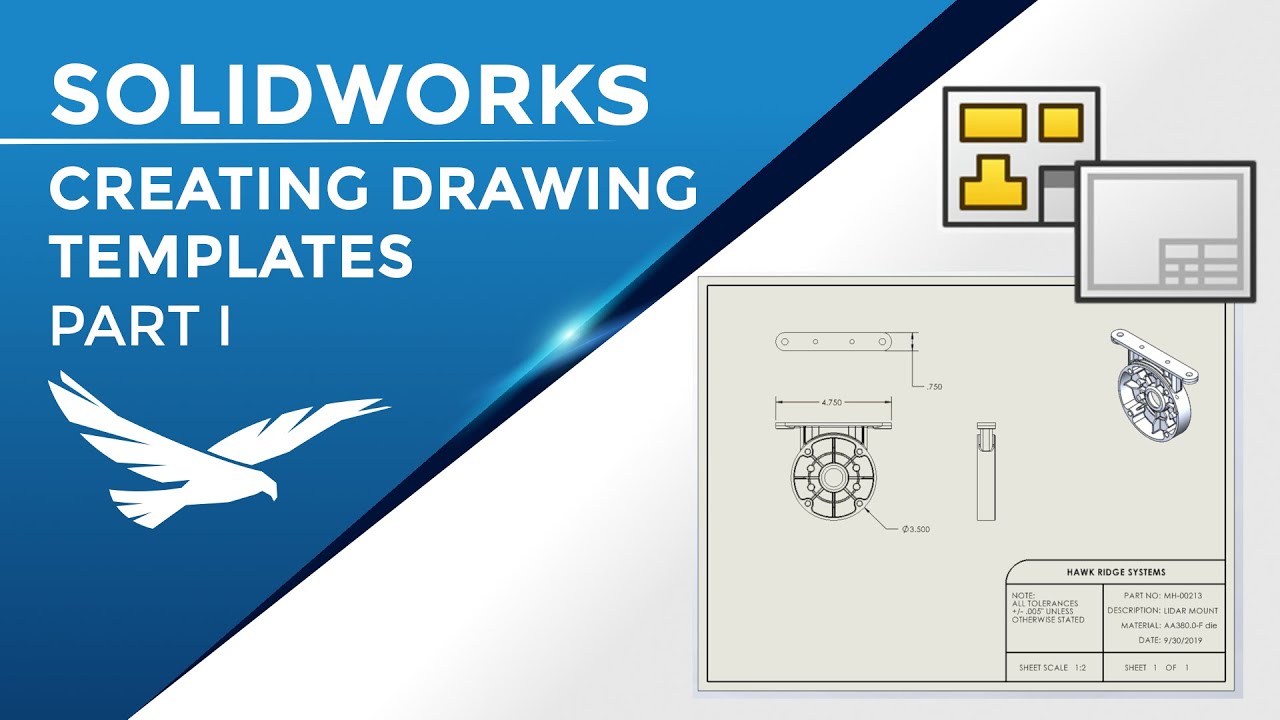
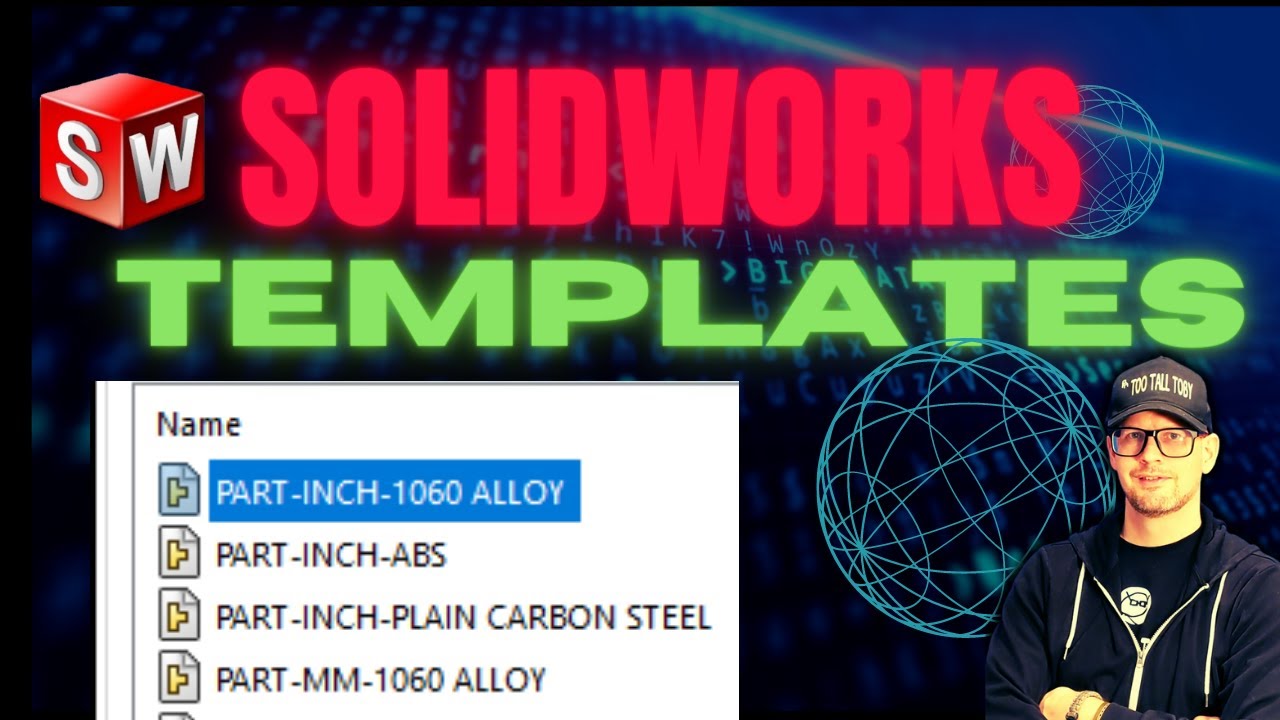
Updating Your Default Templates to the Latest SOLIDWORKS Version
Автор: GSC
Загружено: 2020-02-13
Просмотров: 19449
Описание:
Every 3 years or so, updates to your templates are needed to prevent compatibility issues and odd behavior. (See more on SOLIDWORKS 2020: https://www.gsc-3d.com/3d-design-soft...)
Learn how to update your template versions in this tutorial.
Details and steps of this video include addressing:
the architecture, foundation, or base programming of your templates
right-clicking a template and selecting "properties" to see their year
locating where your templates are stored
calling up new templates to a new folder after deleting old templates
whatever SOLIDWORKS' version you're on, the system will create templates in that year
Need support as a GSC customer? Visit https://www.gsc-3d.com/support/
Повторяем попытку...

Доступные форматы для скачивания:
Скачать видео
-
Информация по загрузке:










![Best of Driving Deep House [2026] | Chill Vocal Mix to Boost Focus, Maximize Concentration #7](https://imager.clipsaver.ru/CDnUiT9PNWc/max.jpg)