Fix Corrupted System Files on Windows 11 (Step-by-Step Guide)
Автор: Delft Stack
Загружено: 2026-01-22
Просмотров: 54
Описание:
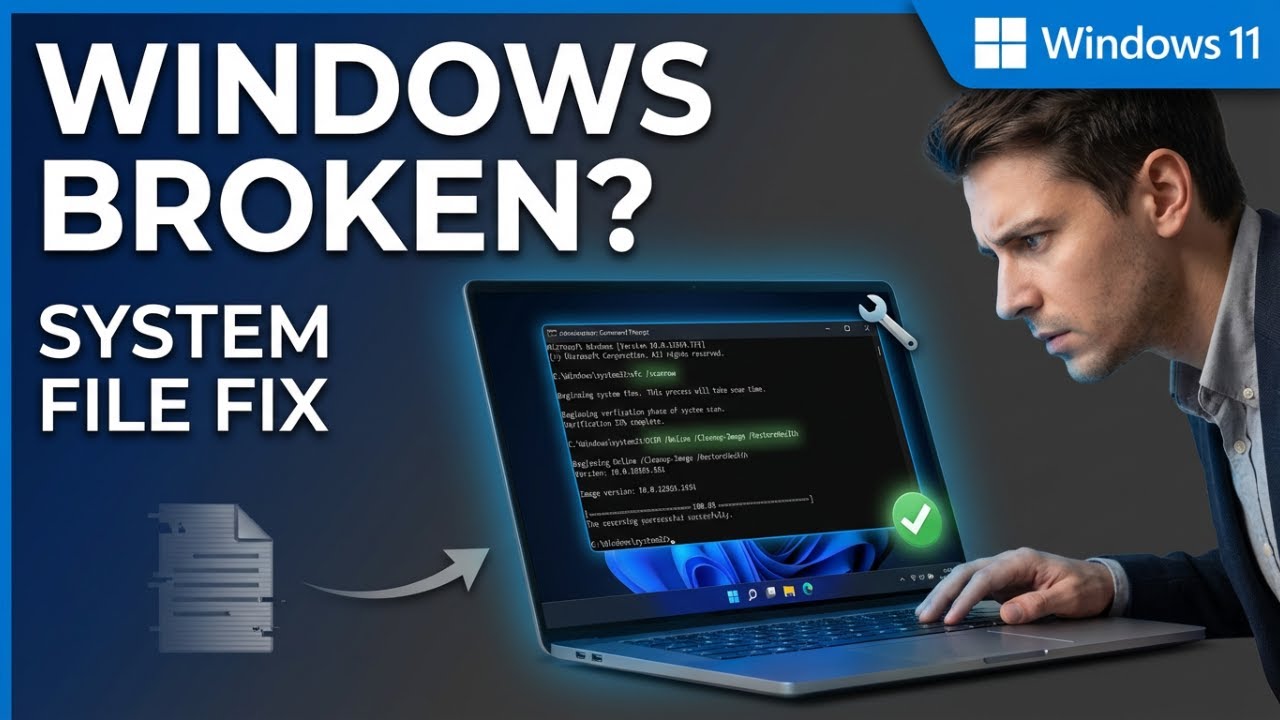
If your Windows 11 PC is running slow, crashing, or showing random errors, corrupted system files are often the cause. In this tutorial, you'll learn how to repair Windows system files quickly using built-in tools 🛠️.
This guide is perfect for Windows 11 users looking to restore system stability and performance.
🔹 What You'll Learn in This Video
✅ Open Command Prompt as administrator
✅ Scan and repair system files using SFC
✅ Fix deeper corruption with DISM
✅ Verify system file integrity after repair
✅ Improve Windows 11 stability and performance
⏳ Timestamps
⏱ 00:00 – Signs of corrupted system files
⏱ 00:10 – Open Command Prompt as administrator
⏱ 00:18 – Run SFC /scannow
⏱ 00:35 – Restart after SFC repair
⏱ 00:40 – Run DISM restore health
⏱ 01:08 – Final SFC scan and confirmation
⏱ 01:19 – Run Windows Update (optional)
📌 Summary
This tutorial shows how to fix corrupted system files on Windows 11 using SFC and DISM commands. These steps repair damaged files, restore system stability, and help your PC run smoothly again.
👉 If this tutorial helped you, like the video, subscribe to the DelftStack channel, and turn on the notification bell 🔔 so you never miss future Windows tips and tutorials. Leave a comment if your PC is running better after the repair.
Повторяем попытку...
Доступные форматы для скачивания:
Скачать видео
-
Информация по загрузке: