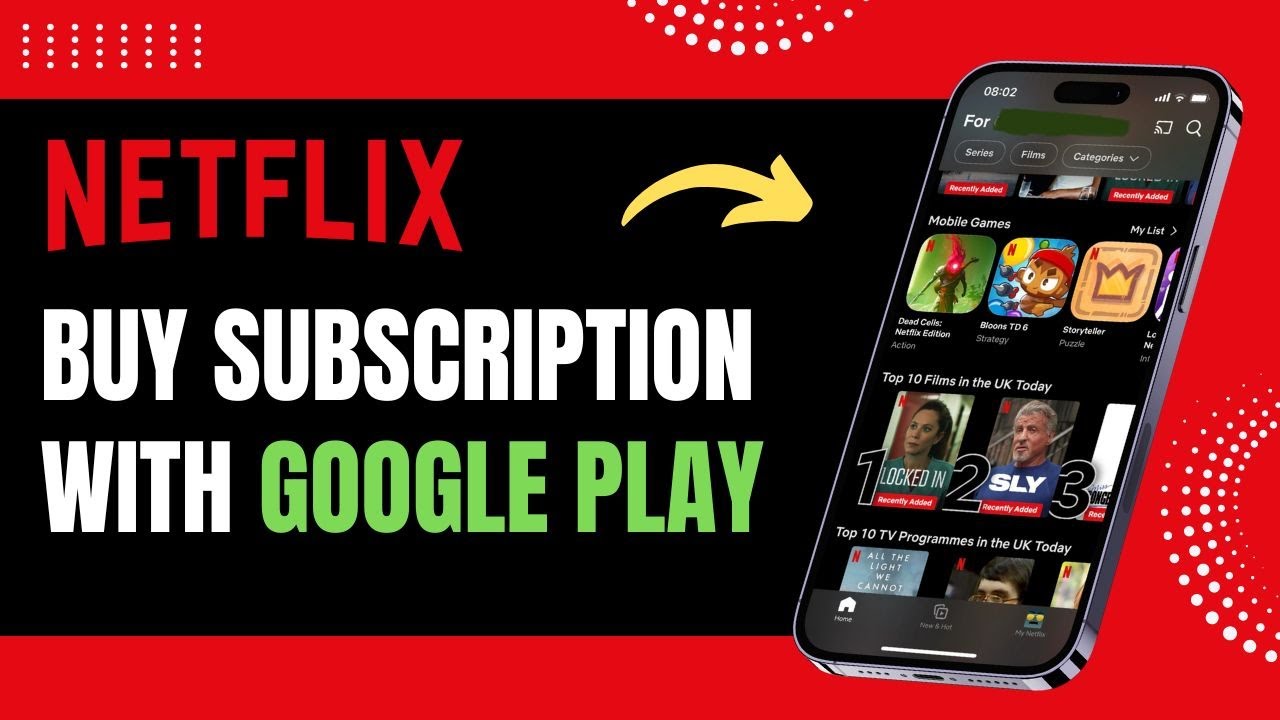
How to Buy Netflix Subscription with Google Play Balance !
Автор: App Ultra
Загружено: 2024-09-25
Просмотров: 13099
Описание:
☕ If this video helped you, consider supporting me by buying me a coffee: https://coff.ee/bimalbasnet
. If you're looking to buy a Netflix subscription using Google Play balance, unfortunately, this option is no longer available. Netflix stopped accepting payments via Google Play balance in 2018 due to the commission fees charged by Google. As a result, even if you have a balance in your Google Play account, you won’t be able to use it to pay for Netflix.
Previously, it was possible to pay for a Netflix subscription using Google Play, but due to the high commission rates that Google charged, Netflix removed this option to avoid those fees. Since then, the only ways to pay for Netflix are through credit cards, debit cards, or PayPal, which you can manage directly on Netflix’s website or app.
To subscribe to Netflix, you'll need to use one of these accepted payment methods by signing up through their browser or app. Unfortunately, Google Play balance can no longer be used for Netflix payments.
0:00 Introduction
0:08 Netflix no longer accepts Google Play balance
0:18 Reason for removal of Google Play option
0:30 Current payment methods for Netflix
0:46 Subscribe using credit card, debit card, or PayPal
Hashtags:
#NetflixPayment #GooglePlayBalance #NetflixSubscription #HowToPayNetflix #NetflixGuide #NetflixPaymentMethods #GooglePlay #StreamingSubscription #NetflixHelp #NetflixBilling
Social Links:
Facebook - / ssktechin
Instagram - / geekhowto
Email - [email protected]
Повторяем попытку...
Доступные форматы для скачивания:
Скачать видео
-
Информация по загрузке: